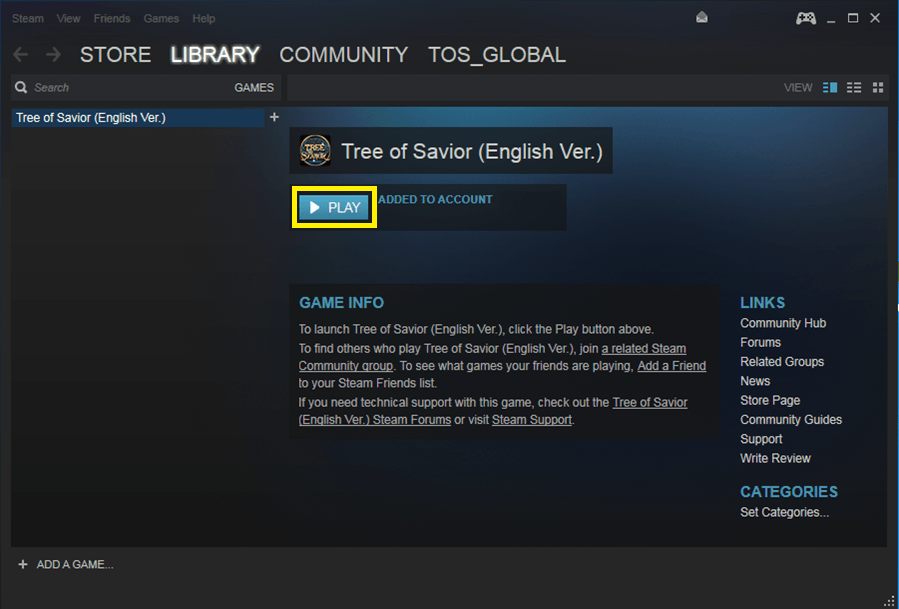
You need a Steam Account and the Steam Client installed before using the Beta Key.
Please visit the link below to register and download client if you do not have one.
http://store.steampowered.com/
How to Activate your Steam Beta Key for Tree of Savior
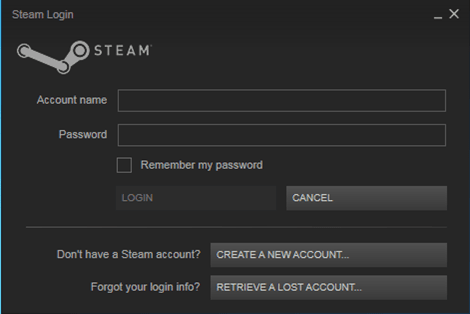
1. Launch the Steam client software and LOGIN to your Steam account.
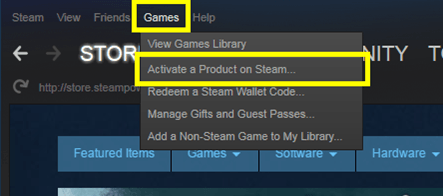
2. Click the Games menu then choose Activate a Product on Steam
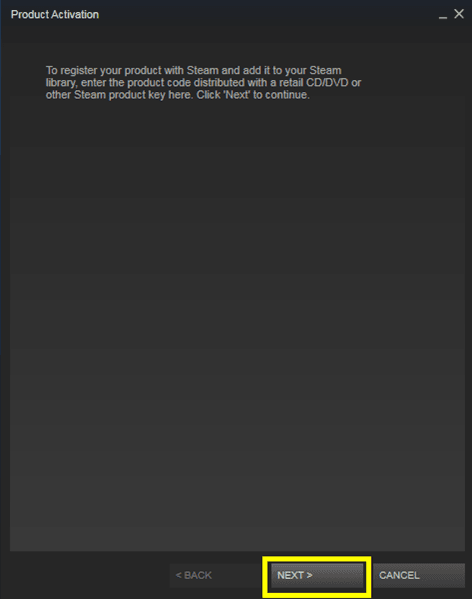
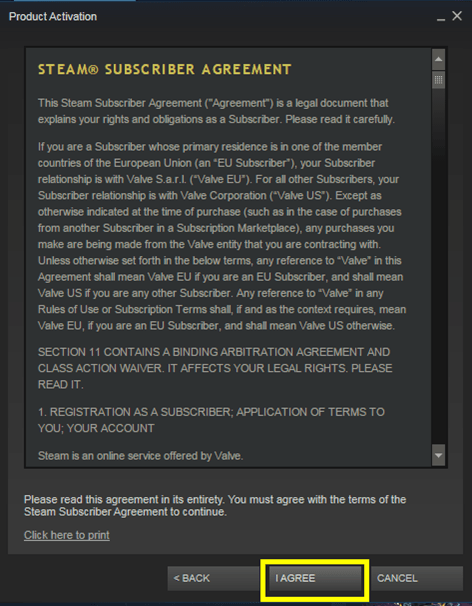
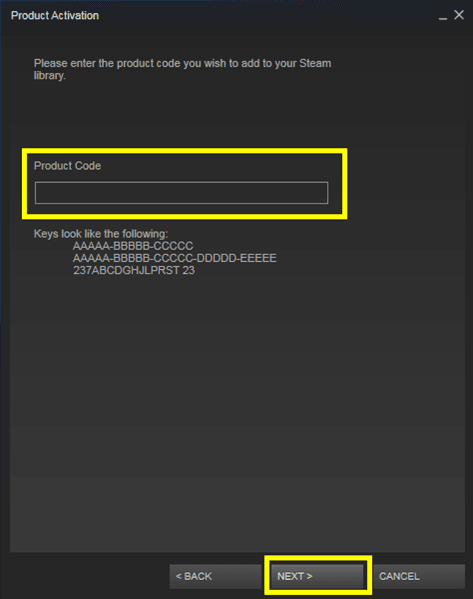
3. Follow instructions and enter the Beta Key in Product Activation window

4. When the game is added to your library, press the Play button to start playing Tree of Savior.