
Fails to download 11035_001001.pak after opening the launcher again.
Its occuring to me that people are mentioning an “updater” program in the patch folder.
I dont have the said program and I already tried verifying the game cache.
What do
STILL not working after you UPDATED the patch.
My bad: it seems it’s going to take a few moments for the update to take effect. I’ll let you know again when it’s ready.
After verifying the game cache in steam…
2 bars loading then garbled error, closed it and ran ToS again…

yay crossing fingers! XD
This solution seems to have helped for some:
Worked for me, thanks.
1 Like
Thanks Ines! The latest launcher works! I’m playing the game now as we speak =)
this error

different kind of .pak error
i also had that error but after i restarted steam and removed tos from my update/downloads in steam i can enter the game…weird i know
 keep trying dunno what else you can do </3
This did it for me. I put in 11533 in the “release.revision” and now i’m good
it appears after you run tos.exe and the it delete itself after patching
Still not able to play.
still the same for my laptop. tried all the suggestions in the net but to no avail still FAILED TO DOWNLOAD LIST FILE. PLEASTE TRY AGAIN AS ADMINISTRATOR. UPDATE/UPDATER_DOWNLOADER EXE (975)
but there there is no update/updater downloader any where on tos folder
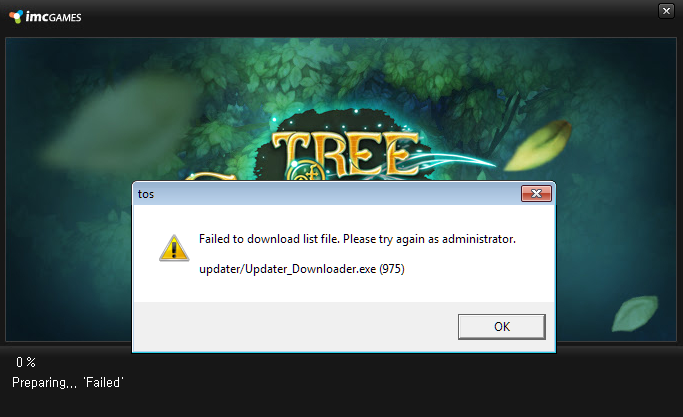
Anyone know how to fix this
2 Likes
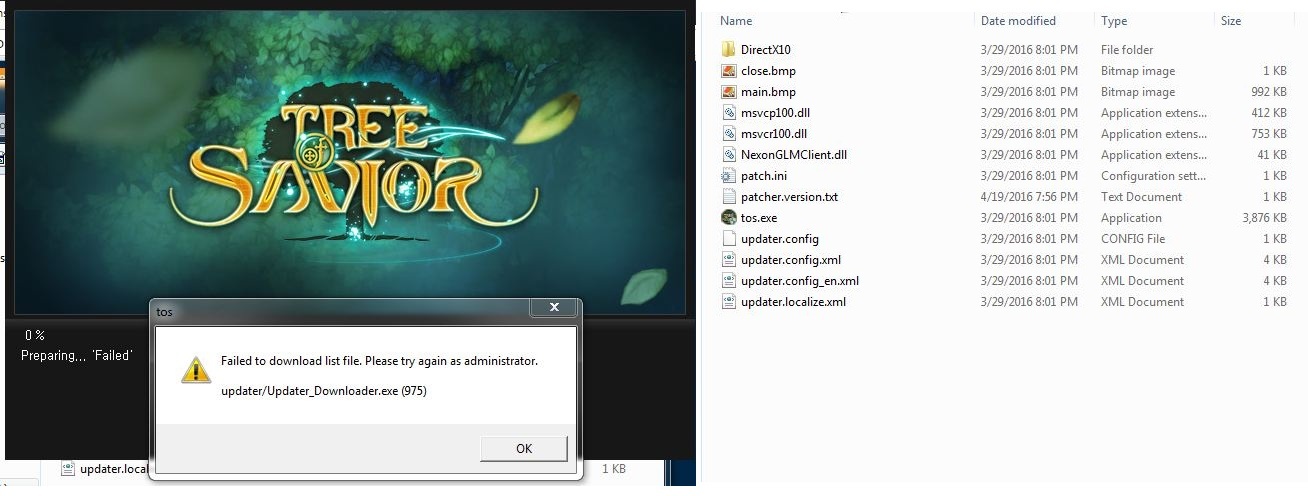
after the patch… I think I have a missing file… what should I do?  I’m running as an administrator by the way…
2 Likes
i am having this problem…
what do i do? i have tried to put the patch number on “release.revision” it didn’t work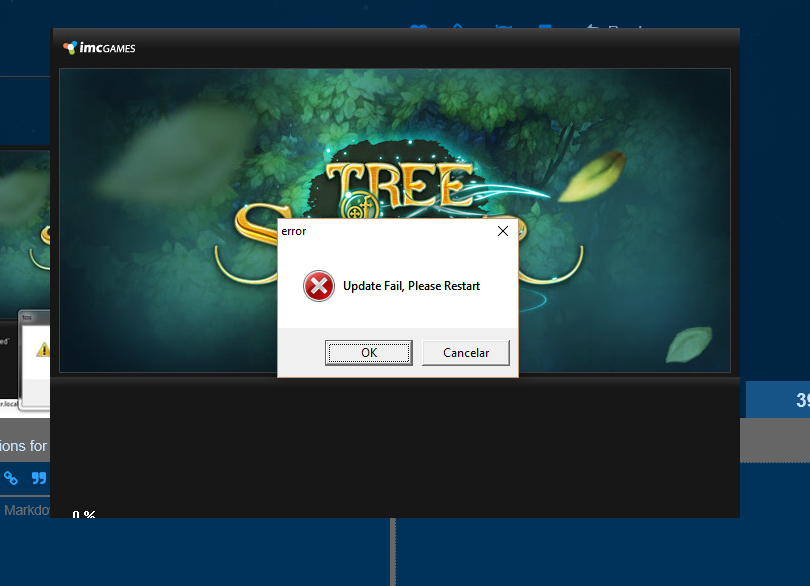
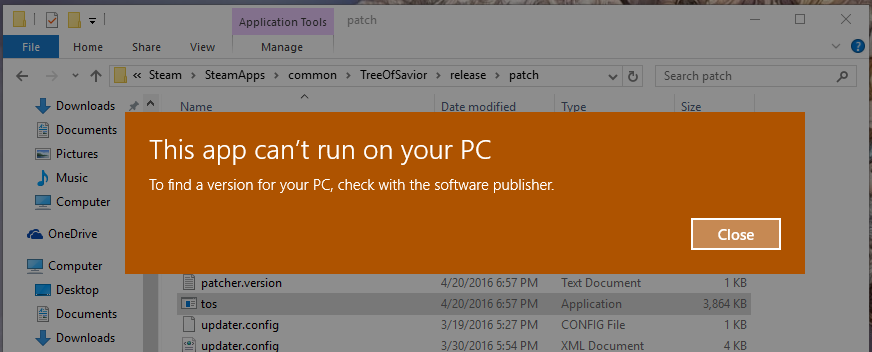
have you tried the suggestion at the start of the post?