
Still having the same issue’s UPDATE FAILED please restart, I got the update, done every single solution, I can only get in when I restart my PC, then it’ll crash, then it won’t work. I am not gonna restart my PC every time it crashes.
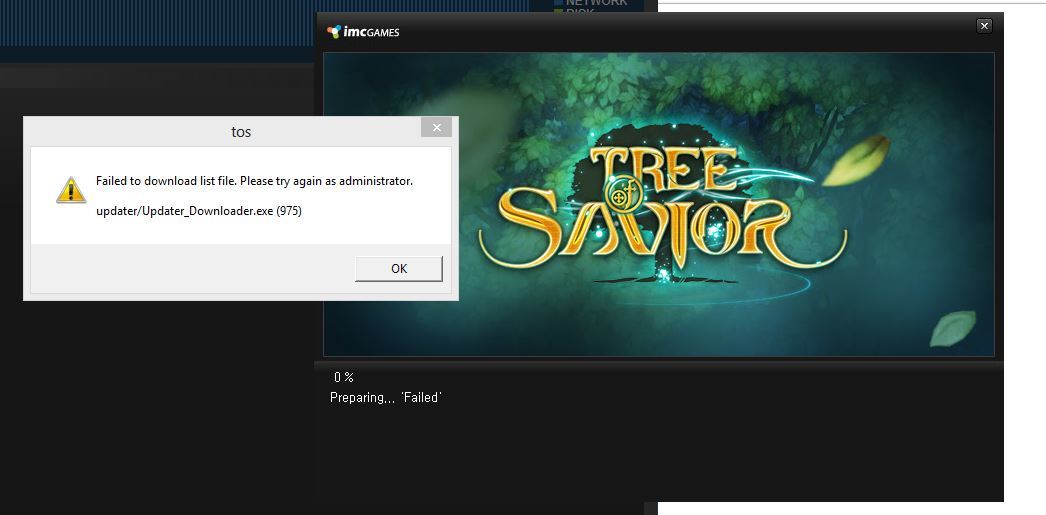
im still getting the
updater/updater_downloader.exe (975)
even re installed ToS
need help
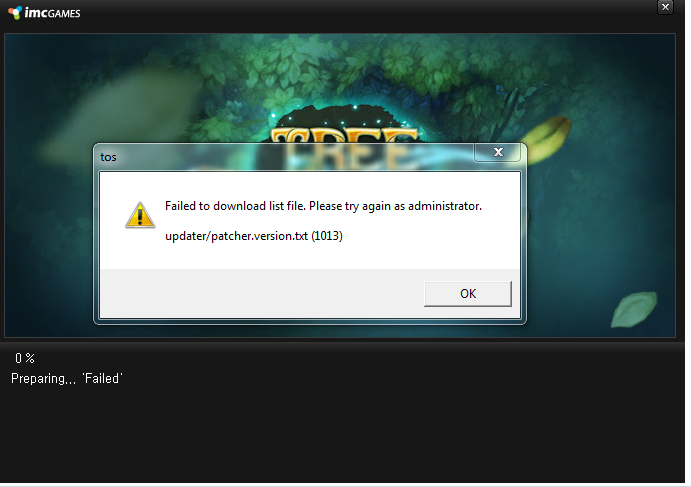
I am getting this message:
The launcher has been updated. You can try and launch the game again.
Then I can’t relaunch the game cause steam sees it as still running. I have to kill a process called Updater… and then launch again (to get the same message: The launcher has been…)
I tried all fixes in this thread and also reinstalled the game.
I like your game and I understand the struggle but man… This is bad…
For me it’s the opposite. They updated the launcher again so that method doesn’t work anymore.
@Staff_Julie @STAFF_J @STAFF_John @STAFF_Ethan @STAFF_Ines
Guys we need this fixxed, a big part of the population is affected and even though some of those fixes work for singular people, there are still hundreds stuck unable to play since 19th.
Access to your game has been blocked to those people, if youre not going to compensate them at the very least put your back to it so the issue is fixxed as soon as possible.
This should be considered a critical level bug, treat it as such already.
after 5 hrs figuring out, reinstalling game twice(w/disk errors…damn…) this worked for me…whew thanks!
getting this error.
-unchecked both dlc’s that i have. launch the game, still failed.
-dlc both checked. launched the game, still failed.
-went to the steam folder, tos.exe run as admin, still failed.
-went to the steam folder, double clicked tos.exe, stil failed.
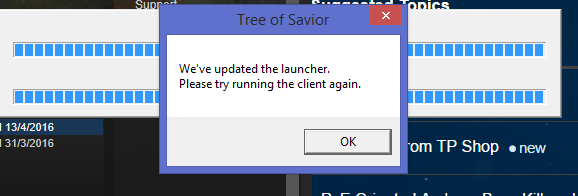
Again. I got that updater error once more times. I played normally until the game was crash, then the error occurs.
I launched the game from the patch folder and got an update it never succeeded to make before.
Now it’s working. Don’t know if it was a fix but friend was able to play too.
\o/
I got the same error. Tried every fix but to no avail 
Been unable to play for three days now. Even got the Exclusive pack 1 just to make sure I can play but unfortunately, no.
Uploading…
Im not sure if this game will be fixed soon. But one things for sure…someone is getting fired lol
for those having problem with launcher being blank, I finally found the fix. Just edit the main.bmp located at SteamApps\common\TreeOfSavior\release\patch, resize it to around 1000x800 for the patch files to be visible.

Can we just get a refund ang get on with our lives?
I think they are busy dealing with the server transfers and bot banning to be working on the launcher problem. It doesn’t change the fact that for people that can’t log, we miss out on dailies, our token timer goes down, and I don’t think any amount of compensation will be enough for the time lost.
UPDATE
after days of research, editing files, trying to use another PC, i finally got ToS to work.
i’m from the PH, and what i did was to change the download region in steam settings to US (well, i used US - LA); i don’t know, maybe its our ISP here is the problem)… i did this because i can see my friend playing, not having this kind of trouble and he’s from the US, and thought that maybe that’s what i need to change.
i get the Failed (975) when DLC 3 is checked and Failed (1082) when DLC 3 is unchecked.
so the following was what i did:
-> run steam as admin
-> change download region to US
-> unchecked DLC 3 (steam will redownload stuff when ticking the check box; did this so that if ever, i may find a solution on 1082 threads)
-> deleted .ipf files from 11346 to 11539 found in C:\Program Files (x86)\Steam\SteamApps\common\TreeOfSavior\patch (i chose to start with 11346 just to play it safe)
-> verified integrity of the game in ToS Properties in Steam Library under Local Files tab (just so that the .ipf files could redownload)
-> edited the release.version.txt found in C:\Program Files (x86)\Steam\SteamApps\common\TreeOfSavior\release and entered the number 11539 (replace the zero; well, i found 0 in the .txt file and/or a blank)
-> if you find a full.release .txt file in C:\Program Files (x86)\Steam\SteamApps\common\TreeOfSavior\release\patch and that other full.data .txt file (it gets deleted after you’ve successfully patched), also replace their data to 11539)
-> also do what @blitz446 said about the launcher being blank (i did mine 690x690 and make the BG dark! the font being used is white, you wont be able to see stuff) just so that you could see if it really is patching
-> run tos.exe as admin (don’t forget to run steam first) found in C:\Program Files (x86)\Steam\SteamApps\common\TreeOfSavior\release\patch
-> run Updater.downloader.exe as admin C:\Program Files (x86)\Steam\SteamApps\common\TreeOfSavior\release\patch (if you find that file there)
this is really stretching it too far, i hope IMC can fix this to avoid the players to be the ones to look for ways just to play.
if you guys can find a way to shorten this method (if IMC is not yet able to fix this), please post it to help others play. also, sorry if my english is not that good. 
Bow.
Still no fix? What am I going to do with my life?
hey guy, what error code are you getting?
if it is 1082, then i’m quite sure it’s your internet connection… tried airplane mode while patching the game. gave me a 1082 error code.