Does it? I highly doubt it.
Well, I’ll try to modify those files again later. Something like a partial replacement.
o_O that’s interesting.

Does it? I highly doubt it.
Well, I’ll try to modify those files again later. Something like a partial replacement.
o_O that’s interesting.
Wait try some tests
For me is difficult to hear the J voice xD
Why I’m not a japanese TwT
Ok no I wrong path but I think there is a new code like “Japanese” to make in user file
Just have to try 
So there’s no way to do it? I tried everything and it wont work.
EDIT: maybe we’ll hear it next year
i give you hint, use at your own risk
@atari you have both iTOS client and jTOS client right ?
the last patch on iTOS is “149666_001001.ipf” right ?
did you already try to add all files (the new) “sound.ipf” to 2nd/3rd/ whatever last patch ? eq : “149648_001001.ipf”
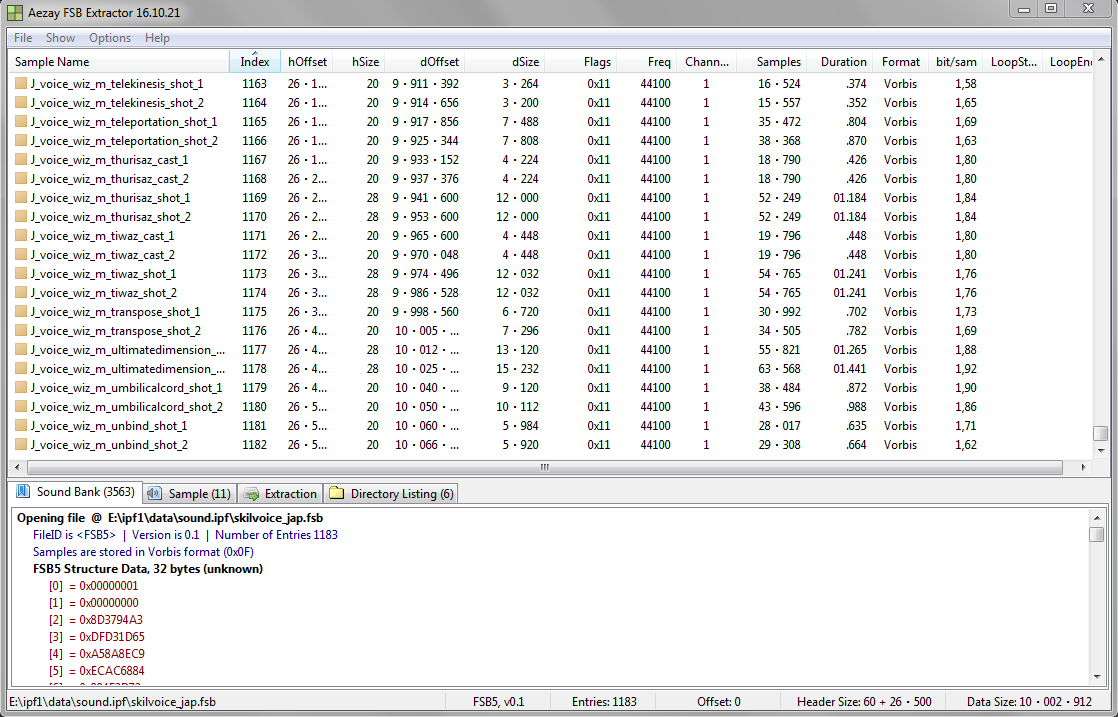
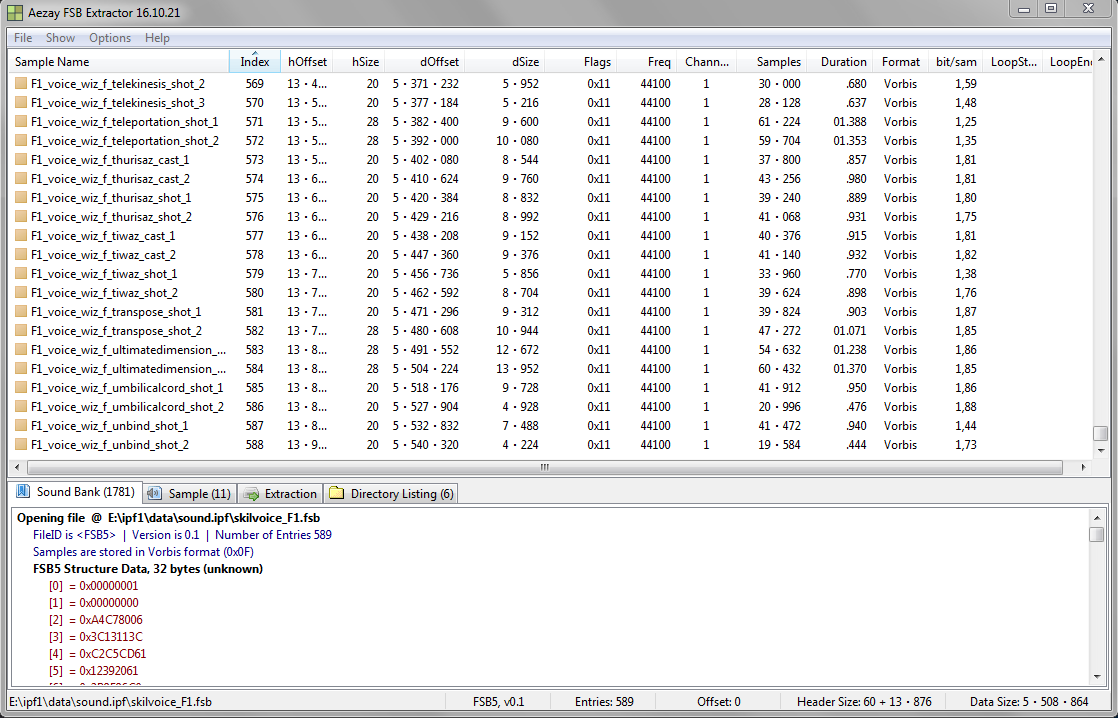
I haven’t, but I found a problem. This is more complicated than we thought. New voices are split into Male and Female versions.
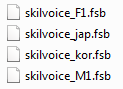
Those M and F files are exclusive to JP version and Japanese voices in JP version are associated with them.
We need to find that association and do the same for iTOS. Maybe from JP forum topics about reverting voices to a previous version. Then it should work.
Also voice sounds have a different naming system with M1 and F1 prefixes.
skilvoice_jap.fsb
skilvoice_F1.fsb
P.S. Dem spaghetti code.
no need to think about it
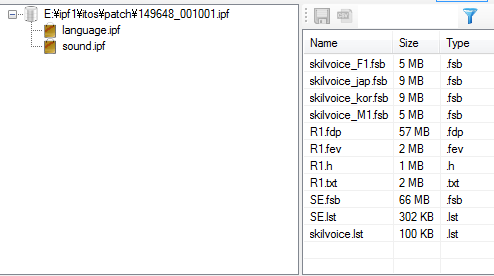
just add all new files at folder sound.ipf on 2nd/3rd last patch on iTOS client
Okay
anyone try it ?
copy that file to “patch” folder, but backup your old “149648_001001.ipf” outside the patch folder, otherwise the client will delete it
hope it work
but try this at your own risk XD
I’m a bit too lazy to relog my necro every time 
sounds are gone when I try :I
in user.xml
did you set the text on before last line Language=“japanese” ?
same here too hahahahha
must be capital J or lower j
What if we skip the patcher window and go straight to the game? It would not overwrite the files.
When I ‘Verifiy Game Integrity’ after breaktenances my anime&game loading screens gets replaced by IMC’s defaults.
Copypasting the files wont make the patcher overwrite it to iToS default, verifying thru Steam will.
Maybe when the game finds a critical error in certain files it can redownload them through the patcher.
Sound.ipf dropbox gives 404 error.
This whole discussion became a mess.
I have to unpack japan client sound.ipf, unpack iTOS voice.ipf take the voice files from JP (which are they?) and put them there, repacking it into a new ITOS voice.ipf that has japanese new voices.
But the game would re-patch the ipf file, right?
If someone could please do make sense of what was said here it would be great.
I begin to think we should just request IMC to replace old JP voices with new ones.
This one?
The link is fine.
Nothing works.
Semi-confusing explanation:
The patchfile in the iToS patch folder makes calls to the sound file in the data folder, what’s missing imo, is the jToS’s patchfiles ‘call’ for the new sound.ipf to respond to.
In short, iToS’s patch file needs jToS’s patchfile’s updated sound.ipf check, else it won’t work.
Which is why atari and co. unpack/repacked/etc said files.