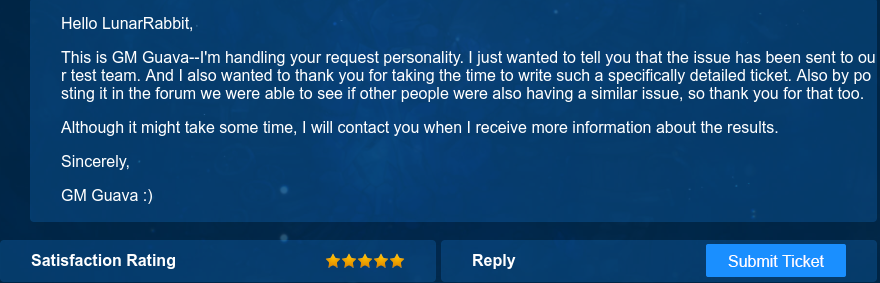
GM Grape just said they know this issue and still keep working on it. Let’s hope they can fix it completely on the next maintenance. My computer is not strong as well, i5 with GT630m and 4Gb ram LOL. but I am running Windows 10, still ok so far…
Thank you for try to help! And Krystal this made me think that is an compatibility Issue with win 7 users ><
Okay but please send us the information via tickets. we need as many as information as possible.
Mine’s Intel HD Graphics as well. Also on Windows 7 64bit. I’m afraid we’re the unfortunate ones here grasping at hope.
I have a feeling IMC is going to sweep it under the rug because it’s not affecting the majority players in the game. Heck it’s not even in https://treeofsavior.com/news/?n=919
where is tickets ,Yuri
Click the Support Category next to the Forum and you will find “Send tickets” on the down right side of the screen.
1 Like
The update fix works  make sure you have 7601 prior installing both x86 and x64.
I can say that you should be able to, with these fixes, safely use Chat Extends addon.
Please don’t deceive players into believing submitting a ticket will get their problems solved.
A lot of us are used to the automated responses that have no value or help.
This thread has been helping players.
You should reward @Krystal for the effort.
7 Likes
I can vouch to this I tried for 1-2 hours but will test more later
Please help. I’m trying to follow the steps posted here to solve the problem with the DLL, I have already delete both x64/x86 files and rebooted. Now I’m trying to install the new ones but i’m stuck here: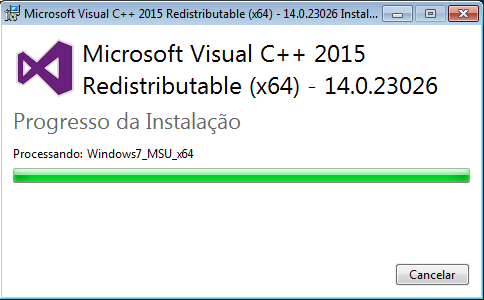
It says: “Processing: Windows7_MSU_x64” and it NEVER ends!
Please help, I want to play! Oh, and thanks in advance.
I have the following error
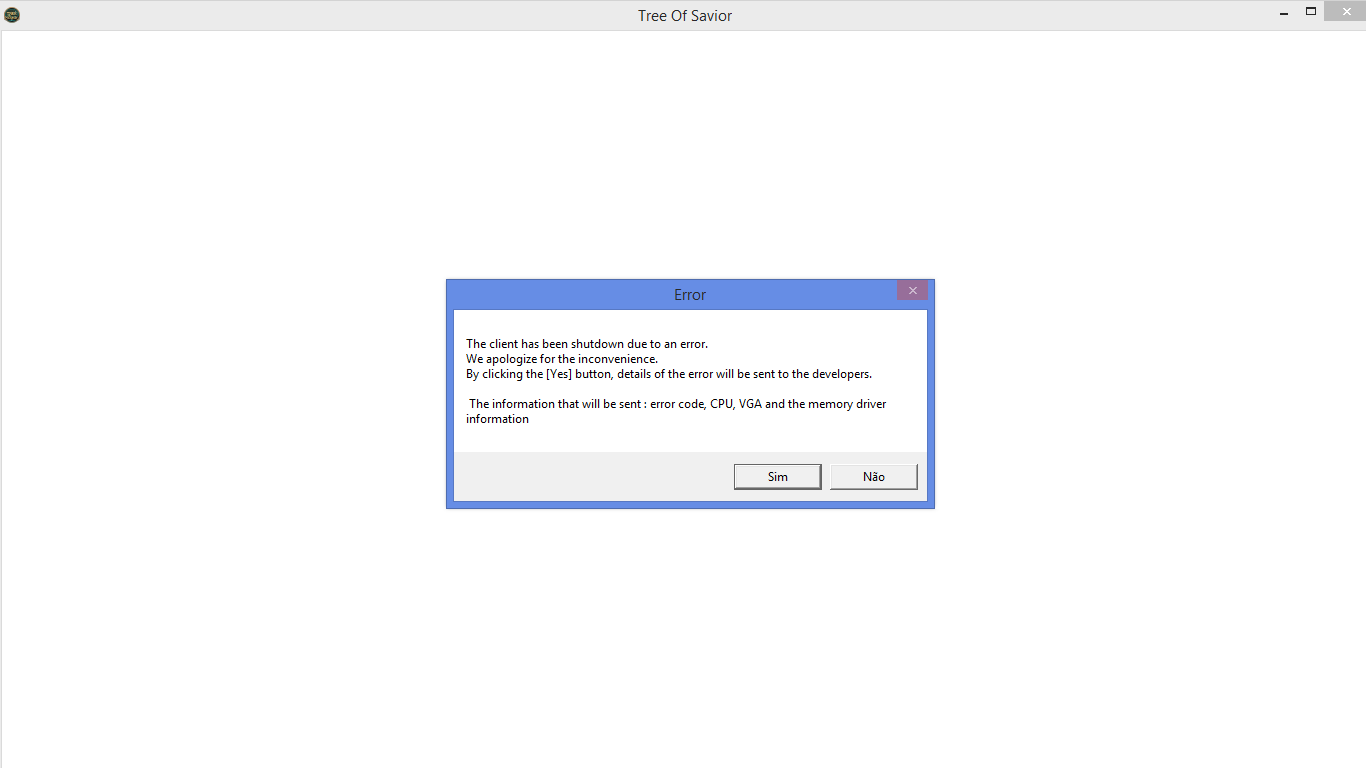
It happens frequently
Usually 15-20 minutes of play
I already installed the teamviewer although I do not know very well how it works.
As I said before, I’ve tried everything I said step by step.
How long did you waited? That portion to like 10-15mins on mine, not really sure about the time though but it was long. By the way, that’s a good sign that you’re progressing lol, I had that and it was successfully installed.
Since uninstalling and reinstalling, my game now crashes after attacking monsters.
Just two monsters, zzz. I think I manage to kill nine before crashing this time.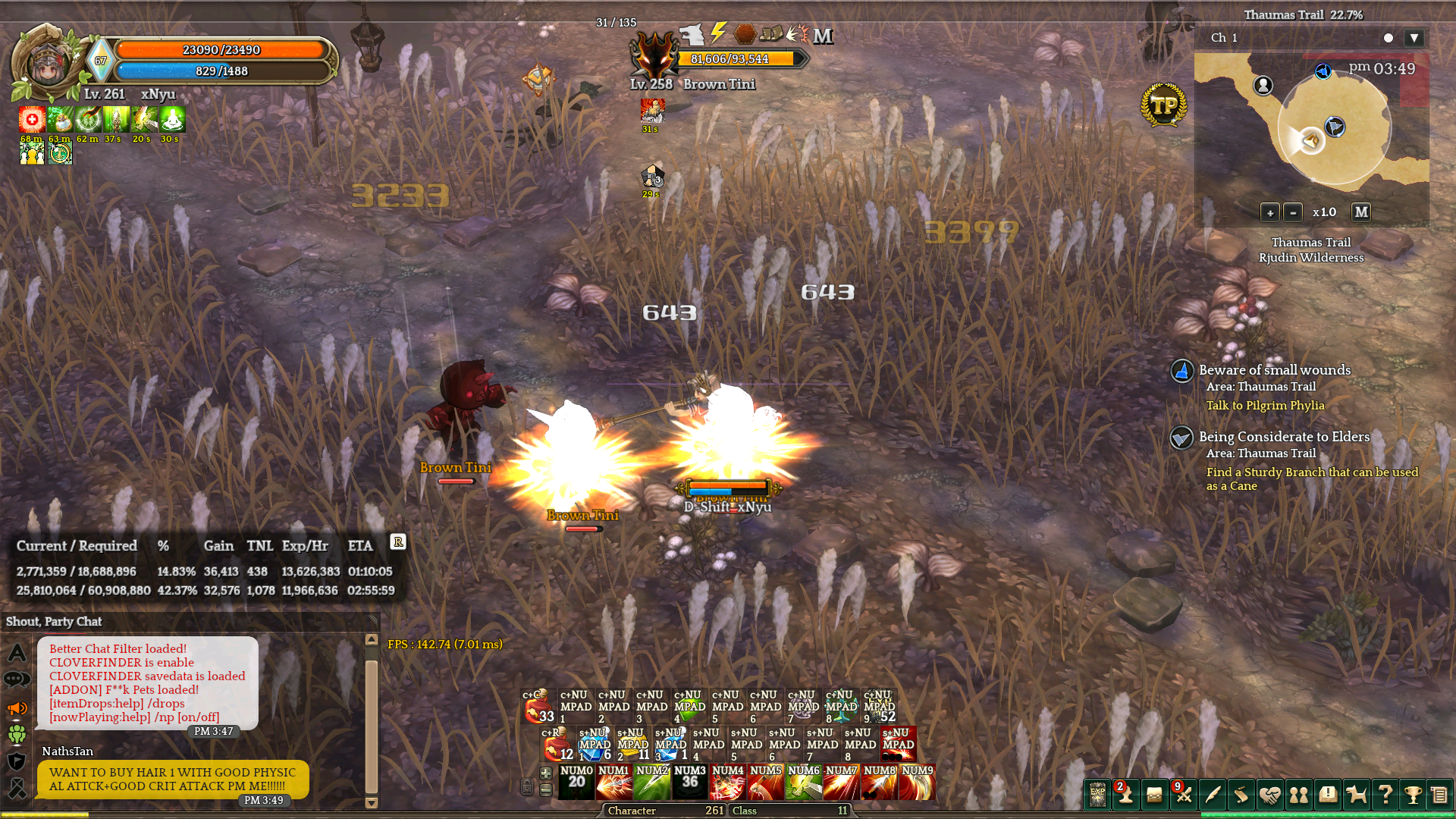
Also, my cpu sounds like it’s dying even though ToS and Steam are the only programs running apart from start ups. It doesn’t sound like it works this hard even when I have another steam game running along side FFxiv/ WoW.
1 Like
it is interesting that with this patch that I got my first ever vga error crash. I wonder why that is?
One hour so far and still, nothing happens…
@Krystal can i ask something? every time i verify integrity on steam they say i have 3 files missing then it auto downloads but next time i verify integrity its still the same, still missing 3 files is the downloading of the c++ will fix it because i have the arranging problem too
im with the same problem too
@Krystal
Hey , I’m facing the VGA error problem. Ive unistalled and installed VS 2015. Im using Windows 7 Professional 7601 build. Getting VGA errors randomnly every 5-10mins. Ive tried updating my cards, unistalling my addons and reinstalling the game too. Problem still persists.
Please let me know what can be done.
Thank you