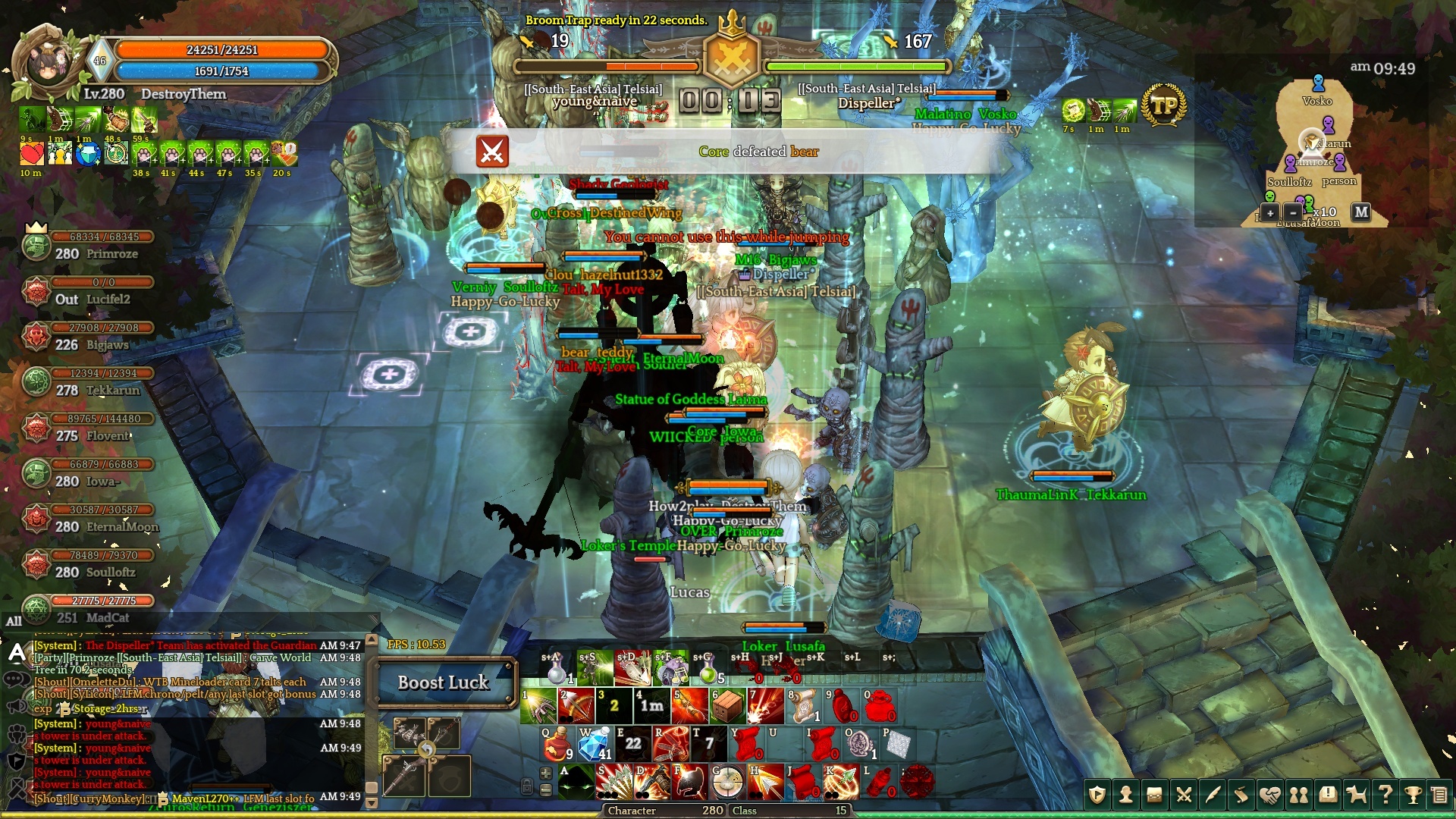
I can clearly notice the game running smoother, even though the fps seems to hoover around the same values as before.
The stuttering seems to be almost gone for me, before the optimisation it was terrible.It would stutter every 2 seconds, now that seems to be mostly gone. However, there are still random frame drops, so that has not been fixed for me.
My minimum fps in dungeons has increased by 3-10 fps depending on what’s going on during a dungeon run. It does drop back down to the old values sometimes (15 fps), but overall the increase I mentioned is valid.
Outside of dungeons (tested on zach. crossroads map) my fps values are between 80-115 with no players around me.
Inside the royal mausoleum f1 however, there is a lot of action going on with mobs fighting each other. My fps goes down by quite a lot, the fps values in that map for me are between 48 - 63 with no players around me. When I start fighting the mobs however, the framerate drops to 35. My fps goes up to 75 when I’m not near mobs or players in this map. There were no players around at that time, so couldn’t test that.
I tested another map, nefritas cliff, cause I remembered how that map used to make my fps drop by a lot! Especially in a certain spot (near npc watcher kenneth) where there’s lots of monsters together. My fps values in this map are between 56 - 68 with no players around. However, the busy spot (watcher kenneth) with lots of mobs still drops my fps down to 42. When I start fighting the mobs in that area, the fps drops even more, down to 36.
In nefritas cliff, I was able to test the fps with some players around fighting the mobs near npc watcher kenneth. My fps dropped down to 30 fps. In this area before the optimisation, I used to get around 15-20fps with players around me, so that would mean an increase of 10 fps for me in that map.
Ingame settings:
Resolution: Full screen 1920 * 1080 with vertical sync off
Graphic settings (turned on):
- Apply high texture
- Show other character’s effecrs
- Apply background effects
- Apply dead parts of small and medium sized monsters
- use camera vibration
Performance setting: Disable
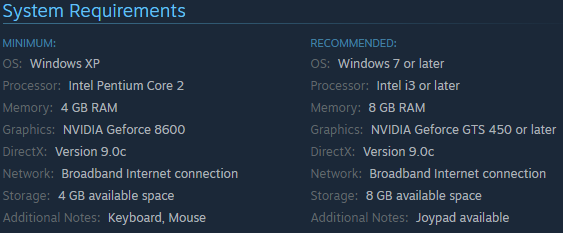
My pc specs are:
OS: Microsoft Windows 10 Pro 64 bit Version 10.0.14393 Build 14393
Motherboard: Asus P5QL PRO
CPU: Intel® Core™2 Quad CPU Q8400 overclocked to 3.0 GHz
RAM: 8GB
GPU: MSI N660TI PE 2GD5/OC (GTX 660 Ti)
HDD: Samsung Spinpoint F1 HD753LJ 700GB 7200RPM
*edit: added ingame settings, fixed typos