
Hello,
Is there anyway that i can replace some artwork on loading screen?
Navigate to your TOS directory, then enter: release\loadingimg
Example:
C:\Program Files (x86)\Steam\steamapps\common\TreeOfSavior\release\loadingimg
Replace the pictures inside with .jpg of the same name.
Keep in mind they can be reset with updates and verification, so keeping a premade backup of the folder is recommended for quick adjustments.
1 Like
yeah, and check that the loading screen you replace them with has around 1920x1080 resolution.
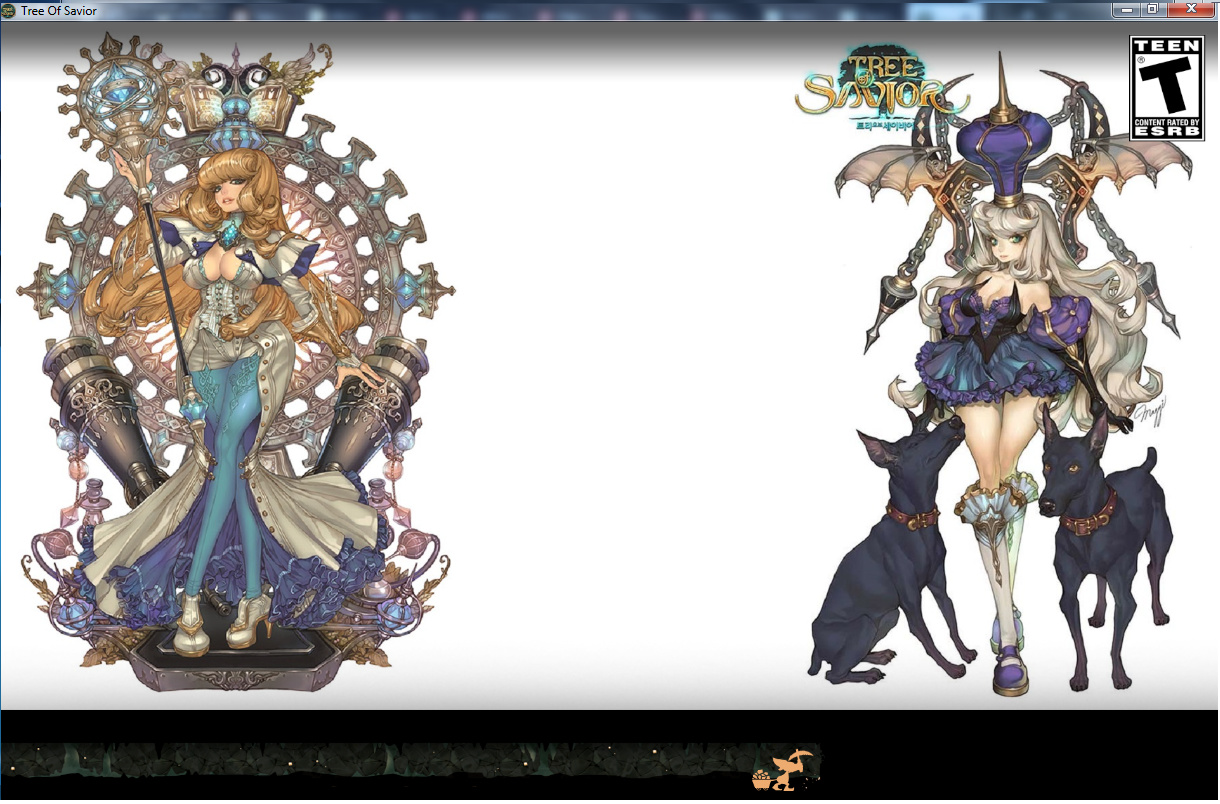
I downloaded a lot of TOS concept art [mainly Maggis artworks, going to make some more with NPC artworks,too], enlarged it to 1920x1080 resolution and set it in my TOS folder as loading screens, and it works perfectly fine.
It works great, as I don’t really like most of the Fan Arts or advertising screens, so I just replaced them with TOS artwork by Maggi.
You can grab a lot of this artwork here: https://chimolog.co/tos-woman-concept-art/
Example of a self-combined loading screen:
2 Likes