
BUG sometimes in any are theres a chance that all bosses in that area are all LEVEL 1 easy kill
Well, my client got patched later on.
What I did was just restarted the PC, and tried again.
Apart from that anything abnormal was, fixed my system date which was just wrong and killed all the skype process, as it has brought on port related problems before, or may be I was just plain lucky.
And ya, didn’t have the infamous “dic” error when loggin in.
Kudos to the devs.
1 Like
Please reinstall the Client thorough Steam. It seems some of client files broken.
Sorry for the inconvenience.
Thanks.
Since the infamous dicID has been fixed, I think these known issues should be fixed next.
IMC, if you don’t mind, may we know what caused the dicID error?
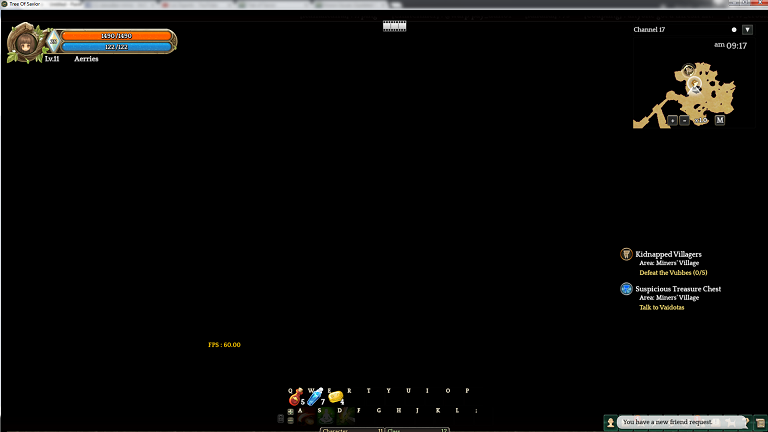
I just login to game and my map have no vision ,all is dark.I can attack ,use skill, use item as normal but can not move 
1 Like
My concern for today lies in the use of Collection NPC, when I click the npc then shows the tab for collection, I cant see the items needed for the collection and its just plain white, I hope there is a fix for it.
The skill Divine Might from Cleric is not working properly. Raise the skill lvl make any difference in game.
I can’t Create Character ;w;
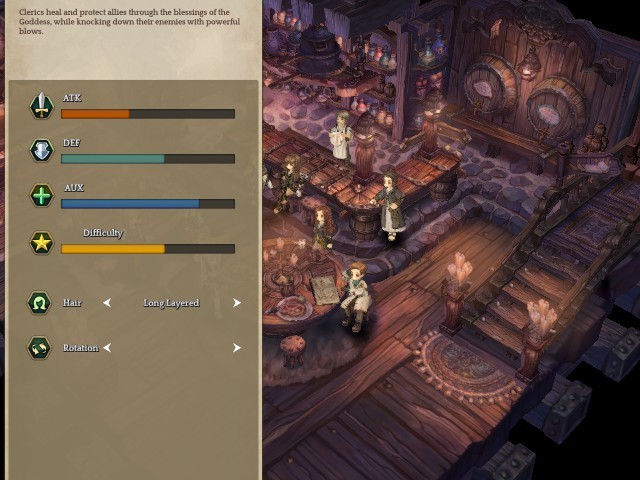
Please looking to this bug.
https://forum.treeofsavior.com/t/dievdirbys-bugs-while-carving-statues/86913/
It such a huge bug for who considering to play this job.
Thanks
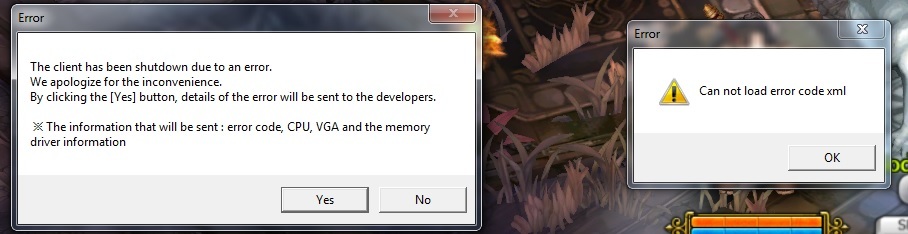
After patch today I got right hand side error message after hit start button.
The game can load tho, but the character is at weir situation that it seems fix with the pose. Then i got the left hand side error, the game stoped after that.
I have issues with my video card, and its a: GeForce GT 555M.
First of all I had to set “Let the 3D application decide” on my 3D configuration of my card (via NVIDIA control panel) to start playing. After logging and playing a while the game was very slow (low FPS, low graphic settings) and I understand my computer meets all the recommended system requirements. Then I changed the settings of my card to “Use my preference emphasizing: Performance”, then after like 1 hours of game I always get Bluescreen of dead.
TL;DR: Main issue Bluescreen of dead when not using “Let the 3D application decide” on my card settings. Game to slow and my pc meets the recomended system requirements.
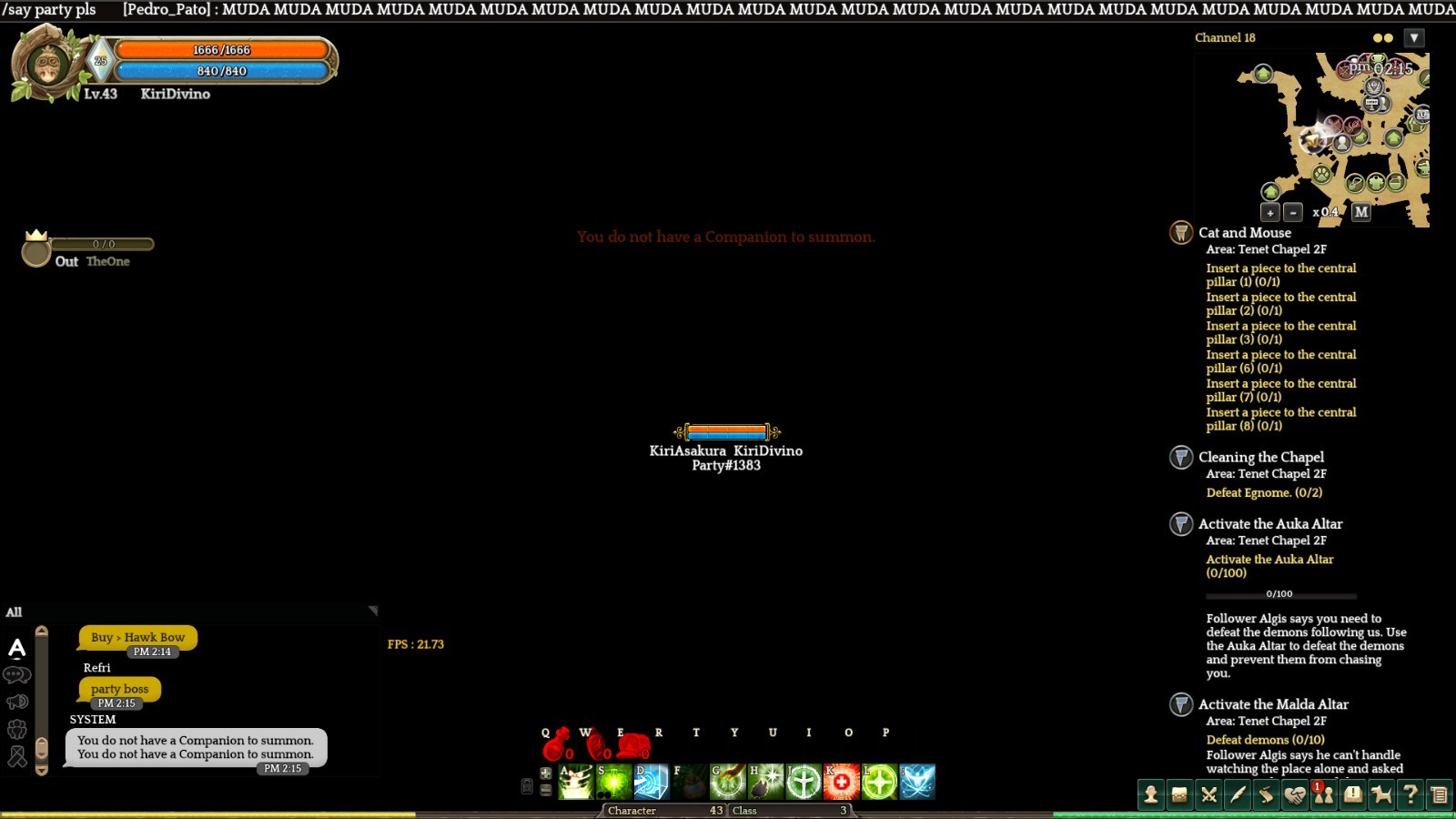
Fix the server lag please!
So… There is no specific list? I mean, there are more bugs than I’m seeing here. Some related to side quests and stuff…
(I really wonder if I should abandon or keep them.)
Why the hell when i try to login, it said iamcPath::Incorrect
In crystal mine 2f, i lost to a boss. It was my first time dying and i was surprised to see my crystals faling on the ground. i choose to revive on the spot using icoins. upon reviving i received my crystals back and after killing the boss i got the crystals again.
i doubled the crystals in the process
try the warp stone…? at the very botton in ur bag…?
Nope still getting it, usually 30 seconds to 1 min after getting into the game. Tried changing resolutions both ingame @ user cfg, tried reinstalling, validating through steam and deleting specific files and redownloading them. Pretty much tried everything people have suggested. Basically game is unplayable currently till it gets fixed. Was leveling fast too  This began happening alot more after the patch. Before it was just once in a while and after the patch it now constantly occurs. Which makes playing… unplayable