
i started the game with windows 10 but it is like 15 frames why?
is it because of direct X 12 maybe?
Hi,
What are the specs of your computer ?
I had the similar issue with a decent gaming laptop, but I’ve managed to find a solution.
I’m using a laptop with a nvidia card, and apparently my PC choses to use the integrated chipset instead of my graphic card.
So I go to the NVIDIA panel, in 3D Settings, I force Client_tos.exe to be handled by the NVIDIA card.
Restart the game, and enjoy.
using win 10 too but works fine for me.
ok i try it thank you
Maybe its because your GPU (graphic cards) doesn’t support directx12 and it’s using directx12
i got gtx 660 ti and it is supported
well i see now there is a geforce windows 10 driver i download it and maybe it works then
Minimum requirements list an nVidia 9800 GT. It’s a DX9 card. Like most games, ToS is using DX9. Just because an OS supports a higher version of DX, doesn’t mean all games are using it, it’s a common misunderstanding.
edit: just started mine, as far as the login screen goes, everything is smooth. My GPU is an old 260GTX, DX9 only.
Do you have an antivirus such as AVG running? Sometimes antivirus software can hog CPU.
ok guys it worked for me my computer hasnt find my geforce card so i reinstalled it now it works for me thanks for your help!
1 Like
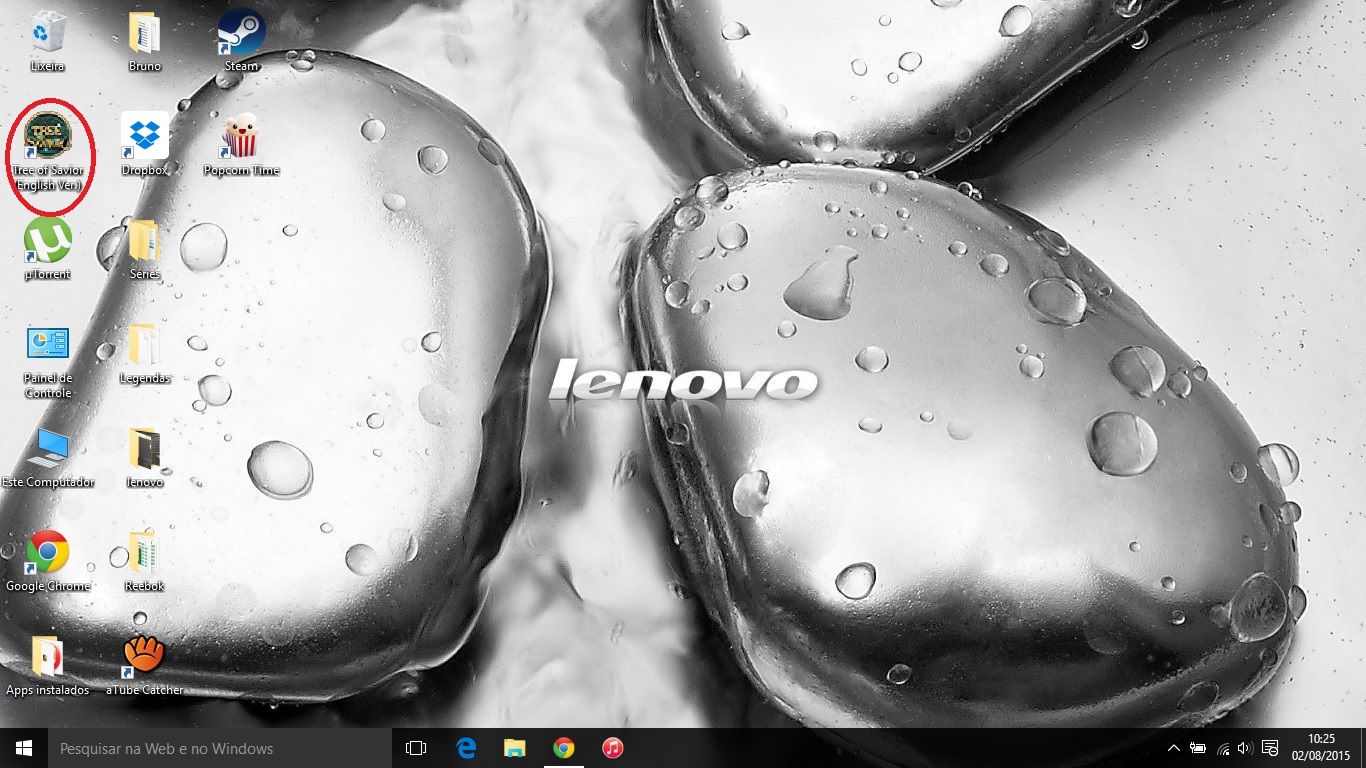
silly question, you mean on the icon or in the initial screen of the game?
the icon looks weird here, but the screen is fine. I use W10 too
it was on the login screen like 10 fps now its like 60 again
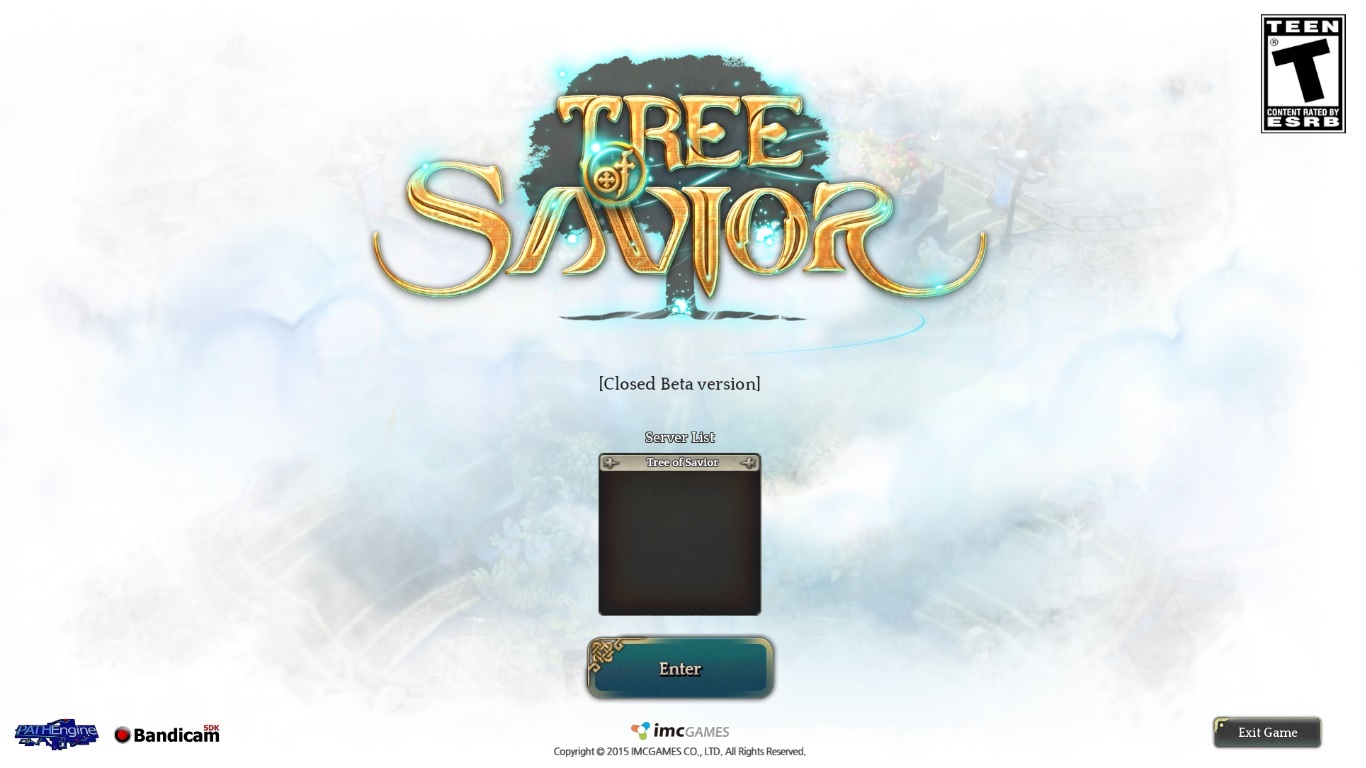
yes for me now too but before was a other screen there like a libary with the login screen and just 10 fps
another silly question (sorry dont know very much about PC)
how i know how many FPS are there?
you can change your settings and the steam setting system there you can click on show fps
1 Like
thanks here is around 40
thats enough 
1 Like
Yea the game runs in DX9, look at the third line in the top left corner.
