
It’s… Worked o.0 musorby, you’re my hero 
Problem signature
Problem Event Name: APPCRASH
Application Name: Client_tos.exe
Application Version: 0.0.0.0
Application Timestamp: 561615a3
Fault Module Name: Client_tos.exe
Fault Module Version: 0.0.0.0
Fault Module Timestamp: 561615a3
Exception Code: c0000005
Exception Offset: 00b90ad7
OS Version: 6.0.6002.2.2.0.768.3
Locale ID: 1033
Additional Information 1: dfe9
Additional Information 2: 6e4553728ce27d66cb9f1a56c8ef0a7c
Additional Information 3: e7b5
Additional Information 4: 5627c50915a2c2327327eada36960c60
Noticed that the module at fault seems to be client_tos, closing all the processes didnt seem to help, either
I had this problem earlier today and I didn’t find a fix. It just got replaced by an even larger issue of not being able to see NPCs, players, or fiends, and frequent disconnects from server. It happens on all 3 servers. It’s completely unplayable.
are you sure you have exactly this error -> “Client_tos.exe has stopped working” when app crashes? Even if yes your log signature states that fault module is only Client_tos.exe, but we here have fault both app client_tos.exe and module MSVCR100.dll, look carefully on previous posts. Your case is seem different , try this -> close steam, try to start game directry from game folder as administrator, then launch steam as administrator and then press start.
As to this topic cases, error usually caused by some active process(driver/program) to conflict with game, so far we found two - FMcore.exe process (extensis suitcase font manager driver) and HydraDm.exe (HydraVision Desktop Manager) if you see those, go ahead and kill them so you will be able to launch game. Or try killing different on the exact way I wrote before, so you will find problematic process.
Yes, the Client tos error is the exact error I was getting earlier today, but I don’t get the error anymore because other issues are happening. They keep piling on top of eachother, one after another. It’s so bad to the point I can’t even get into the game anymore. It’s stuck on the loading screen after you pick a channel to log into. I’ve already set steam and ToS Client to run as admin, and that didn’t change anything.
Also, I do not have those two processes running.
Delete the client_tos.exe and tos.exe from the tos folder and then run “verify integrity of the game cache” from steam to replace them with fresh files, see if that fixes it, because its seems like your tos client is in way broken(for the lack of better words)
Pt: EU tinha o mesmo problema, desinstalei o antivirus (trend micro) e agora o jogo funcionada.
US: had the same problem , uninstalled the antivirus ( Trend Micro ) and now the game run .
Now i can play.
(“Client_tos.exe has stopped working”)
2 Likes
Finally. If you have that error and avast antivirus just delete avast. It works!
need help…
i have same problem, dont have anti virus , firewall or another program
Formated my PC, but after start, has a white screen and closed or pops up this: client_tos.exe stopped working…
i’ve had a similar issue to this, “Updater MFC [Korean Character] has stopped working” but couldn’t get what those korean character means.
Tried the above few solution, but still couldn’t get it to work.
same here and apparently this is always happens to be after the new patch. I have to completely delete the game and re-download it. 
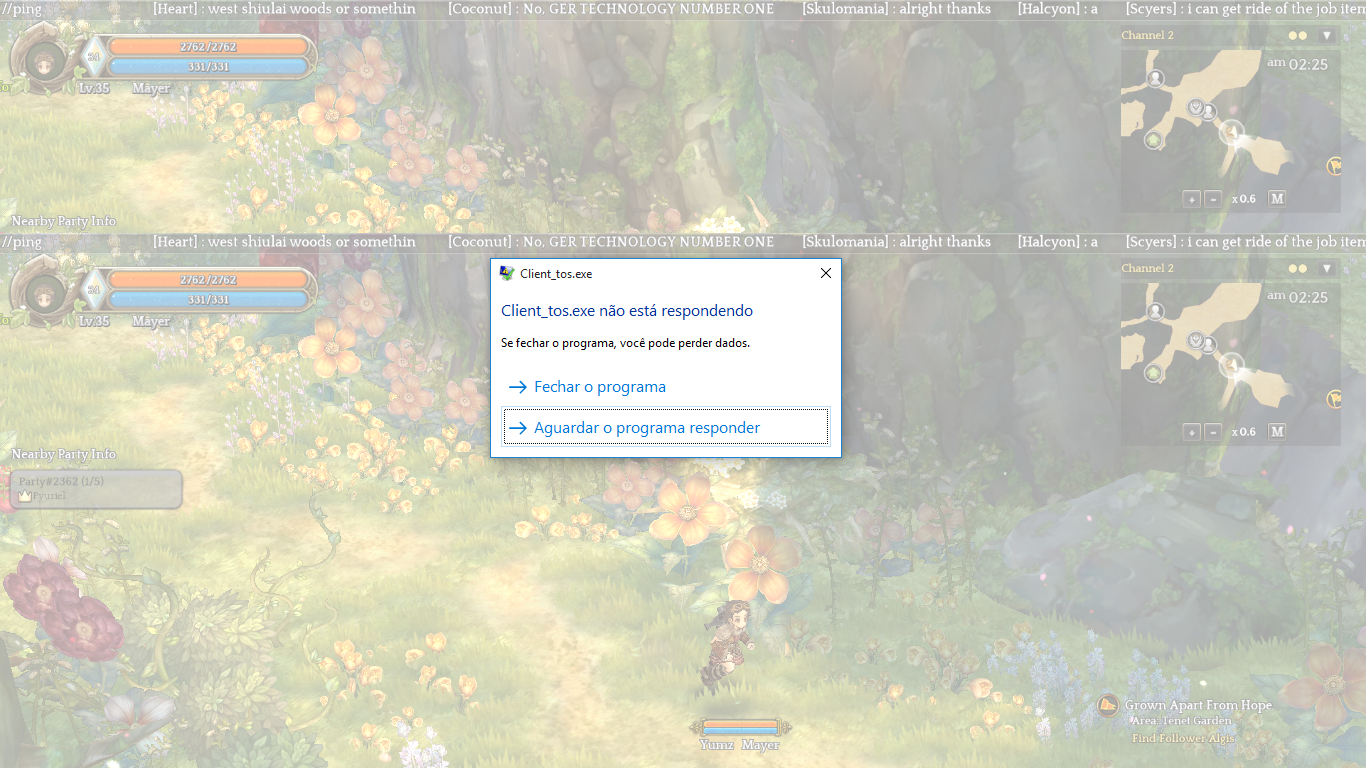

Got this error few days ago, tried all the solution in the forum but no avail…
Now it came out only 2 errors which what I know is from tos.exe and client_tos.exe (which links to mscrv100.dll)
screenshot… I gave up, try troubleshooting from 6pm till 5am nothing seems get to work.
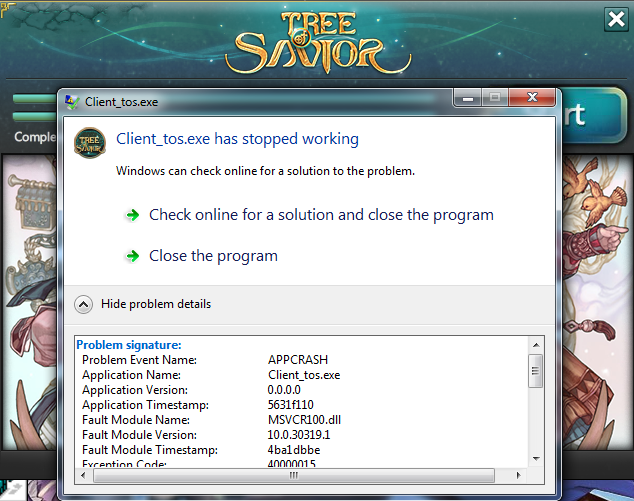
Worked for my friend. Sharing your solution to the public.
there’s some process thats interfering with tos, find it stop it or remove it, it will work
make a new user account run tos, if it runs, alt tab open task manager take a screenshot of all running processes at that moment,
go back to the old use account, run tos, it crashes, open task manager compare with the screen shot u took from before and remove the extra processes, do make sure to test running tos after removal of every process to nail down the culprit
Verify the integrity of cache in steam, if that doesnt work, uninstall, redownload, reinstall
Any Help???
i need solve this problem
Here i got the same error, but it occurs when trying to use an hability that requires a shield without having one equiped (with peltasta class) =/
Ahhhh! I also have the Client_Exe error as well!!!
When I press start, the game starts up as a white screen and maybe even progresses into a black screen… and it looks like it’ll start okay, but soon after about 10 seconds, the “Client.tos.exe has stopped working” notification window pops up and forces me to close the game before the server selection screen even appears! I’ve been trying to deal with this for the past few days using the following methods in this order:
- Verification in steam
- New user
- Deleting everything in the patch folder and repatching
- Replacing the msvcp100.dll file (both of them) with a new copy
- Deleting the tos.exe and client.exe before repatching
- Uninstalling and reinstalling the game
- Disabling firewall and antivirus
- Updated my flash player and used the direct x installer inside the game folder
- Tried to turn off user processes that might be interfering with the game client initialization (could not find FM or Hydra at all, I run Windows Vista)
- Installing flash player through internet explorer
- Doing the visual C++ thing
- Updating my driver (It’s a mobile intel 965 family chipset, ancient I know.)
I cannot obtain an error log about this either… 
I tried installing and playing the game on another newer computer, but the same problem pops up too, and I did the same list of things for that computer too.
Does anyone have an idea what I should do?!?!?! I’m at my wit’s end here!!!
You really need to read all the above posts