Help, ToS and my windows updated at the same time, and i don’t know which update did this
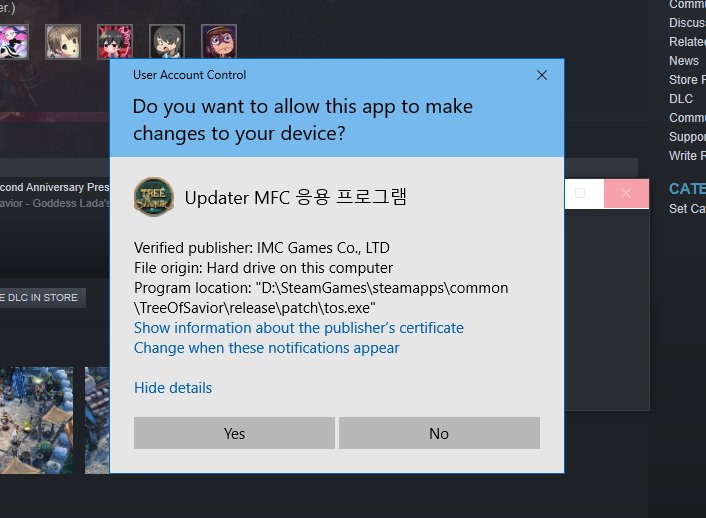
everytime i launch ToS, this message appears
What do i do about it, and what does it mean? ;w ;

Help, ToS and my windows updated at the same time, and i don’t know which update did this
everytime i launch ToS, this message appears
What do i do about it, and what does it mean? ;w ;
That program is the updater that launches before the game itself actual starts. When your Windows updated your Windows settings changed or it’s detecting a change with the updater and it’s just making sure you actually want to launch that program, it’s just an additional safety feature.
Press Yes and play normally.
Thank you very much queue X3
is there a way that i can change this back to normal? ; w ;
is this normal even ; w ;
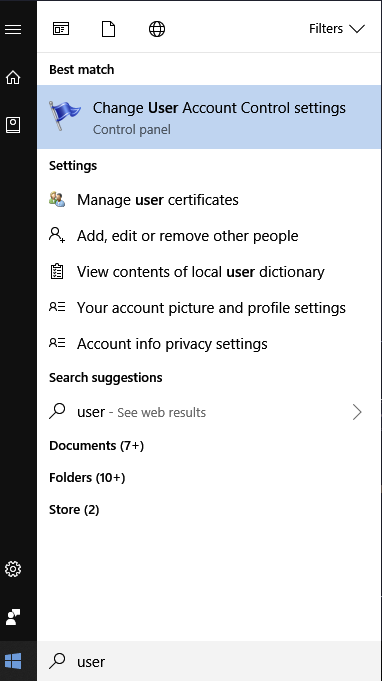
Search User Account Control:
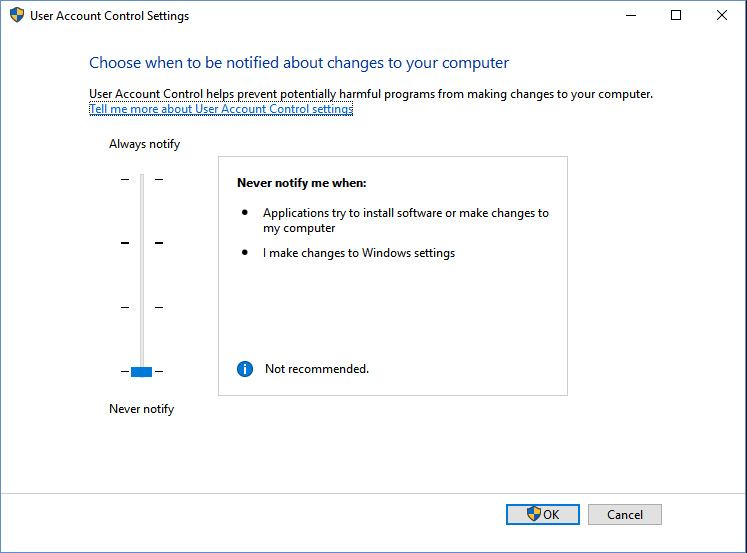
Then change the conditions to notify you, the lower the setting the less Windows will notify you. Keep in mind the changes are account wide.
Be mindful this is a safety feature you’re turning off.
i had mine set on the first level, but back then it doesnt do that pop up. i guess it’s better to be on the safe side Owo
thank you very much @Queue X3
it’s normal to me 
do you mean it pops out everytime you launch ToS? ‘w’
yeah! been there all my tos life
my setting is set to level 1 though, may i ask if this only happens in ToS ‘w’
I don’t play other games lately but yes…
that I can remember that is…
maybe yours is set on a high level Owo
mine isn’t though ; w ; is why am being paranoid ; w ;
I won’t disable UAC globally. Just this https://www.tenforums.com/tutorials/57690-create-elevated-shortcut-without-uac-prompt-windows-10-a.html
so confusing @w@;; i don’t think i would go through that, but thank you for this tip Owob