Tree of Savior Forum

"White screen" problem

Please fill in as much as you can :

Date and Time(Please, specify the timezone) : From (approximately) 9:30 AM EDT (12hrs ago)

Server Name: [SEA] Telsiai

Team Name: Isuke_Shiro

Character Name: Kuro

Bug Description : CANNOT enter game
I’d sent 2 tickets supports, they didnt’ help anything!?

I already done anything like:

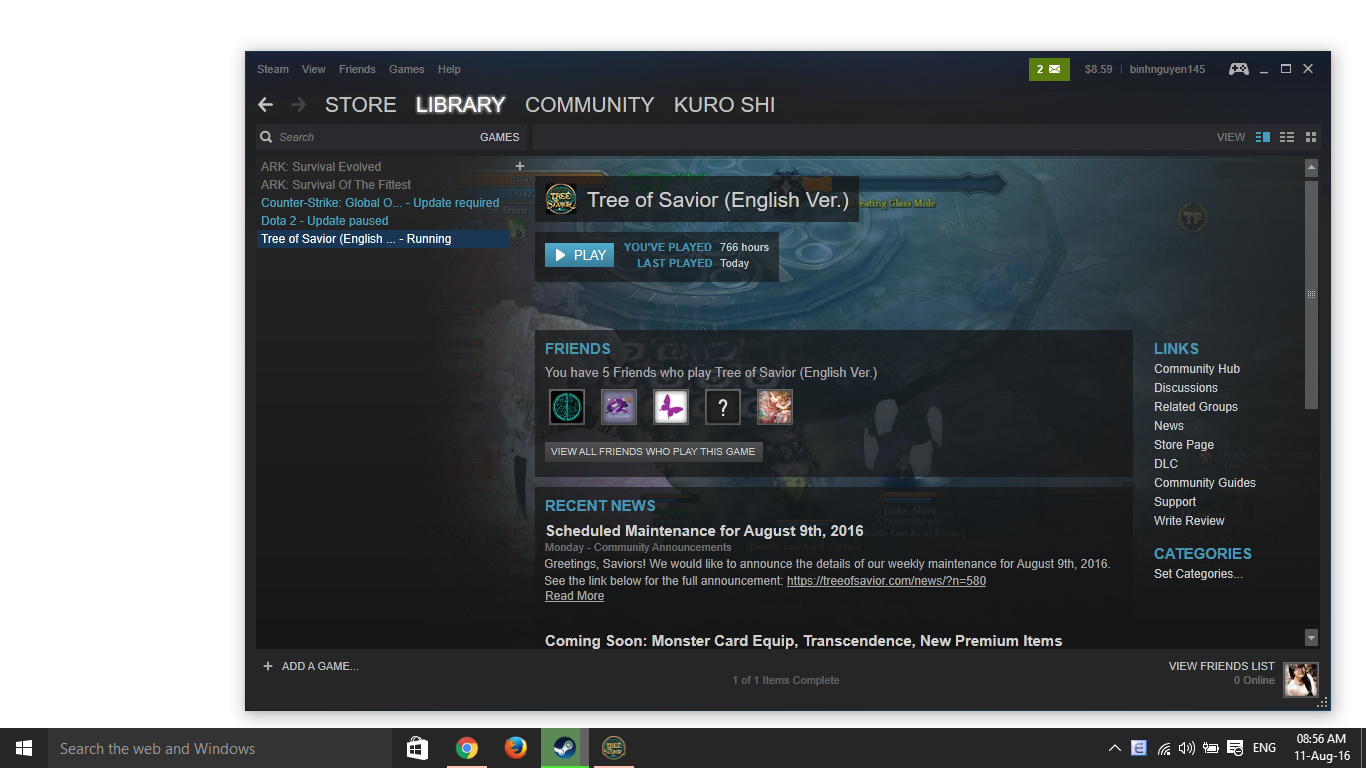
  • Verify over and over, it took me 3 hrs to verify over and over.
  • Restart steam.
  • Restart router, turn off fire walls, etc.
  • Uninstall game, re-install game. I DONT use any add-on or 3rd party program, just install the game from IMC.

Steps to reproduce the issue :

  1. Playing as Kuro character in my team party, at Alemeth forest (ch 6)
  2. PC hanging. Have to restart pc.
  3. Encounter WHITE SCREEN problem.

I dunno what to do now, I get full clean install just now, still not work. Please do something! :frowning:
Anyone encounter this problem? Help me please! :sob:

Screenshots / Video :

Game Control Mode (Keyboard/Joypad/Mouse) : Keyboard

System

  • CPU :
  • RAM :
  • Graphics Card :
  • Mainboard :
  • Storage :
  • OS :
  • Internet Connection :
  • Country, Region :

Up this thread, please noticed this IMC!

Have you tried reinstalling the game? It can be a pain for some people with not great internet speed, but a last resort is a last resort.

If you do uninstall make sure that you go into your Steam directory and delete the TreeOfSavior folder after you delete the local content through Steam, it gets left behind.

After you acquire the game again do an integrity check. Then do another integrity check. Afterwards you should be good. If not, no idea what your issue is.

The above worked for me when I would get a white screen when launching after the patch window and then never get the game to come up. No ToS.exe running in the background or anything.

Yes, I did.

I did verify many times (about 1 hours, dont remember how many times) after re-install[quote=“Magni, post:3, topic:320268”]
The above worked for me when I would get a white screen when launching after the patch window and then never get the game to come up. No ToS.exe running in the background or anything.
[/quote]

My problem is a little different, white screen appear a minute, then ToS window shut down (auto-closed)

Open Drive:\Steam\steamapps\common\TreeOfSavior\release\user.xml and change Resolution mode to 0, i believe doing this will fix your problem, because i 'm having the same problem too, even though doing this will make you can’t alt tab to other running programs anymore, don’t know what to do to fix this problem beside reinstall windows. Many people ran into this problem before but IMC doesn’t seem to want to fix it for good. Sad…

P/s: You could also try to uninstall and install the graphics card driver, this worked for me yesterday.
P/s no.2: this sucks to say but after i restart my pc, the game stopped me from getting into the game and i have to go true full screen again…

1 Like

After you uninstalled did you go into Steam\steamapps\common\ and delete the TreeOfSavior folder? If you didn’t, you probably still had whatever is causing the issue. A few files get left behind, and it’s likely something that @itsmeec is alluding to.

Doing some research from when I had my issue I saw a few options involving deleting a certain folder or two (I think maybe the ‘Patch’ folder) within the ToS folders and then doing an integrity check. And something with editing the User.xml.

If you have a friend with the game that isn’t having issues you may want to see what their User.xml looks like and making yours the same.

ok ok lemme help you with this.

i Encountered this problem after updating to anniversary update of windows 10

  1. Uninstall all addons 1st and delete addons folder
  2. Repatch TOS > integrity
  3. Uninstall > Graphics Driver < mine was amd> display driver uninstaller
  4. Reinstall Graphics Driver
  5. Try to set TOS fullscreen > user.xml
  6. Run TOS> adjust in game to windows mode again

Thank me later!

Same here. I’m gonna lose 3 Mystery box rewards now :frowning:

same problem here, i tryed a lot verify the game, aways shows up a file. and again, and again.