
First Step!!! ALWAYS BACK UP ORIGINAL FILE!
Bored by loading image?
-Go to …\STEAM\steamapps\common\TreeOfSavior\release\loadingimg
-You will find img 1-11 replace it with .jpg 1920*1080 only(or your loading will blank)
-remove 1.jpg and put your picture in file with the name 1.jpg
If you want more than 11 pics
-Go to …STEAM\steamapps\common\TreeOfSavior\release and open client.xml.
-Change LoadingImgCount to number of pic you have. Done!
Example: Loli guild master!
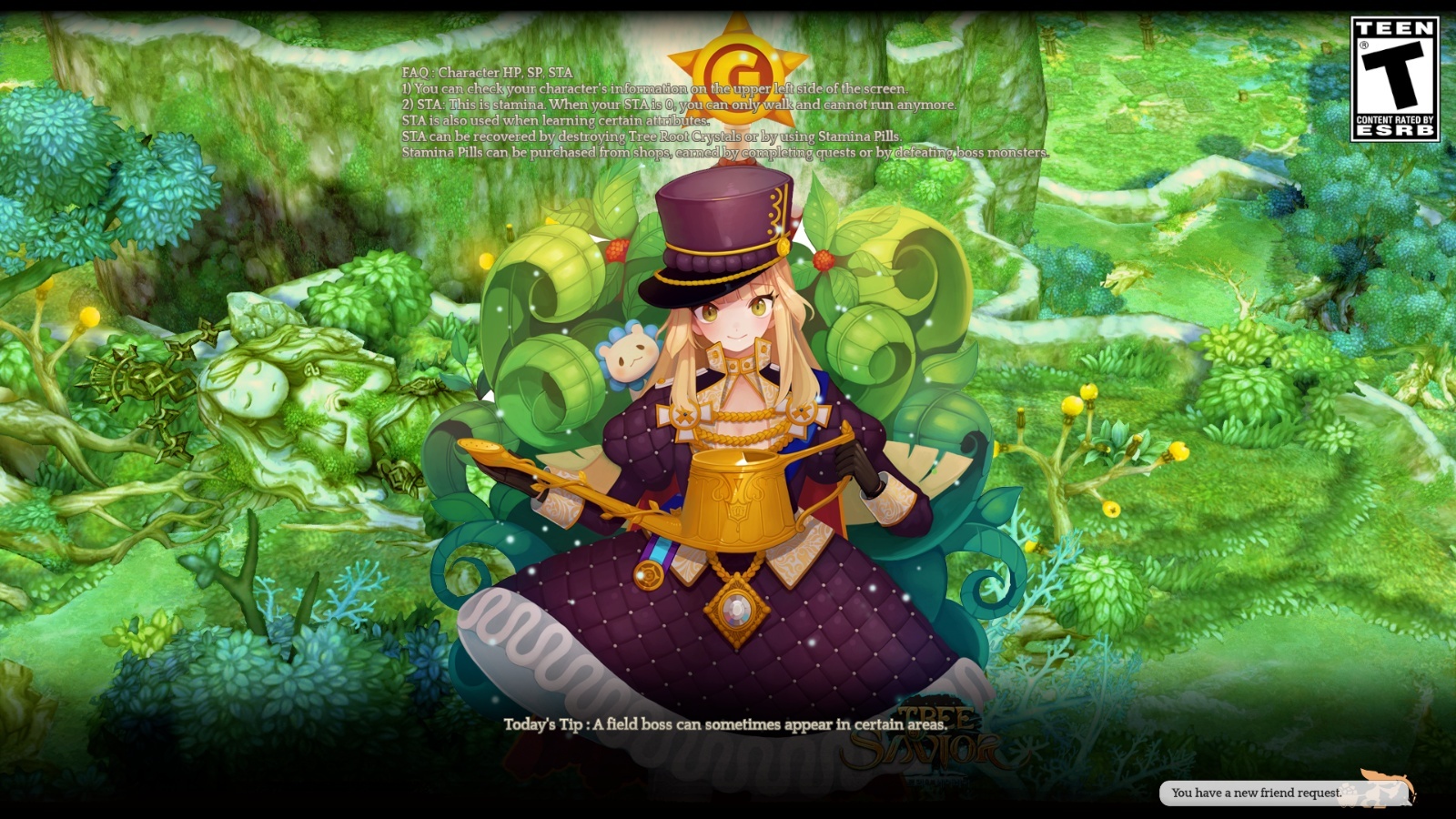
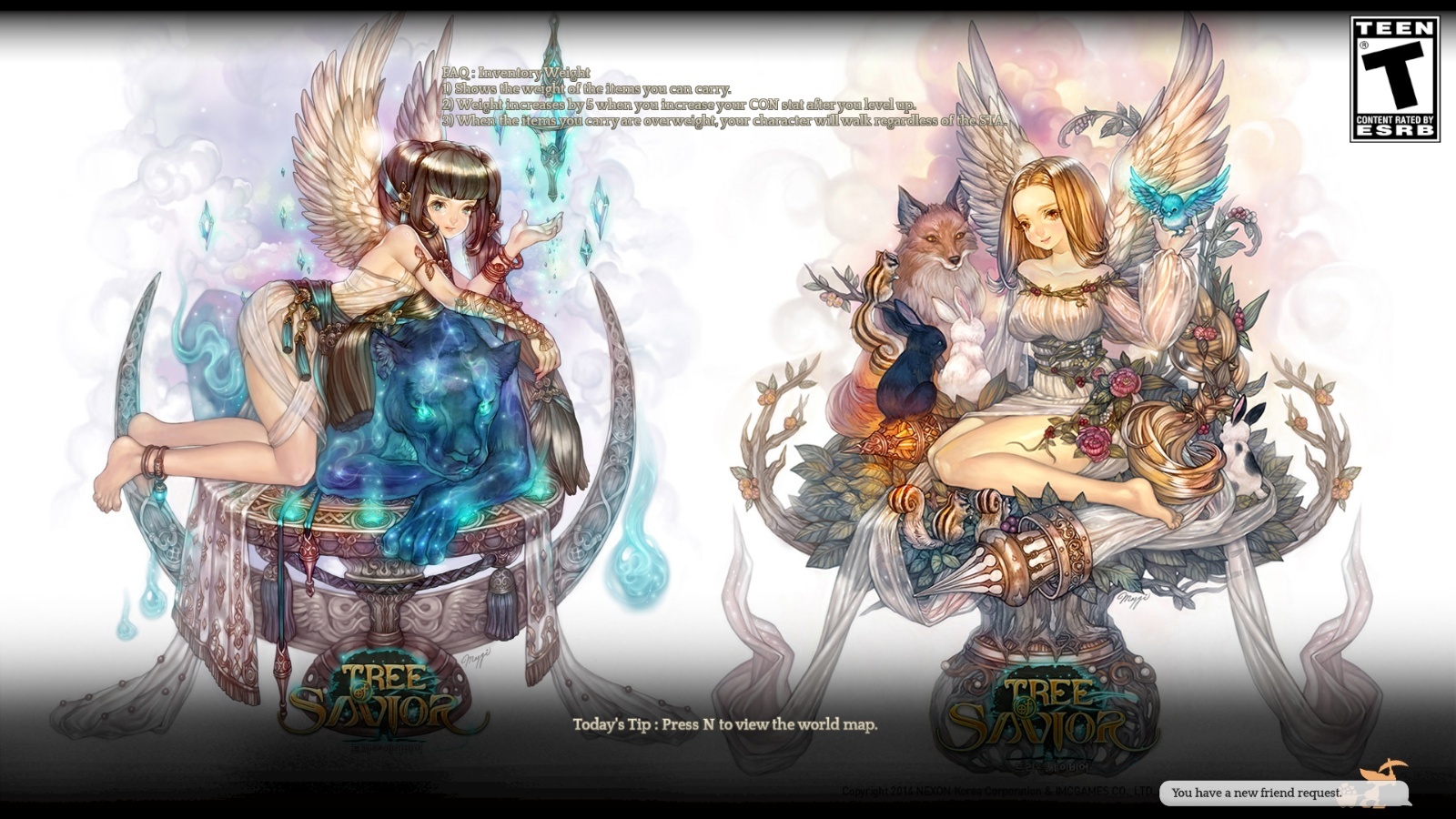
Val-chan and Zemya-chan
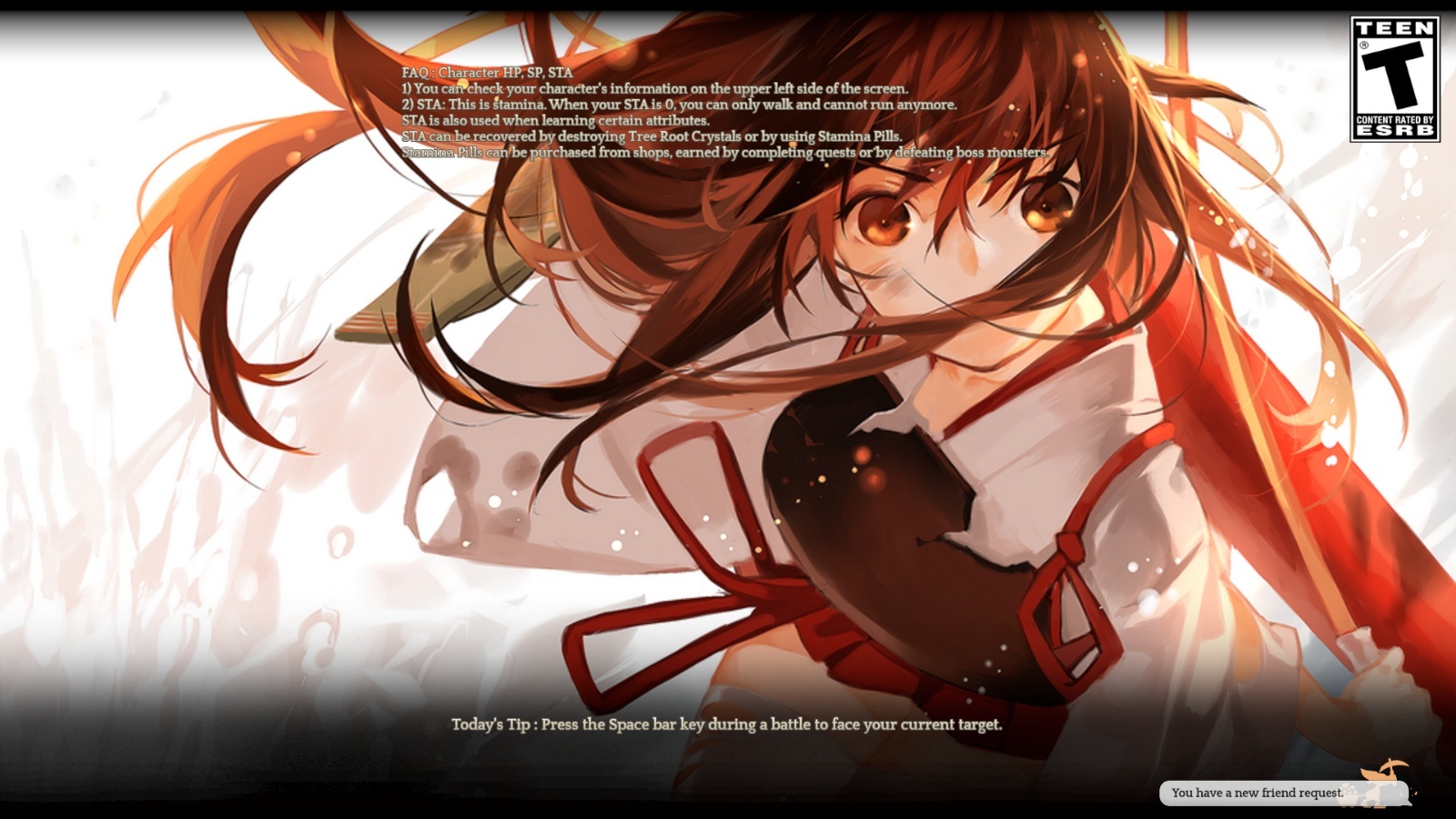
Akagi-chan
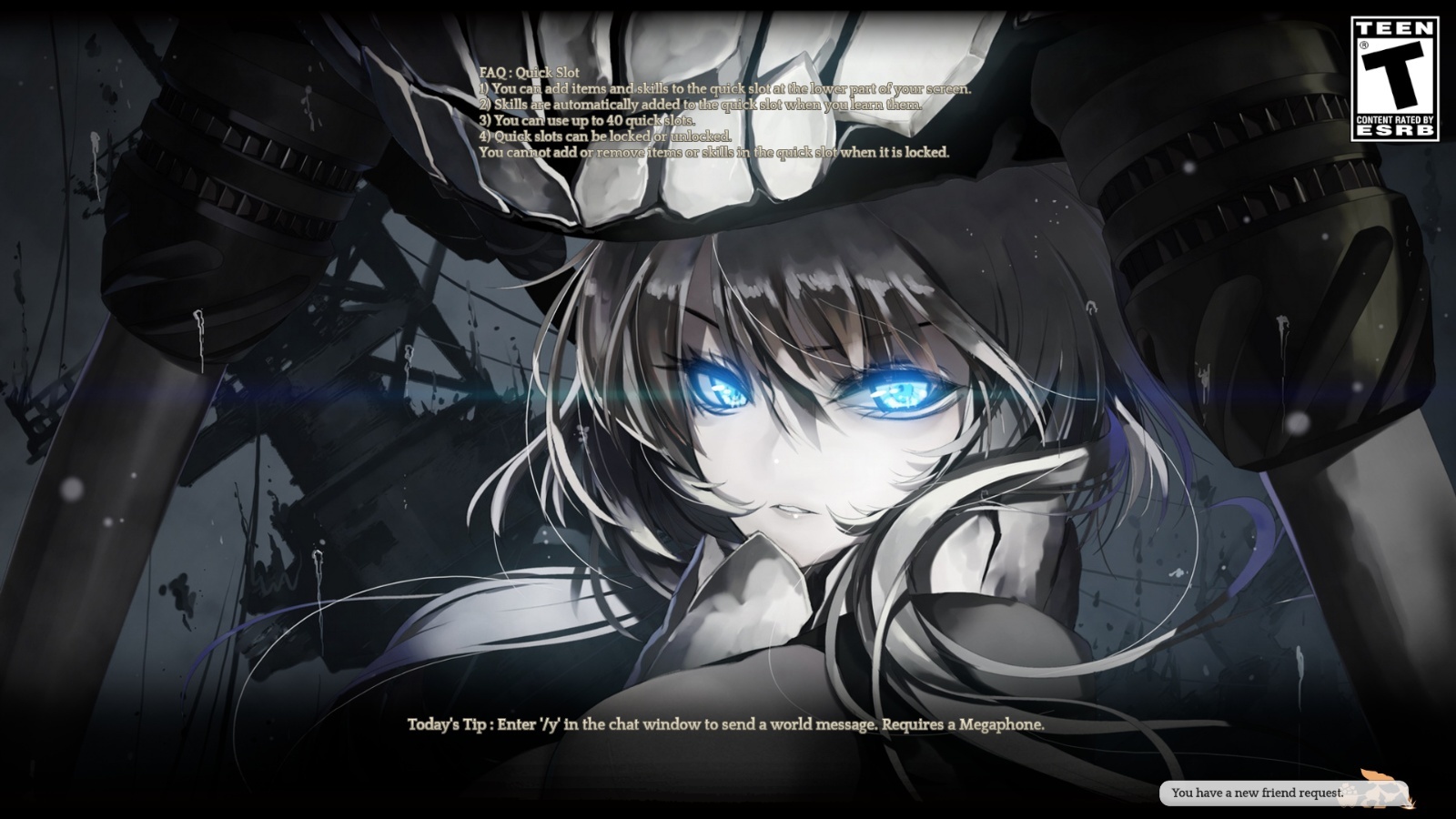
Wo-chan
And Bikini LOLI!!!
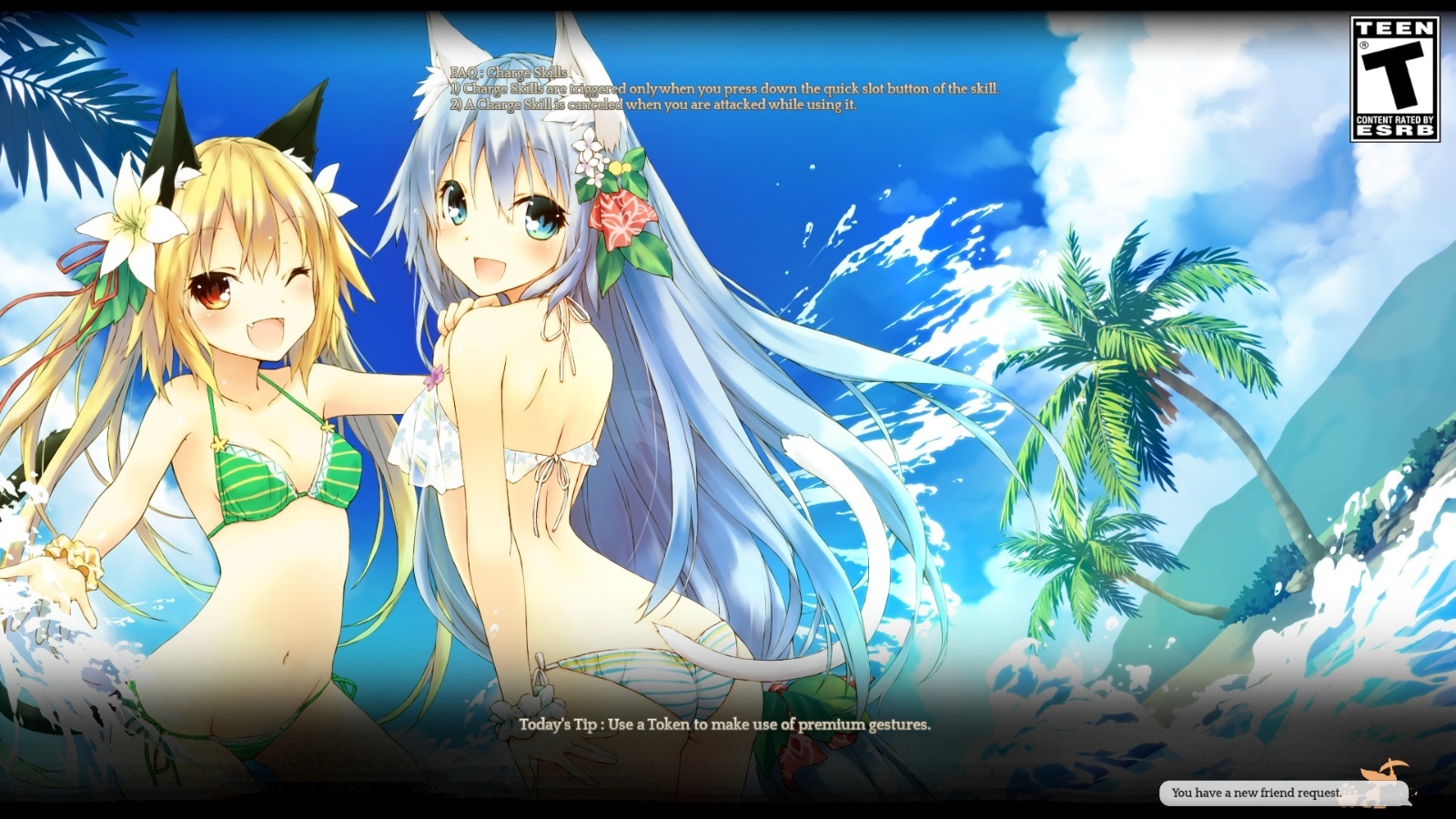
To make this game more appreciable, PROUDLY PRESENT!!!
Japanese Voice change!!!
-Go to …\STEAM\steamapps\common\TreeOfSavior\release
-Open user.xml
-Change Language="" to Language=“Japanese”. (there will be two language in file change the language after musicvolume or your game will crash!!!) [the upper one is typing language]
https://www.youtube.com/watch?v=o8kK4Up8qE4
You can also change BGM. By replace .mp3 with the same name to …\STEAM\steamapps\common\TreeOfSavior\release\bgm
Use music player maybe a better way than changing the file 