I so tired of this, i mean realy.
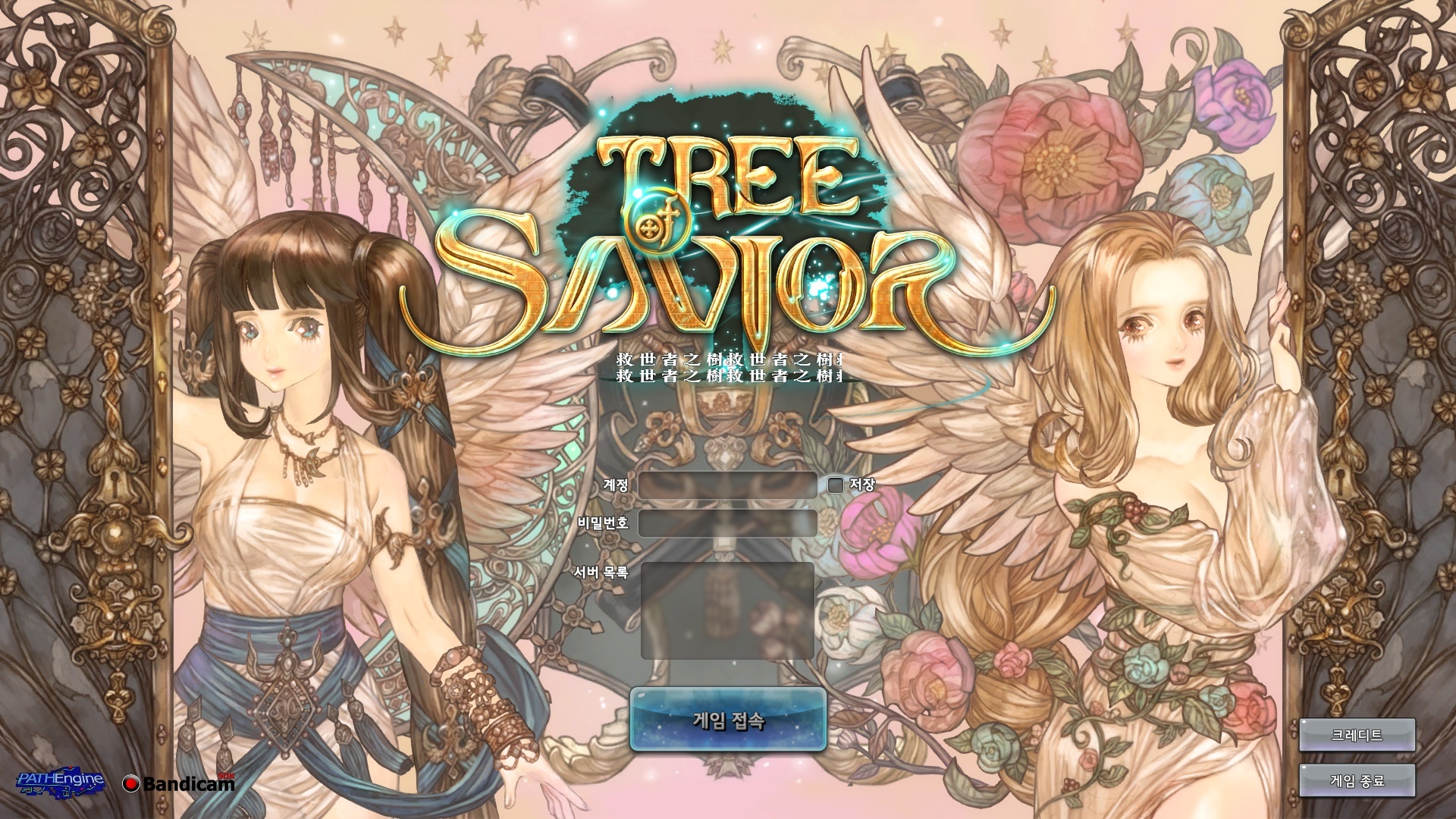
Have you tried checking file integrity?
Dosent help. I can play on my laptop though. I copied entire tos folder from my laptop and paste it to my comp now it looks like this
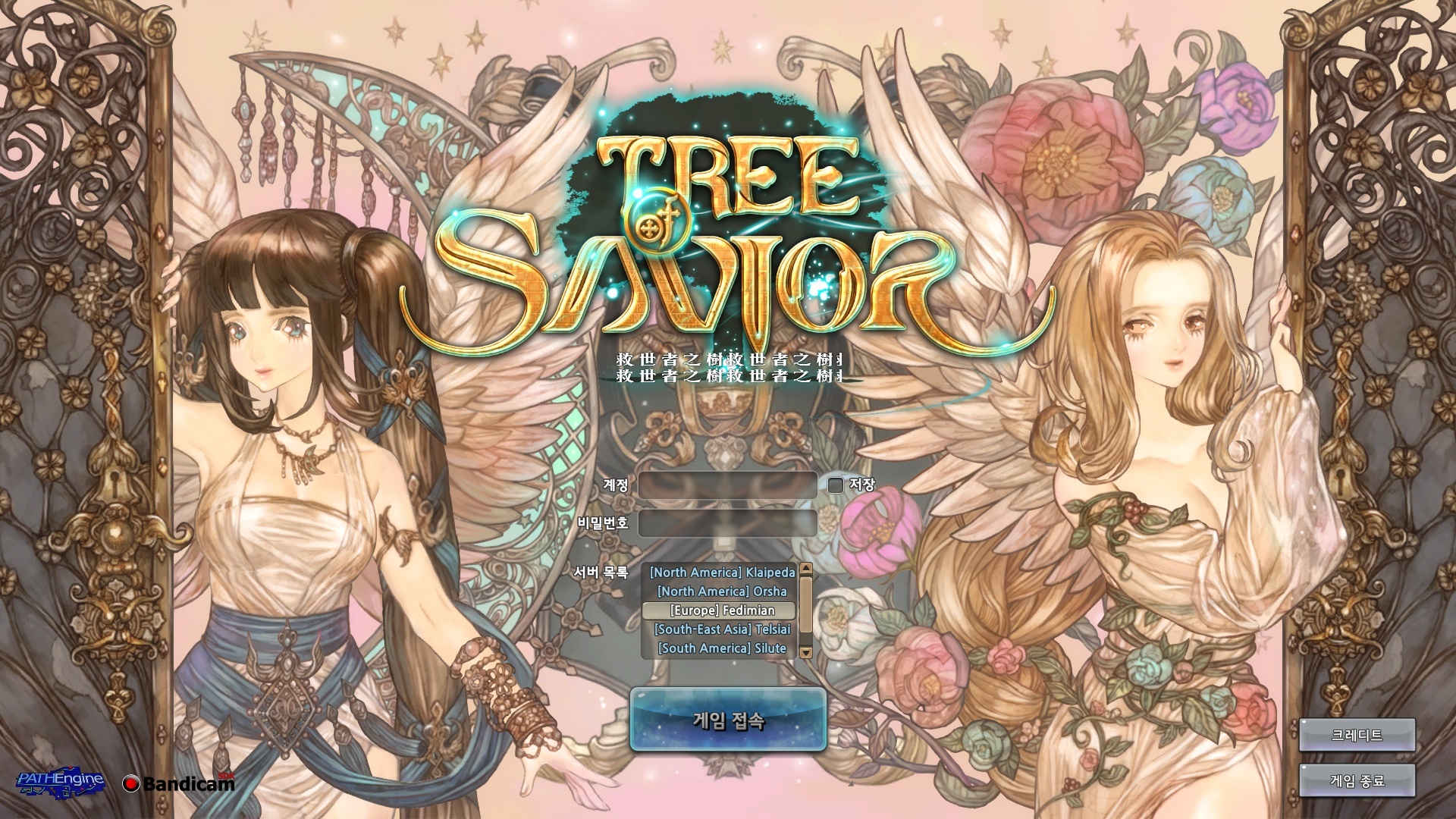
Your login screen looks very weird. The login/password fields shouldn’t be there, as we login automatically through steam.
I’d suggest you to delete the game and reinstall it again in one of your computers to see if the issue gets corrected…your game is all in korean too lol.
I reinstal it yesterday becaurse of same problem. As u can see it still there.
I don’t know then…follow Queue’s instruction and clearly state to IMC that reinstalling or checking integrity doesn’t work…
Crap, even Zemyna is all glitched.