
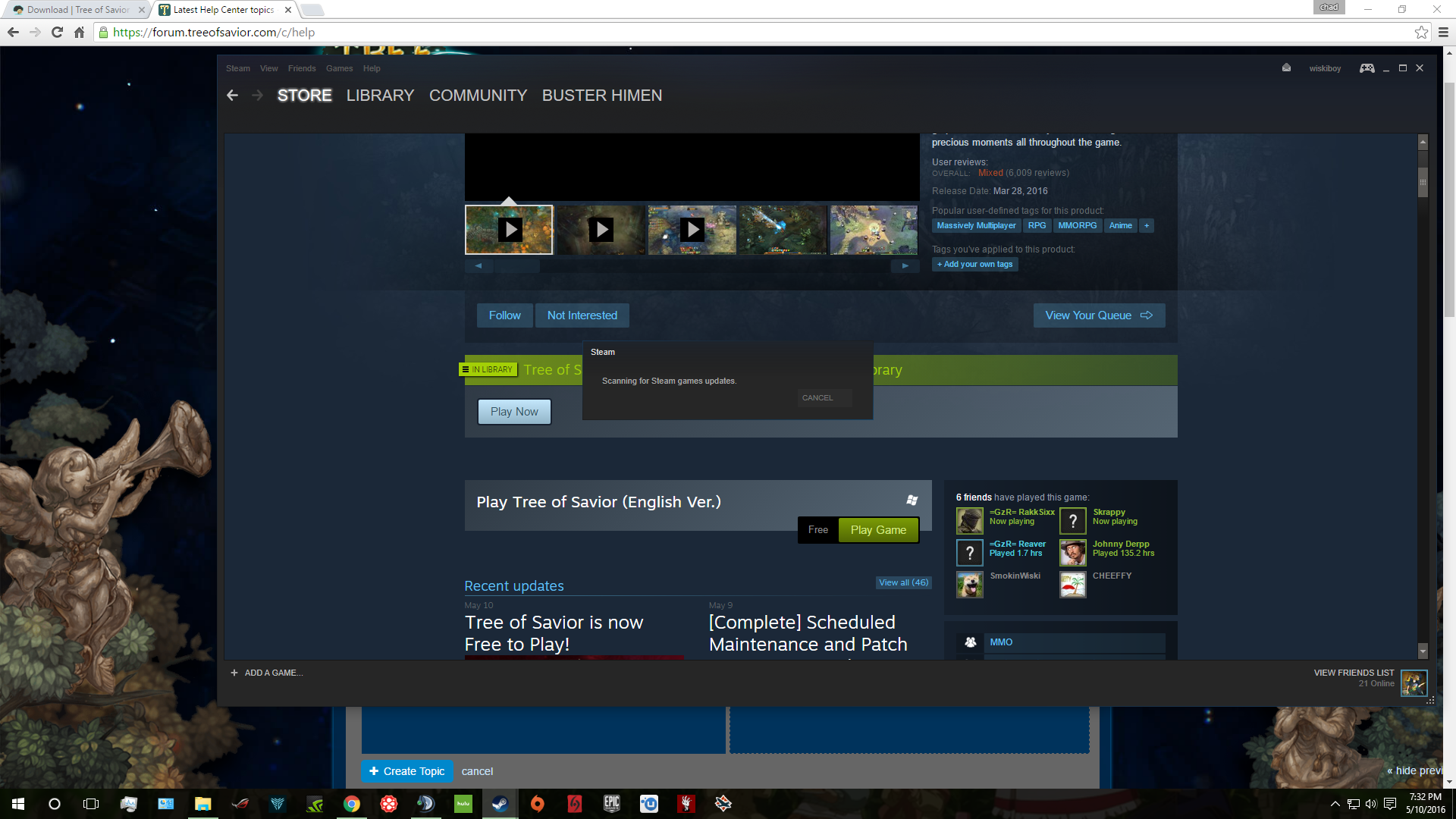
I haven’t played the game or bought the game previous to it’s free release today. I searched my entire computer and both drives for any ToS folders and couldn’t find anything. Here is a screenshot of the store page where it says it’s in my library as well as what pops up when I try to click play. When I go to my library it is not in there and I could only post 1 screenshot in the post
2 Likes
Same issue here, it says the game’s on my library but it’s not.
My brother had the same problem, just delete the tree of savior file on steam\steamapps\common directory. after that close and reinstal your steam, do not need to uninstall, just download a new version from the website and install your steam. Then log in steam and download TOS again.
It helped. Thanks.
I’ve tried everything but this.