
Please fill in as much as you can :
Date and Time(Please, specify the timezone) :
July 29, 2016, 9:00 PM, Manila Time (GMT +8)
Server Name:
Varena
Team Name:
Character Name:
Bug Description :
My PC froze while playing ToS, so I had to manually power down and restart the computer. This was due more to my hard drive, which is old and is starting to get a few errors.
Some files in the TOS client seemed to be affected, where the client would shut down as soon as I started it. I verified the files using Steam and cleared the contents of “release.revision.txt” This allowed me to patch the game as usual.
The only problem, however, is that the TOS client is not using all available bandwidth to patch the game. I see the usual patch client on my screen, but using Windows Resource Monitor shows that tos.exe is only downloading at speeds of around 50-80 kbs.
My connection is a 5mbps line, and tos.exe usually maxes out the speed (500kbs+) when downloading. I also ran a few tests on speedtest.net, and the speed comes back in at a proper 500kbps. No other programs or apps using bandwidth.
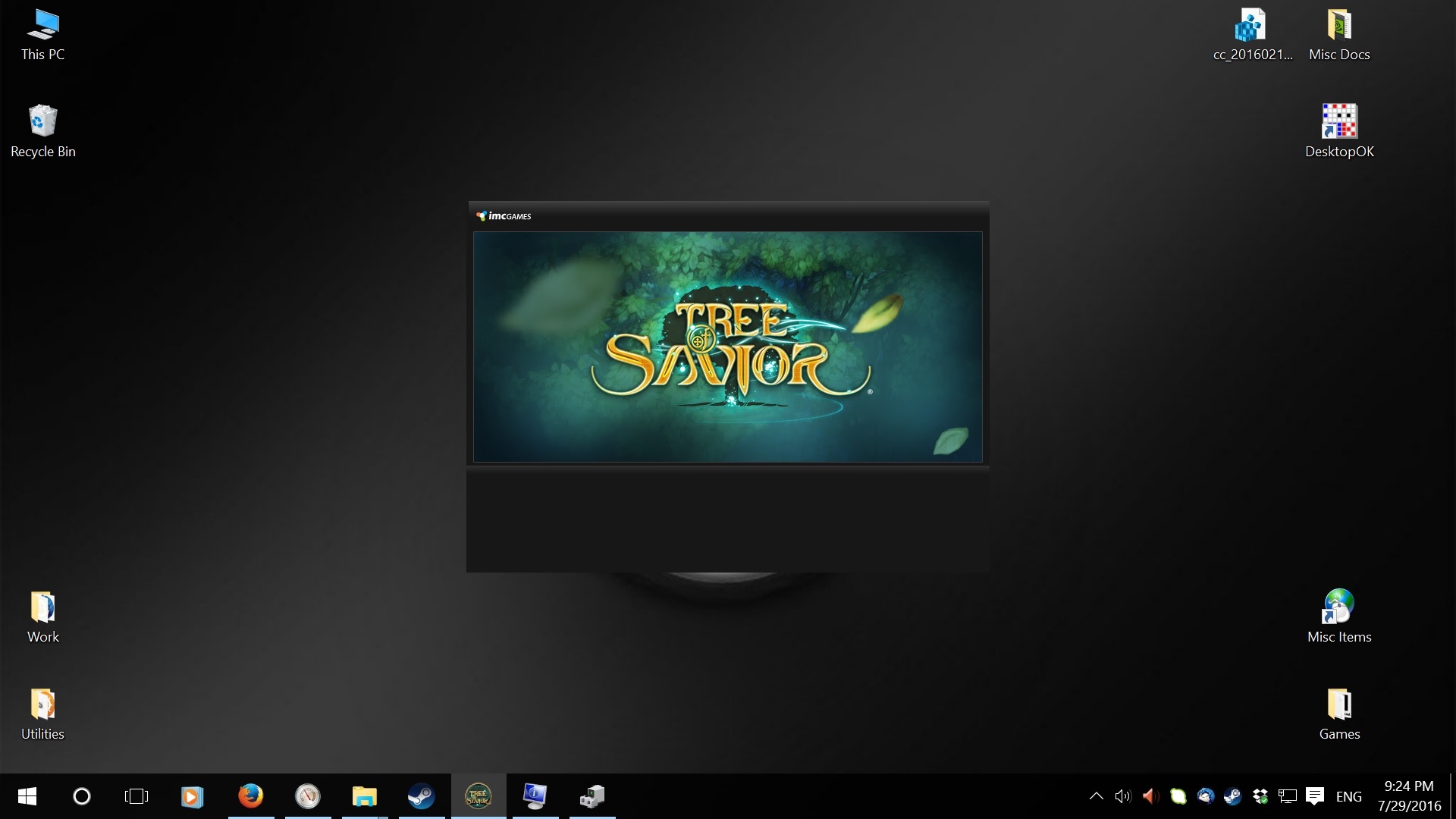
Also, I can’t seem to check the progress of the patch client. All I see is the ToS splash screen with no indicator of the size of the files being downloaded or the speed at which those files are being downloaded. Screenshot below.
Steps to reproduce the issue :
- Start TOS Client
- Download Patch
Screenshots / Video :
(attach screenshots or videos regarding the bug)
Game Control Mode (Keyboard/Joypad/Mouse) :
Keyboard, Joypad
System
- CPU : Intel i5-3570 @3.4ghz
- RAM : 16gb
- Graphics Card : GTX 950
- Mainboard : Intel DH77EB
- Storage : Seagate Barracuda ST31000524AS
- OS : Windows 10
- Internet Connection : PLDT MyDSL 5mbps
- Country, Region : Philippines