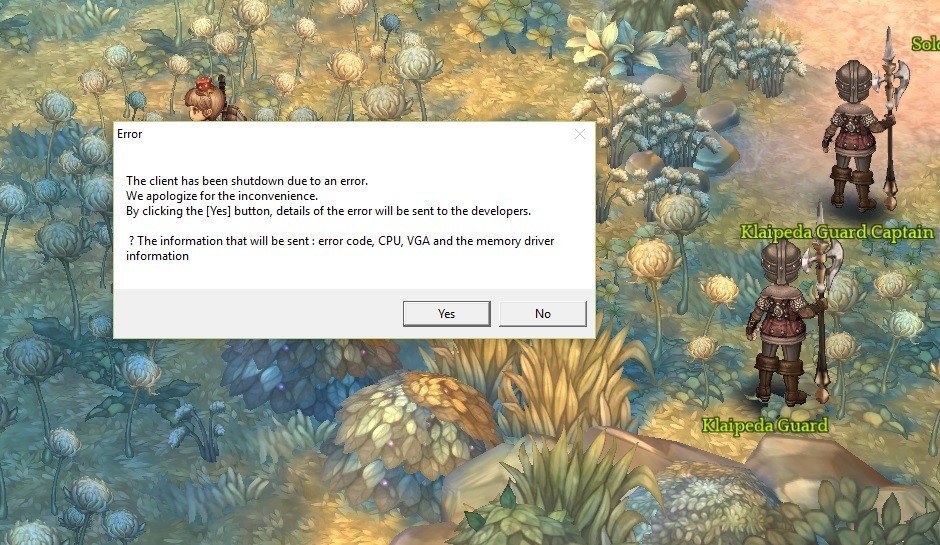
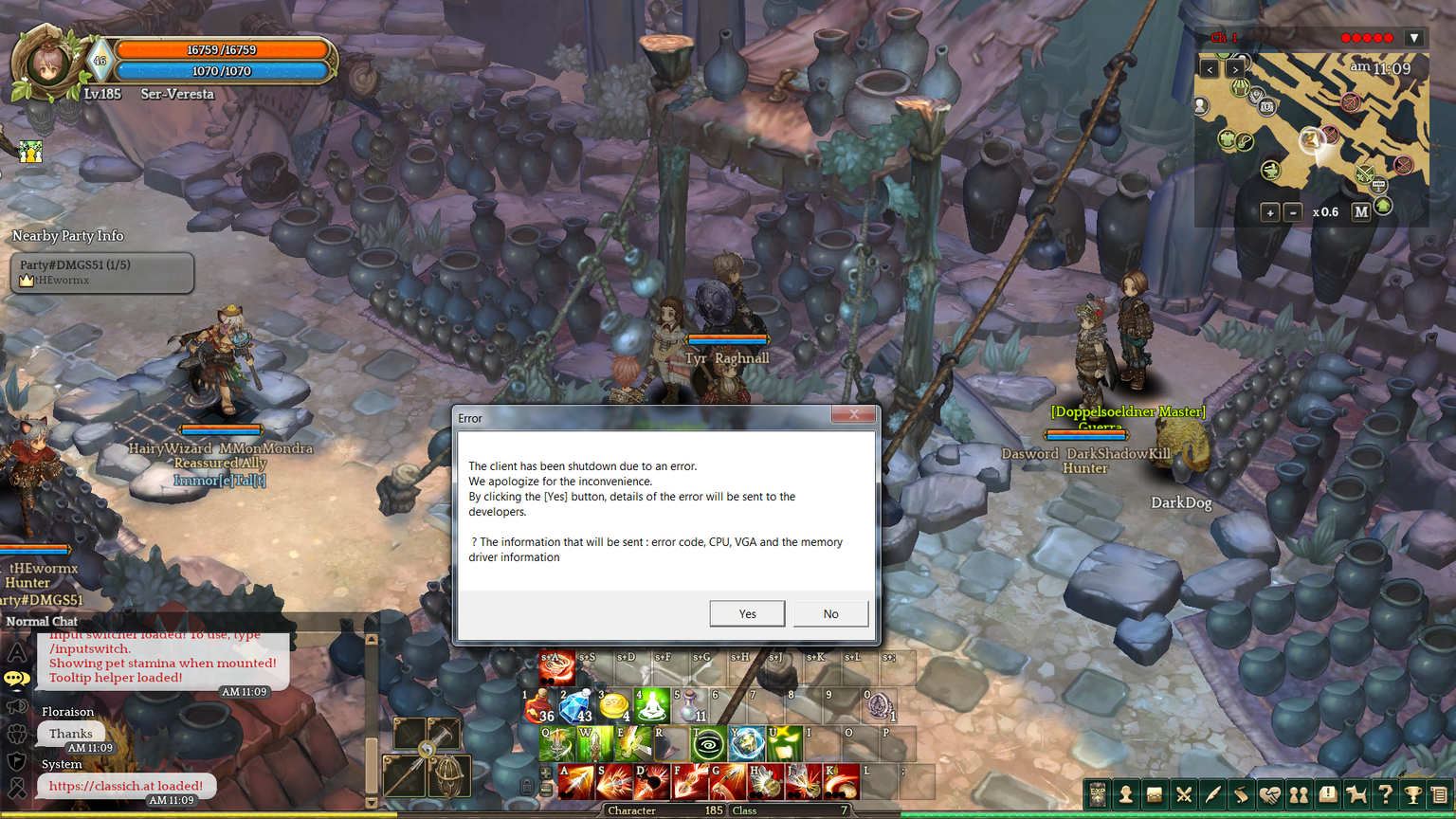
I’ve been having problems to log in after the patch.
But then I remembered that the chat had a huge rework.
So I uninstalled all addons related to chat. It worked!
I hope this help someone.

I’ve been having problems to log in after the patch.
But then I remembered that the chat had a huge rework.
So I uninstalled all addons related to chat. It worked!
I hope this help someone.
same problem here, where is the support. Nobody to say a thing??
its your addons if your using any - had to disable all of mine and i’m now fine with no crashes.
I wonder even if by removing all the addons and validating game cache, it’s still the old chatbox
I unistall all addons the addons manager and run cache. I have bug in box chat
Sorry, I’m not all great with computers though I try. Addons? Where can I find them to help solve this problem?
reach a solution, manually uninstall add-ons
nothing here. I even installed the game again and keep crashing.
Uninstall all your addons and try again.
i don’t have any add on i don’t use add on at all
i hate this… it use to work but after patch it just keep crashing i can’t even do anything after logging in ;(
Try checking the integrity of the game files through steam.
oh it says 2 files failed to validate and will be reacquired idk how to fix that
I have deleted the addon manager, restart TOS and it work.
delete the addon manager is the a program? or a settings inside TOS?
unnistall all related chat addons and then on steam Verify Integrity of Game Cache,that fixed for me.
your right. it still crashes without add on. Kinda wierd. So it means its not necesarily add on’s problem…
Delete the entire folder addons and in data you should delete the ipf files related to them or just delete the entire game folder.
When you reinstall the game, if you didn’t delete the involved files in crashing the game, then files will be just overwritten leaving the all problematic files intact because they are not from the game.