
A week earlier I have decide to use mouse + keyboard as control style rather than just keyboard because I can only imaging mouse being the only competitive way to PVP as a mage.
And so I run into many problems, biggest being the click box.
First I want to talk a little bit about the difference between what I call “target text” and “target click box”.
And here are a few pictures to show the difference. (and screenshots doesn’t show my mouse. So I have to explain through text.)
When the statue’s “target click box” isn’t touched by mouse. “target text” OFF, “target click box” OFF. (My mouse is on the statue.)
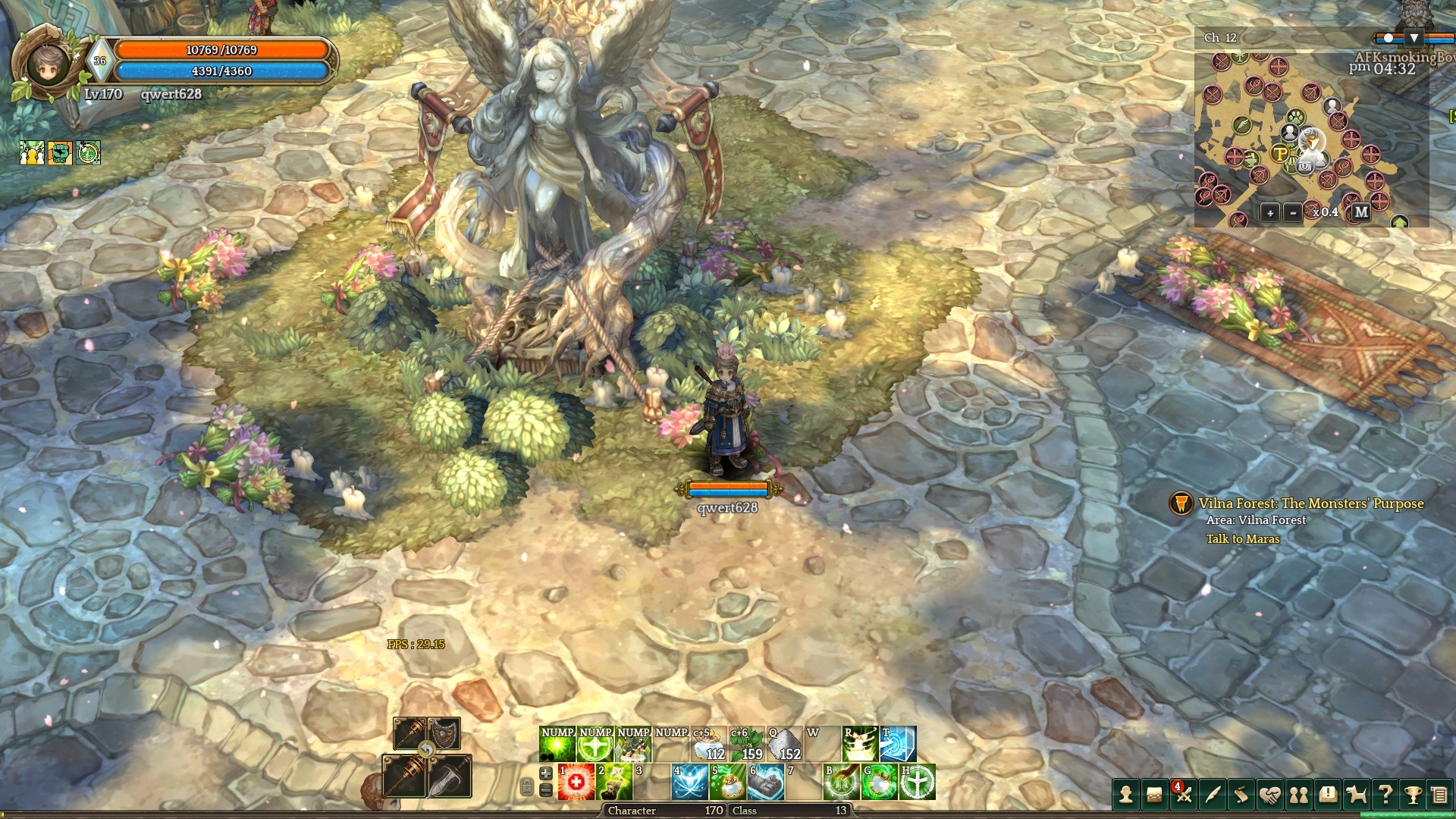
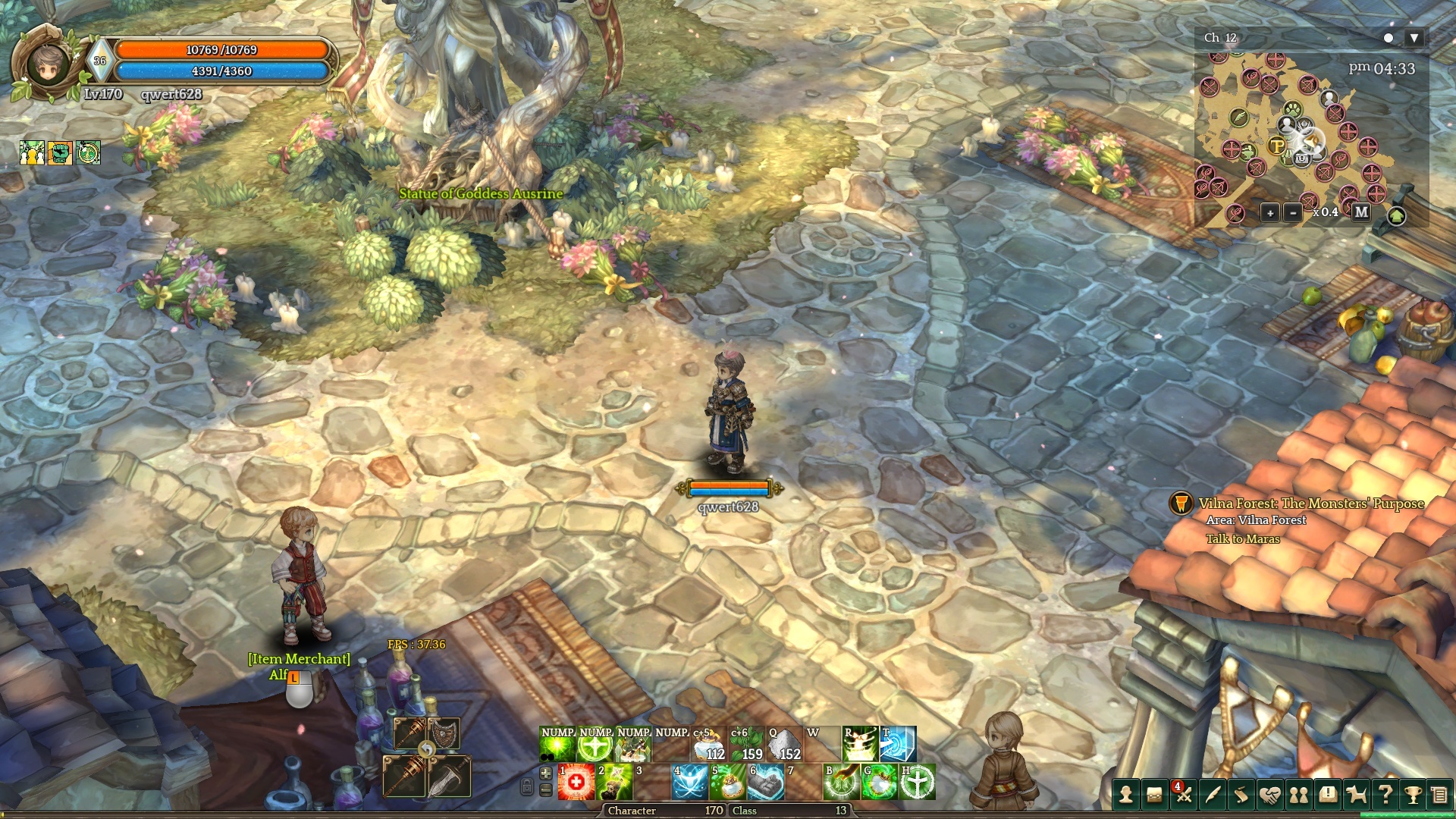
When I mouse over the statue’s “target click box” and then mouse over the item merchant’s “target click box”. Statue’s “target text” ON, “target click box” OFF. (My mouse is on the statue, but not on top of statue’s “target click box”)
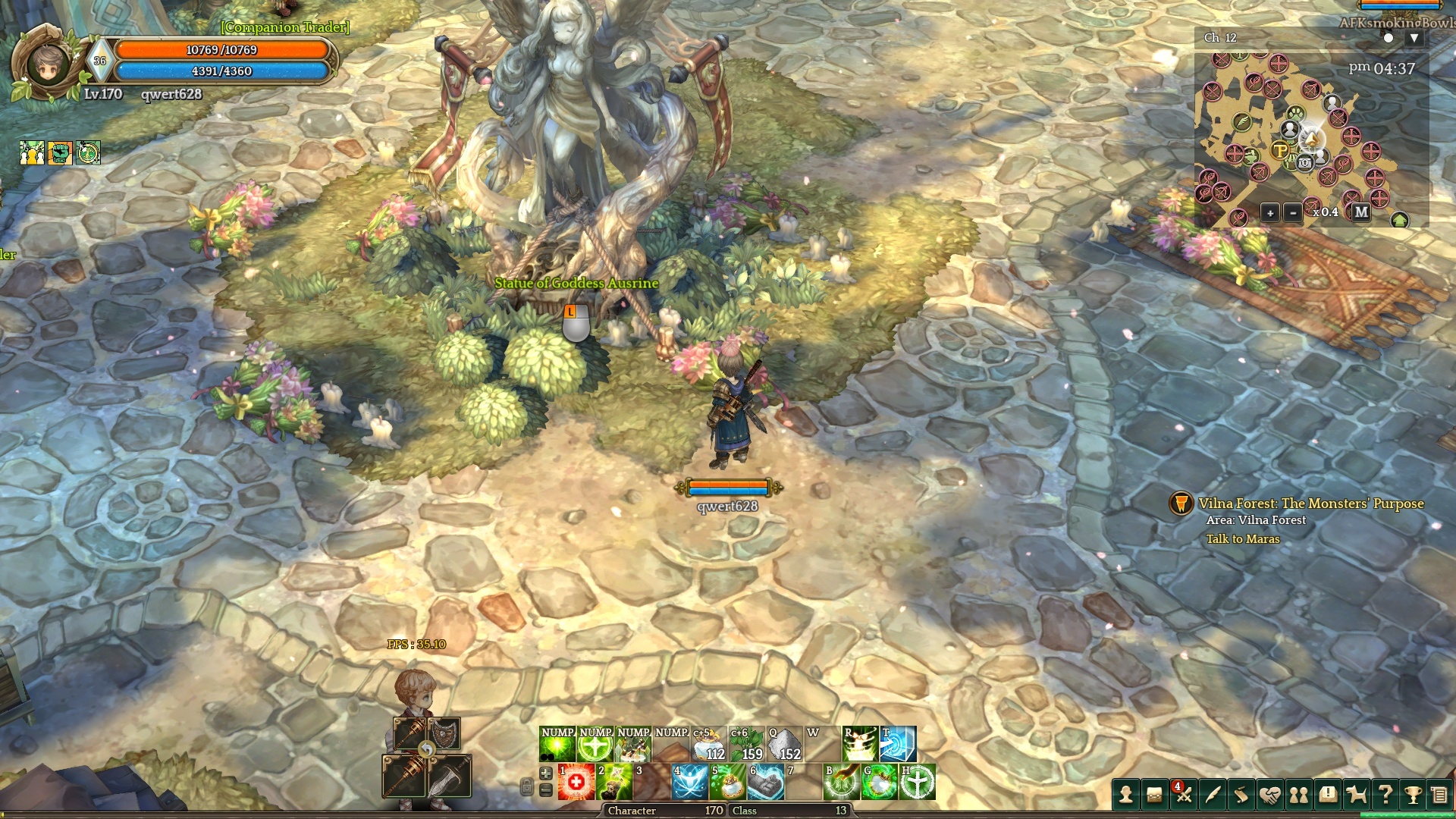
Mouse on top of the “target click box”. “target text” ON, “target click box”ON. You can see the bobble shows up.
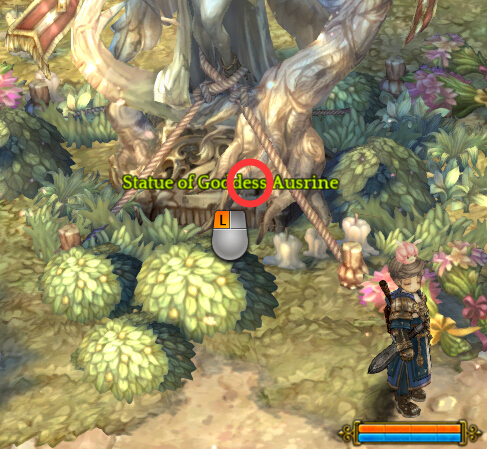
How big is the click box of the statue(or any non-player target. Monster, NPC exclusive)? It is a circle about this big.
What is the problem? If there are many players blocking, mouse users MUST change to a less crowed channel enable to find the click box. Unlike keyboard users having a target-auto-search system (if one just hit space on the keyboard, his character is going to auto search the closest click box), mouse users must find the click box ourselves.
And the goddess statue isn’t that problematic. Here’s a big one.
I can’t even find the click box if the “target click box” is UNDER the environment. Let me show you just few examples. (And there are MANY more.)
A keyboard player going to see this.
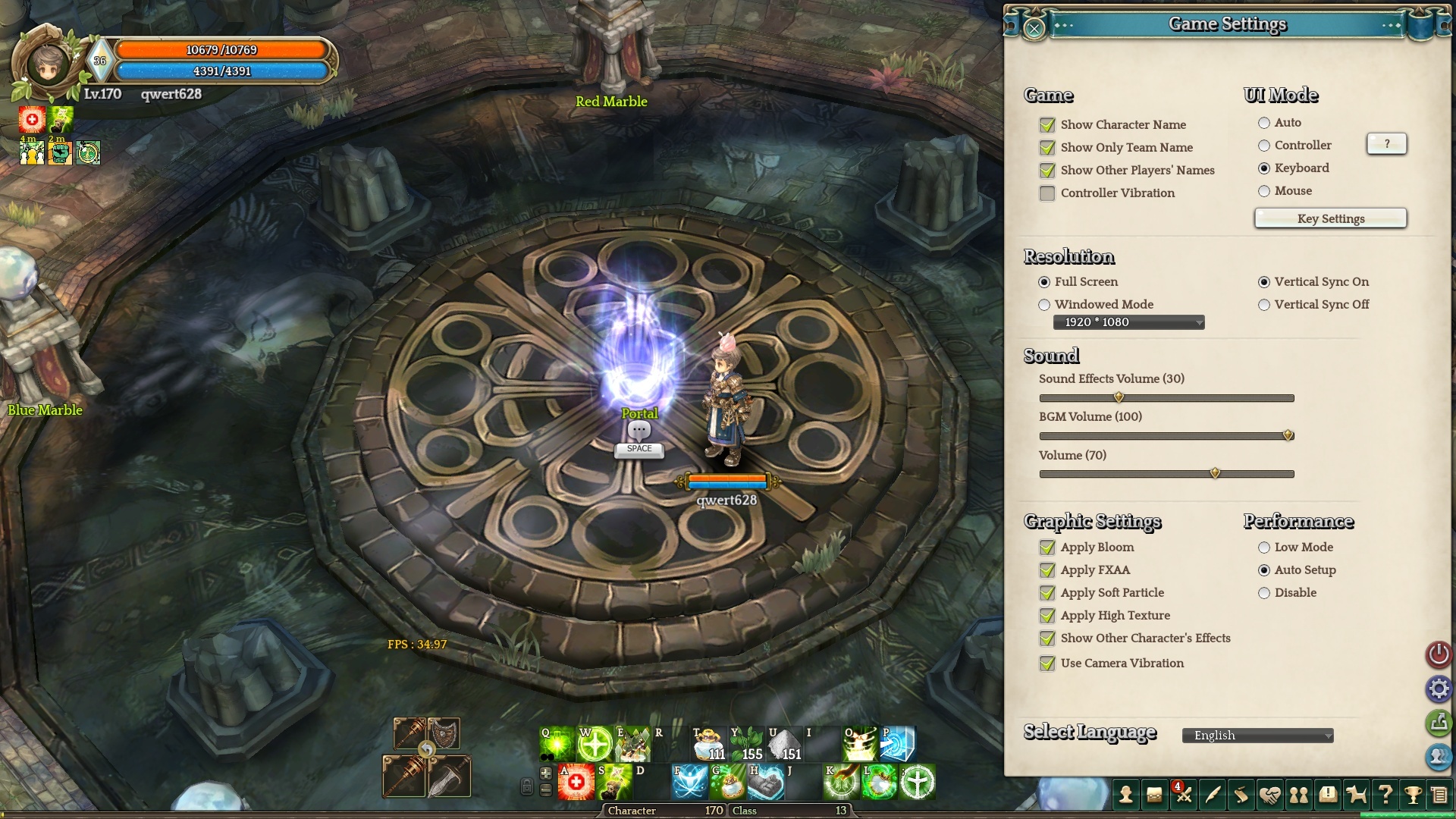
But for mouse players? Where is the click box?!?!?! (Well, it is under the ground which I CANNOT locate with mouse. I had to switch back to keyboard mode and hit space whenever I face such challenge.)
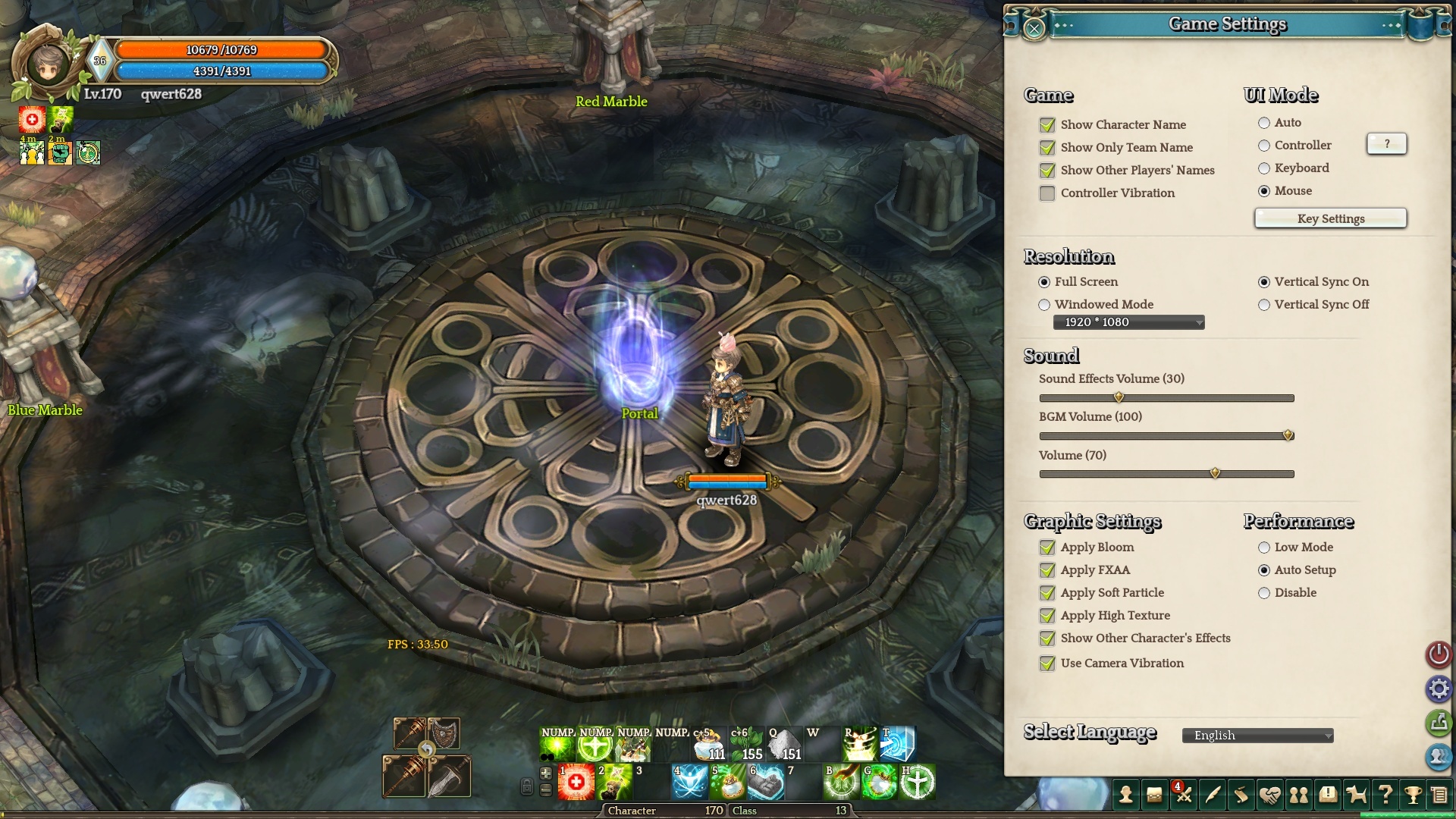
Here’s another different example
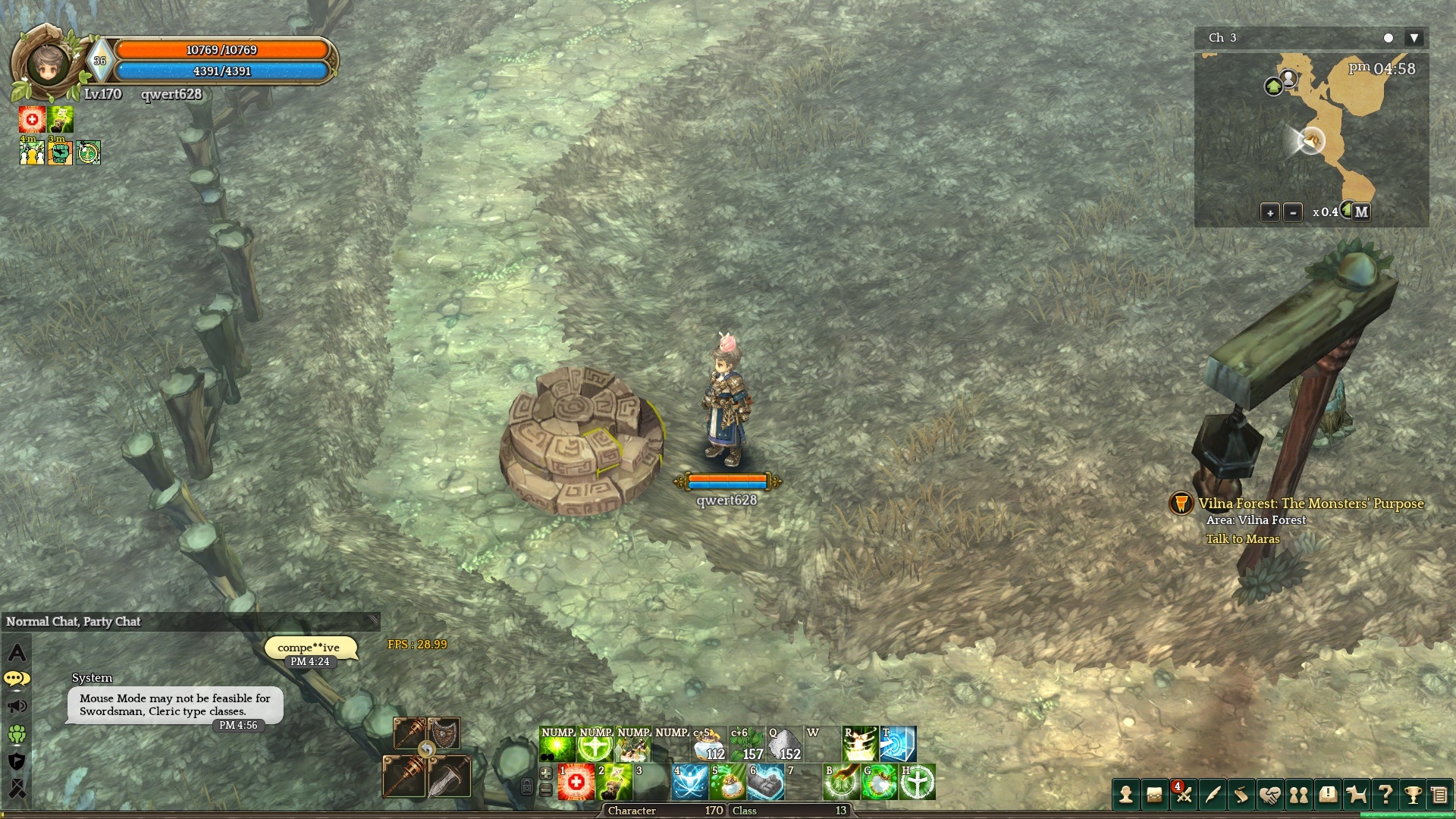
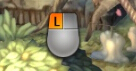
You might think there is a click box because the conversation bobble shows (in this case the mouse is on top of the alter, have a conversation bobble with “…” in it. But screenshots will not display so use your good imagination.), but no. A REAL click box for mouse is shown as such:
So what are some future problems that mouse players might run into?
Hidden quest.
Hidden quest are discovered usually through seeing the press “space” for keyboard player. But mouse player cannot, because a lot hidden quest (or just quest in general) “target click box” are under the environment (or not in the game at all).

I love this game, and maybe will play this game till the end of days (unless bots and p2w flooded this game. then ill still play this game and love this game, but in private cough cough.) [speaking of which stop that half-p2w! i am willing to pay money, a lot of them, but i will not give a penny to such BS.]
back to the topic, i hope my 2 hours writing and screenshoting aren’t wasted. I know you guys are very busy, doing your best solving bigger problems. Don’t worry, take your time. I can live even if i have to switch back and forth between mouse and keyboard control system. I just want to let you guys know that mouse gaming is kinda inconvenience and need improvement. (like increase the size of the click box and layer it above other things.)
Forever love you, ToS.