
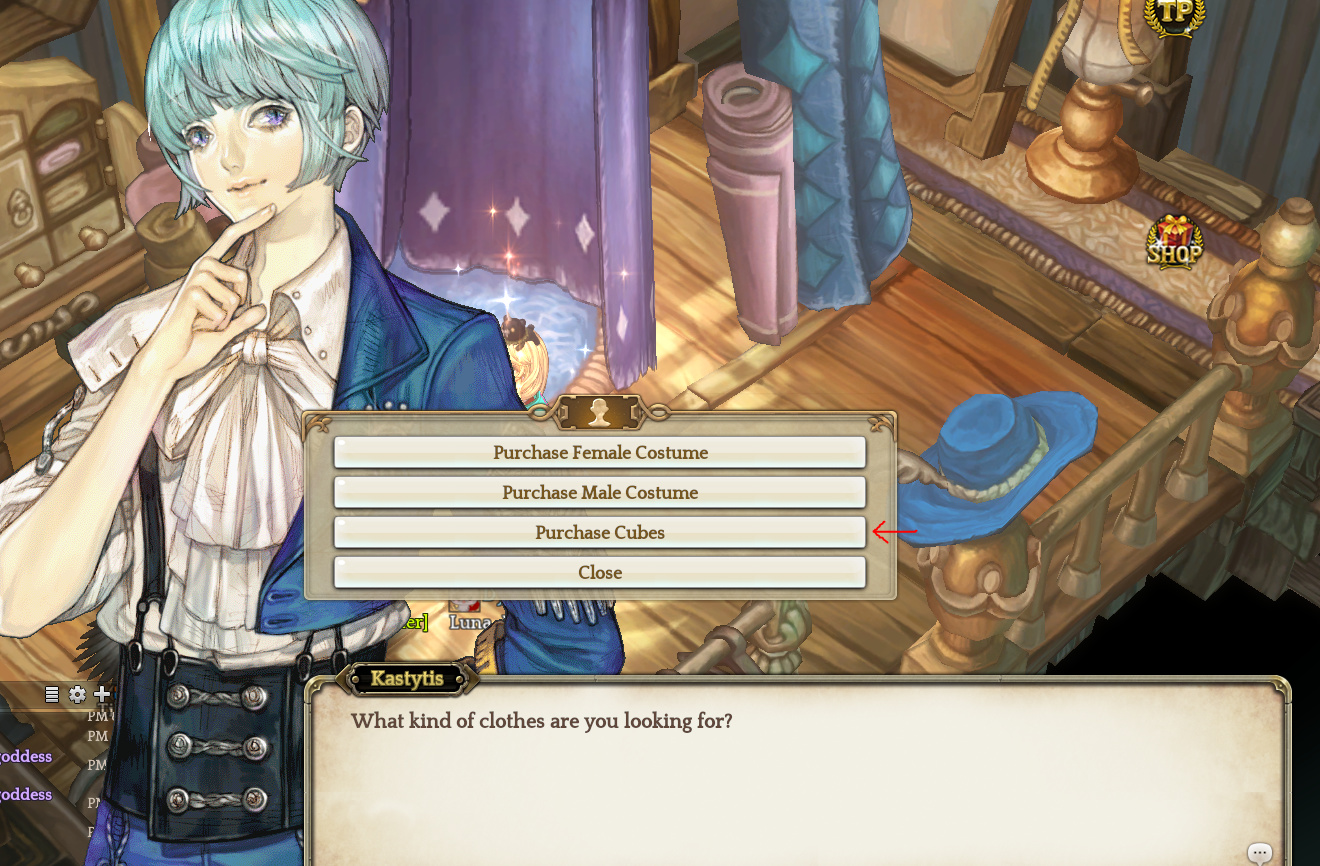
Go to Beautyshop and click on purchase cubes option at the npc.
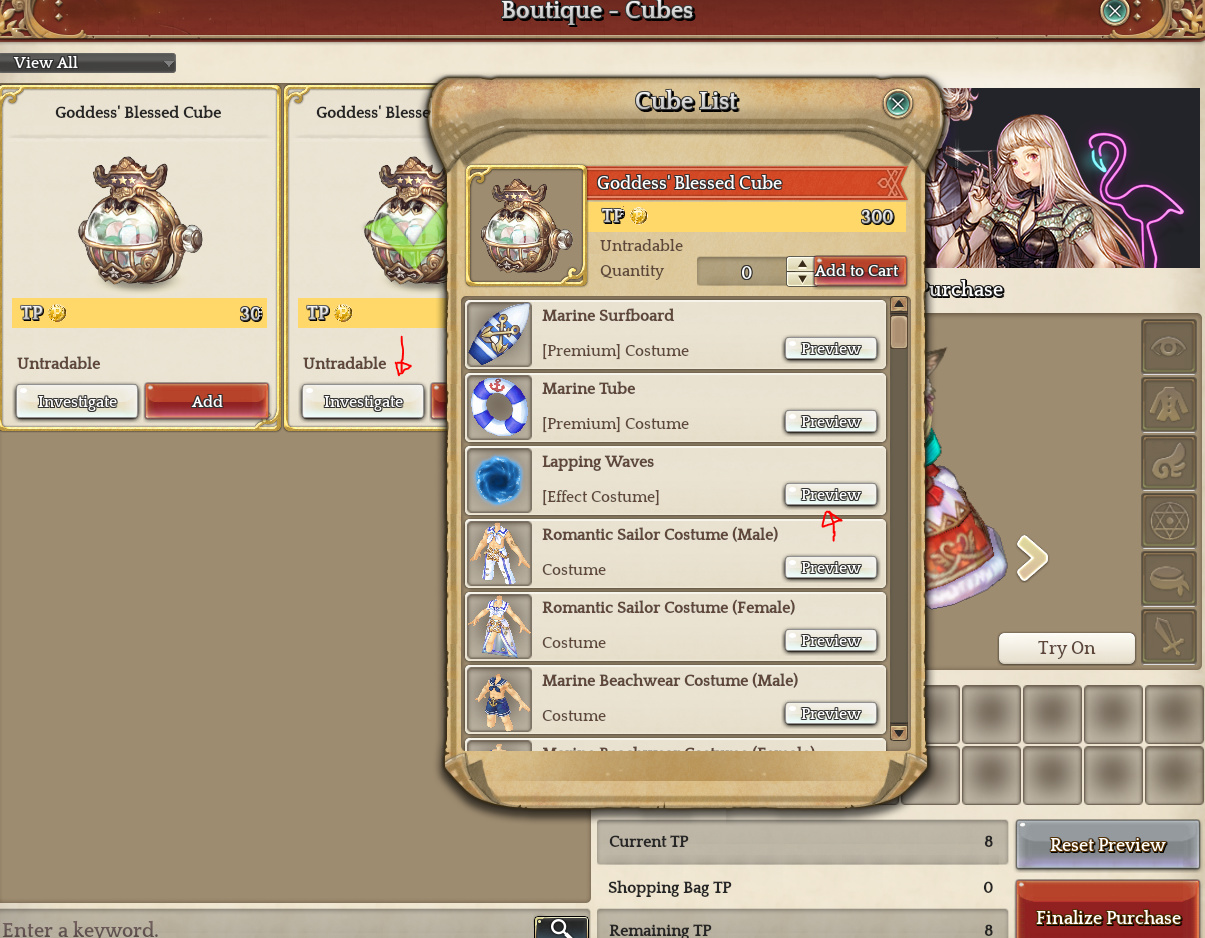
Click investigate and click on the items you want to preview with the preview button.
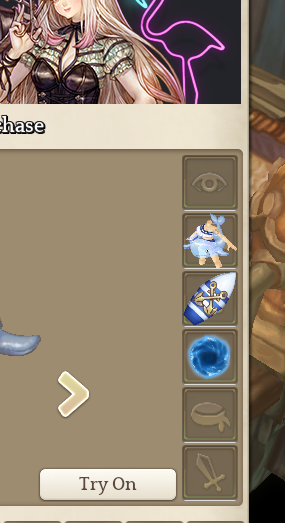
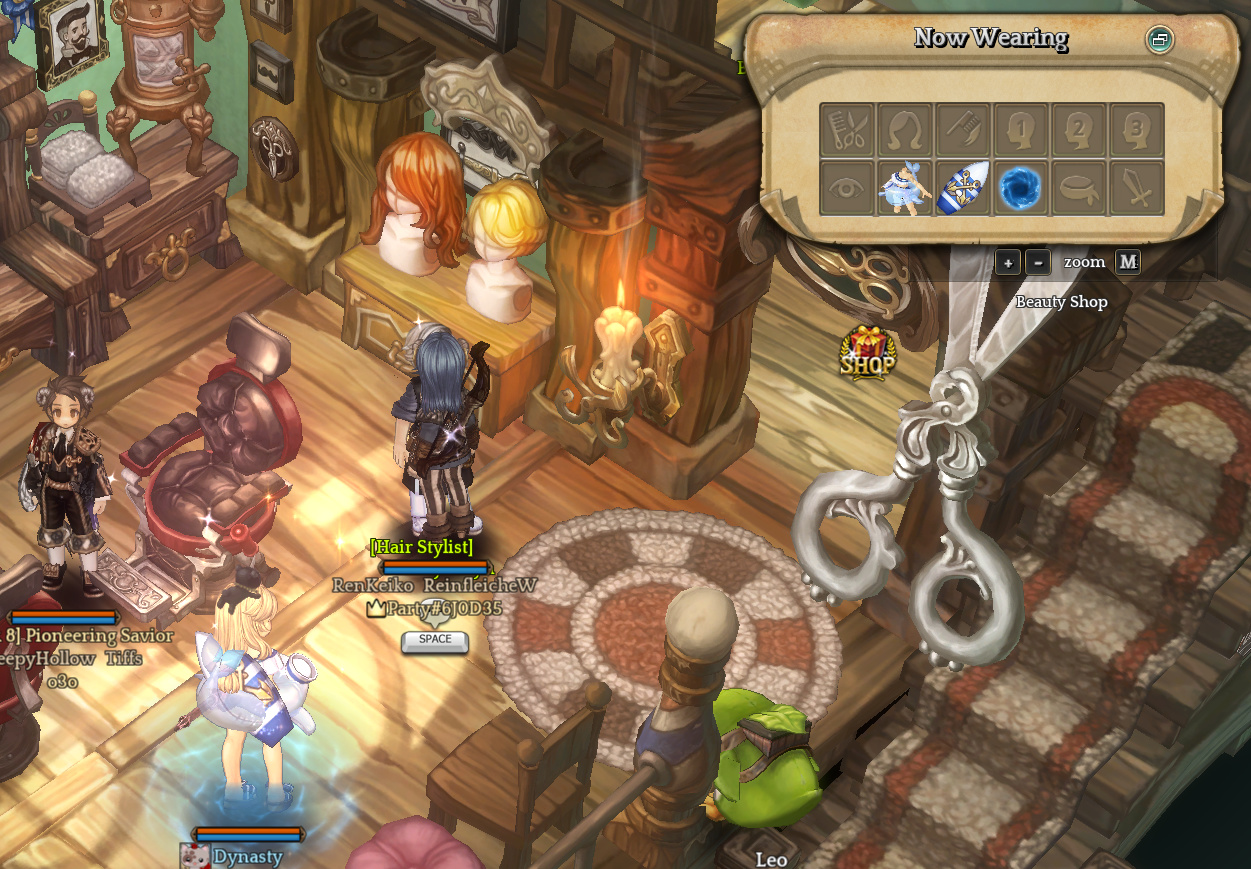
Previewed items will be added to sections as seen in the image. Click on the Try On button to test them out.
You can now walk around the Beautyshop 1F and 2F with them on.
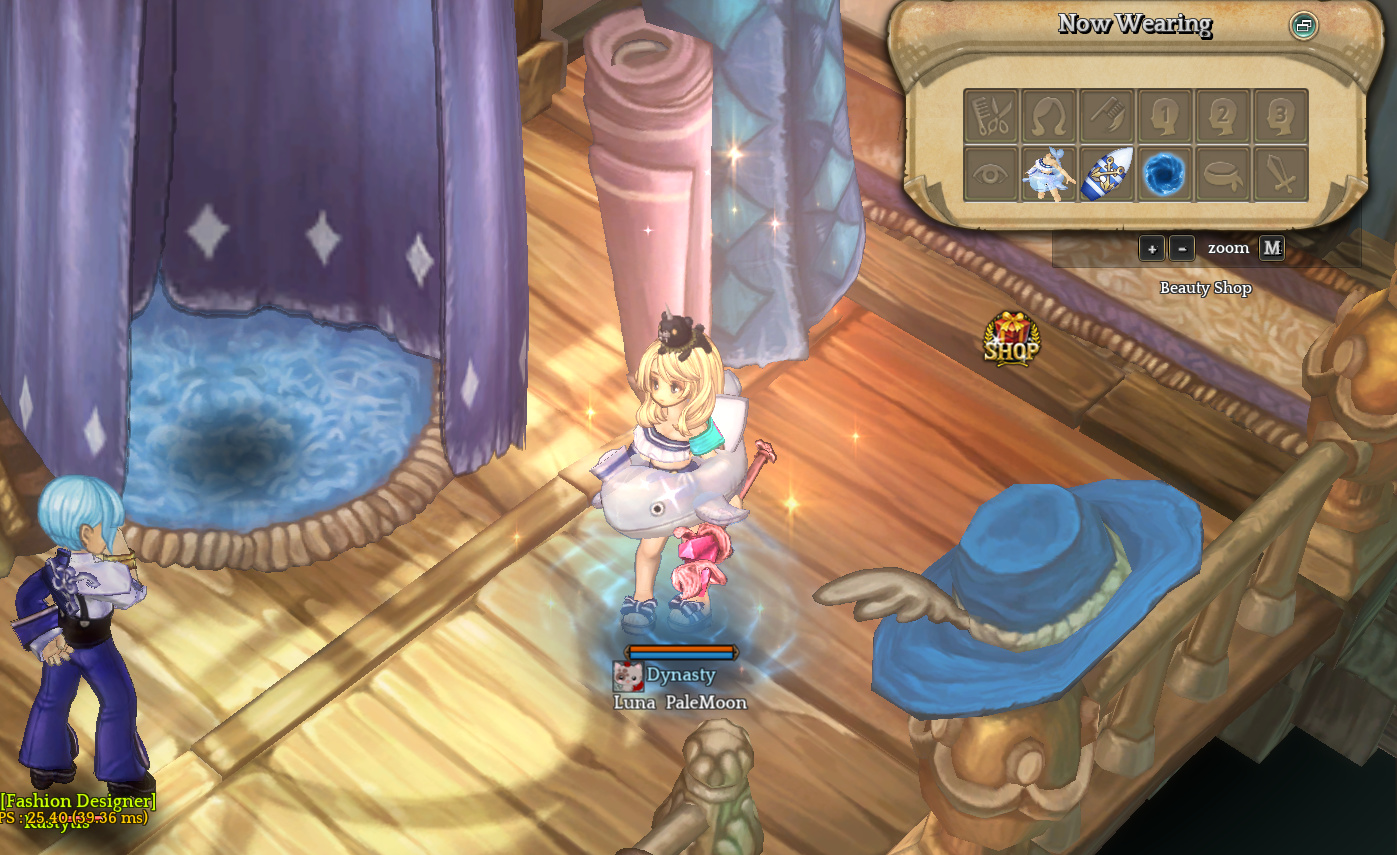
Other people can also see your previews as you walk around the shop!
 Thanks!