Tree of Savior Forum

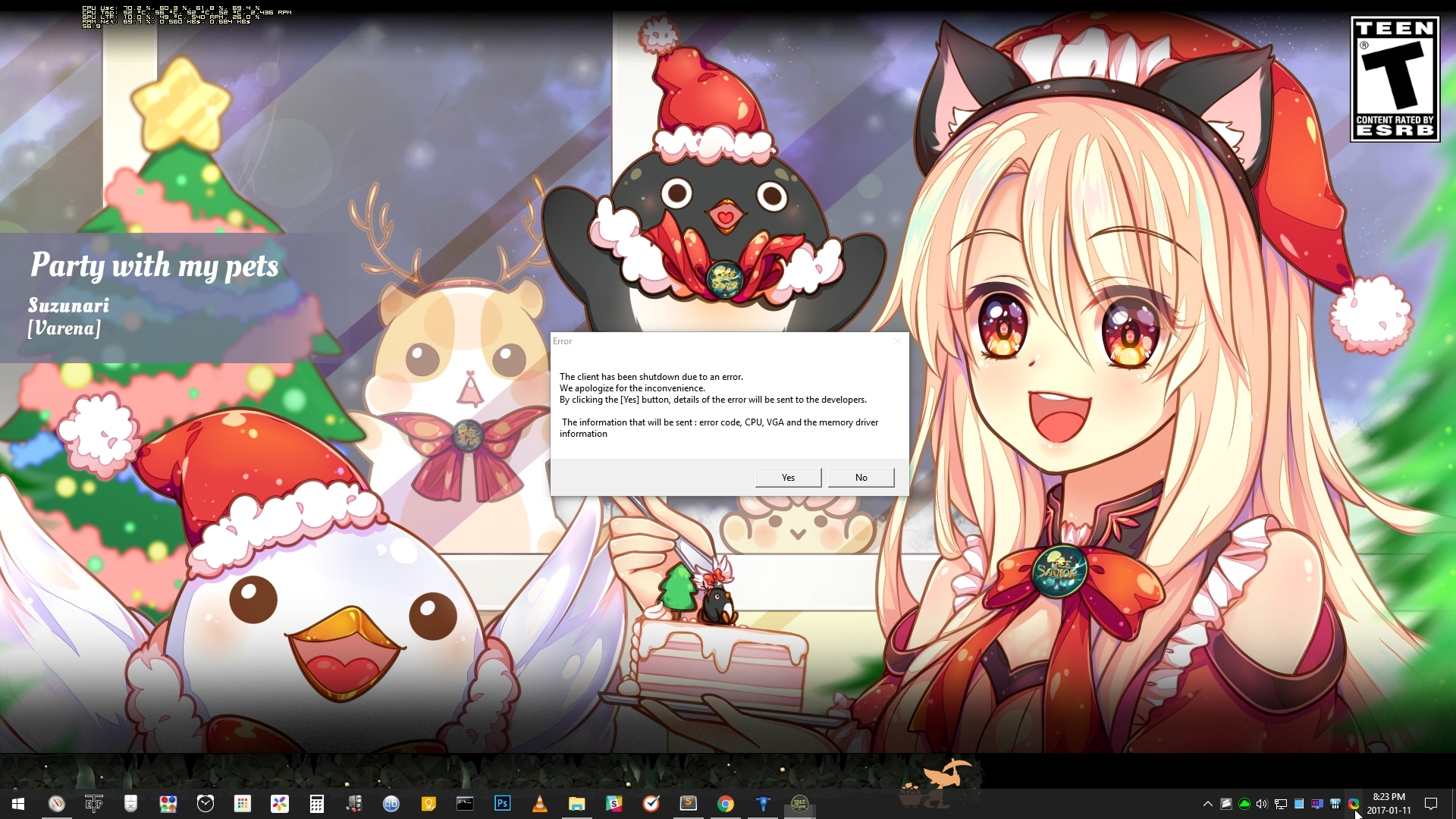
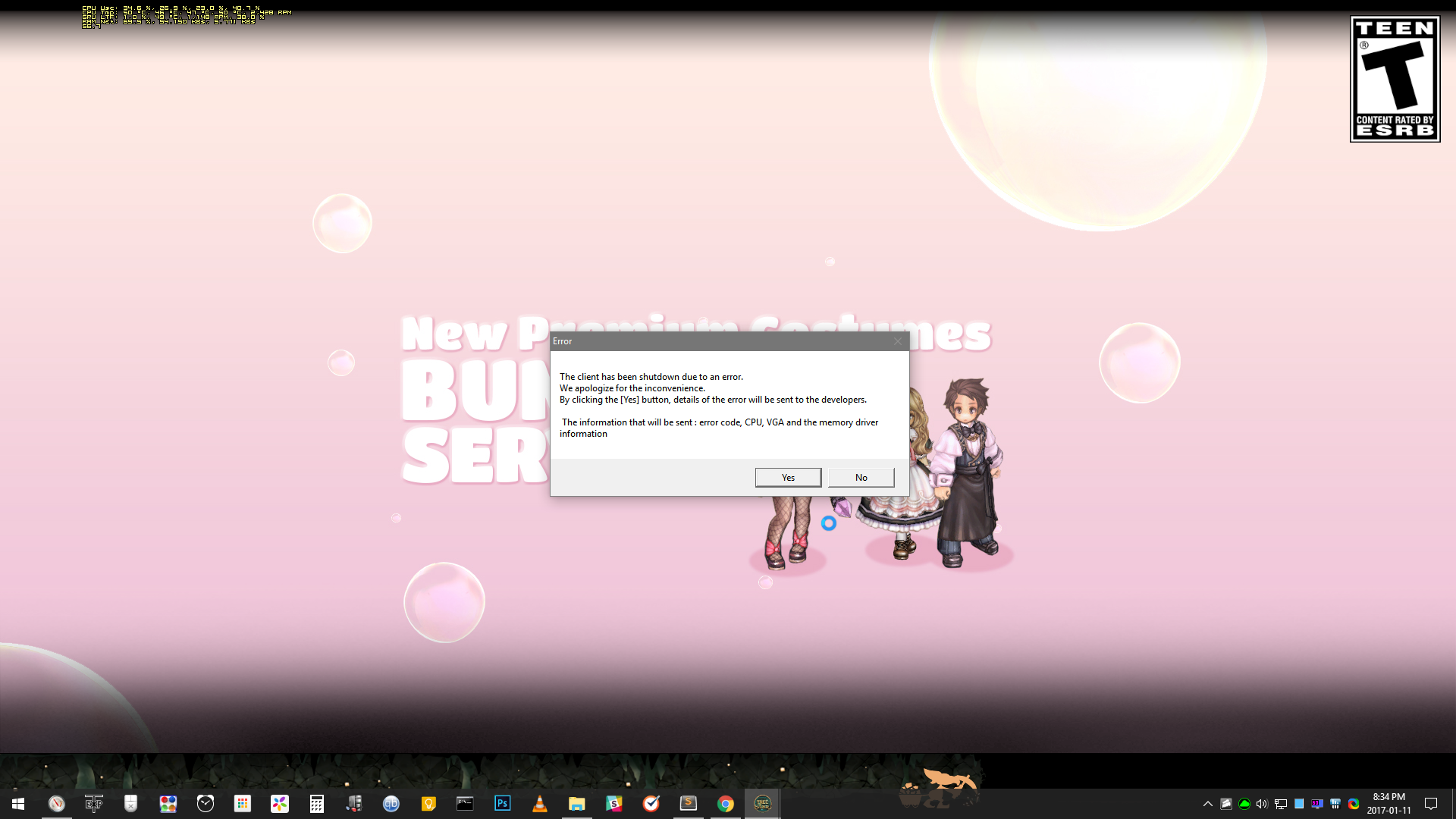
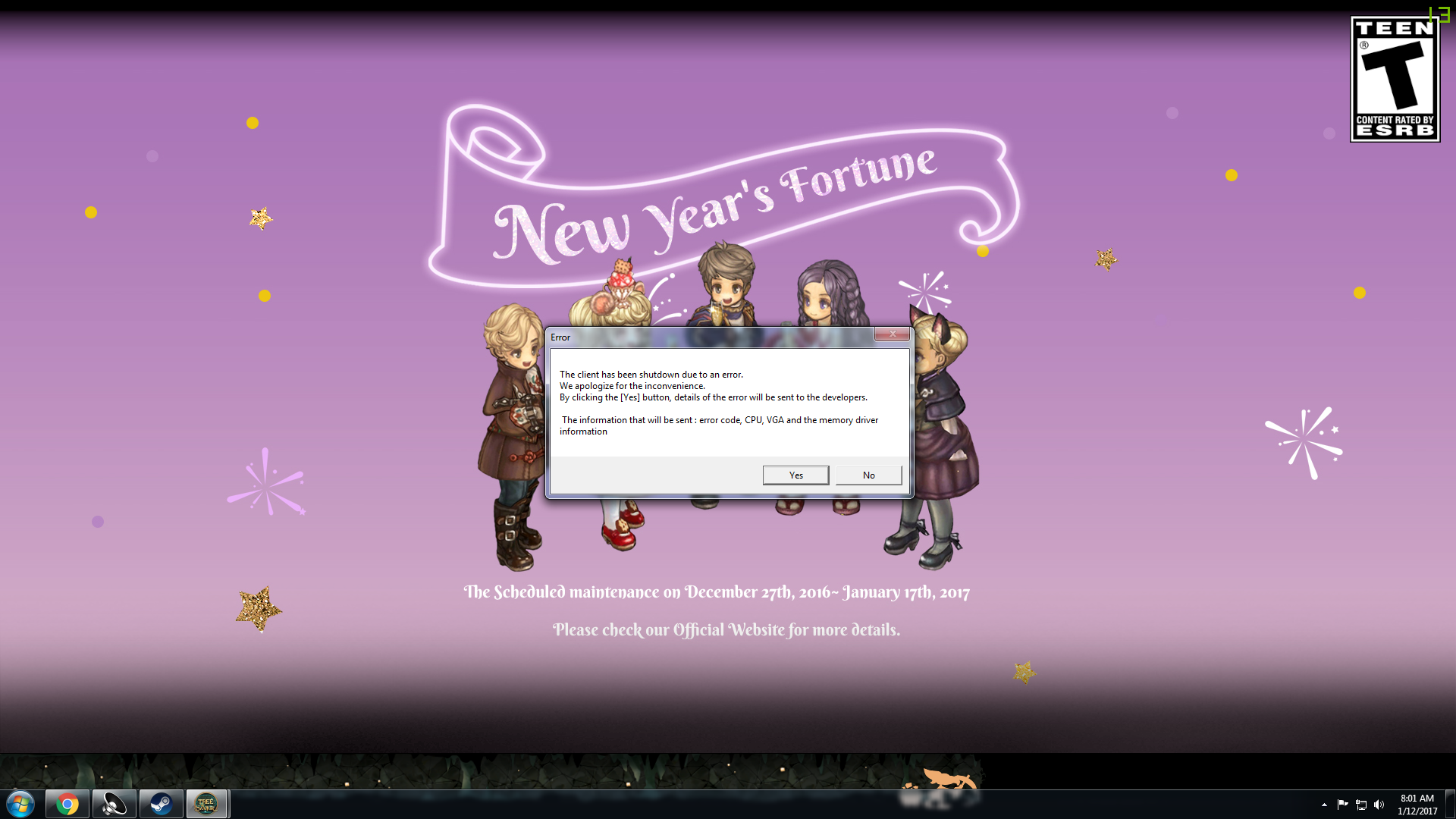
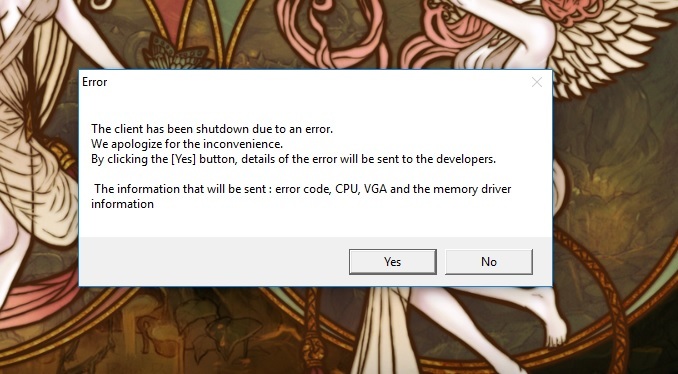
[POLLS] For those experiencing VGA errors 🔥 ⚡

##Server
Haven’t heard anyone in Telsiai scream about it so far so maybe it’s a server thing?

  • [NA] Klaipeda
  • [NA] Orsha
  • [EU] Fedimian
  • [SEA] Telsiai
  • [SEA] Varena
  • [SA] Silute

0 voters

##Attempted Fixes
Things you’ve tried but still didn’t work. You can choose more than 1.

  • Re-verified game files
  • Uninstalled all addons
  • Re-installed TOS
  • Re-formatted drive
  • Prayed hard and offered talts to Goddess Llama and RNGesus

0 voters

##CPU
Not sure if this helps, but oh well maybe.

  • AMD
  • Intel
  • Other

0 voters

##Graphics
If you’re not sure what either means, click here to know more.

  • Integrated (built-in)
  • Dedicated/discrete video card

0 voters

##RAM
Just throwing this in because sometimes IMC likes to display incorrect error messages.

  • 2 GB
  • 4 GB
  • 6 GB
  • 8 GB
  • 10 GB
  • 12 GB
  • 16 GB
  • 32 GB
  • 64 GB and beyond

0 voters

##Addons

You may ignore this part if you don’t use addons.

Ones you’ve used and may have used in the past (so including uninstalled ones). I’ve only listed ones from Excrulon’s addon manager since I’m not aware of addons outside of it.

Polls have max 20 options so I’m splitting these into separate polls. Click on each below to display those polls.

[details=A to cwM list][poll name=poll5 type=multiple min=1 max=20]

  • Advanced Skill Tooltips
  • Assortment
  • Battle Mode
  • Better Chat Filter
  • Better Quest
  • Boss Spotter
  • Boss Tracker
  • Camp Warp
  • Channel Changer
  • Channel Surfer
  • CharSimulator
  • Chat FX
  • Check Gem Roast
  • Clover Finder
  • Colored Item Names
  • Combat Timer
  • Cooldown Tracker
  • cwCleric
  • cwFarmed
  • cwMarket
    [/poll][/details]

[details=cwR to L list][poll name=poll6 type=multiple min=1 max=20]

  • cwRepair
  • cwSet
  • cwShakeness
  • Developer Console
  • EasySearch
  • Enhanced Collection
  • Experience Card Calculator
  • Experience Viewer
  • ExtendedUI
  • F**k Pets!
  • FPS Savior
  • Gimme Cards
  • Guildmates
  • Hair Enchant Extend
  • Hide Maxed Attributes
  • IndunPlus
  • Input Switcher
  • Levitation Control
  • Light FriendList
  • Link Item
    [/poll][/details]

[details=M to Si list][poll name=poll7 type=multiple min=1 max=20]

  • Map Fog Viewer
  • Market Names
  • Market Show Level
  • Market Show Level For Japan
  • Marktioneer
  • Monster Frames
  • Monster Tracker
  • Mount 'er Good
  • MutekiAttitude
  • Persistent Chat
  • Played
  • Regen Timer
  • Remove Summon
  • Resource Gauge
  • SFX Toggle
  • Show Hide Buff
  • Show HP Bars
  • Show Invested Stat Points
  • Show Skill
  • SimpleWarp
    [/poll][/details]

[details=St to Z & others list][poll name=poll8 type=multiple min=1 max=9]

  • Stat Viewer
  • Swapit
  • The Bigger They Are
  • Toggle Attribute
  • Tooltip Helper
  • Treasure Map
  • Wonderland
  • Zoomy Plus
  • Others (not listed)
    [/poll][/details]

If anyone has suggestions for additional polls, feel free to comment down below.
7 Likes

up! /20charrrrssssss

Where is the HUE option? hue hue hue…

I thought i would have this when i first played yesterday, so i tried missions on a char that i am not leveling right now, went fine and i decided to go with my main and everything is ok so far.

Also, on Attempted Fixes, did you try to remove and install the video drivers?
I suggest use a uninstaller that remove trash files/settings from the system like Revo Uninstaller.

Or at least reset the driver settings to its default?

Another suggestion is, install this:

And update everything it asks. It might help on the issue, this thing even update stuff that you never knew there was updates.

Thanks and credits to @Gunnr for this tip.

2 Likes

Thanks man. Will check that out if ever I severely experience this error others having.

So far, I’ve had two today (entering Fedimian from lodge with 2 characters). None yesterday.

Uninstalled Exp Viewer and haven’t had any error since so far.

1 Like

just like the first days of early access
workaround for vga errors on loading screen:
when loading starts click close button a popup will appear asking if you want to quit, just wait a bit (make sure to wait enough or else it wont work) then cancel, the load will end and no vga error.

if someone is getting vga error outside loading screens, I never saw those.

1 Like

It happened before when specific skills are used like when Flare Shot is held longer before releasing it or when PDs use beak mask.

1 Like

I tried to enter lvl 100 daily mission and got kicked out for 3 times. Wasted one time entry and my fortune cookies.

Tried to enter lvl 200 dungeon and the same happened…

then it isn’t happening to me,
here it happens only on loading.
(Fedimian, nvidia graphics, 8gb memory, 3gHz processor)


edit:
now I remember another VGA error:
when I minimize the game window, I get VGA error.
I can put other windows over the game window but if I click minimize on the game window it VGA error.

only this one and loading one for sure.

1 Like

I got two earlier but somehow fixed it by uninstalling Exp Viewer. No error since so far.

Funny enough, while I cannot even log my main chars. If I create a new one I can get in… hmm.

wasted a couple of runs 6 our of 9 crashed and most of the time crashing just by grinding in the field and still it does this

is this the reason why they gave us reset dungeon items?

This topic was automatically closed after 60 days. New replies are no longer allowed.