Tree of Savior Forum

No Text Written in Updater Window

Hi, I am having trouble with the updater. Unlike others I can’t see any details written in the ToS updater. But, I checked in my Task Manager and it is using a portion of my Network.

I hope you can provide a way or fix so that I can see and keep track of the updater’s progress
My updater was similar, I could barely see a percentage at the bottom (almost like it was being cut in half). I just left it alone and did some other stuff and when I came back it was done and launched. I suggest waiting for a little bit and seeing if it works.

I appreciate the reply. Though I am still unable to see anything written on the updater I have managed to get to the log in screen by running steam as administrator

Install the korean language pack for windows. The patcher uses the same font as the korean one which is not included on your default language.
Hope this solves the problem.

No, go to your control panel, language and time, and add the korean language pack there. It changes based on your windows version but I think you will find it.

Hope it solves your problem ^^

I’ll let you know as soon as my download finish. I appreciate the help.

off topic: would you happen to know if we can create teams on both worlds first then just redeem our founder’s access after we have decided on which one to stay on? Or are we obliged to redeem them on the world where we first created our characters.

1 Like

Based on @Staff_Julie response on that, you can do this, yeah.
All the founder’s items will be available on every server you create a team until you reclaim one of them, then it will be bound to that server.

I am still unable to see anything but seeing that I am also not seeing the “exit” button on the top right I think this has something to do with display and resolution.

Still, thank you for the help.

Okay, let’s try the following:
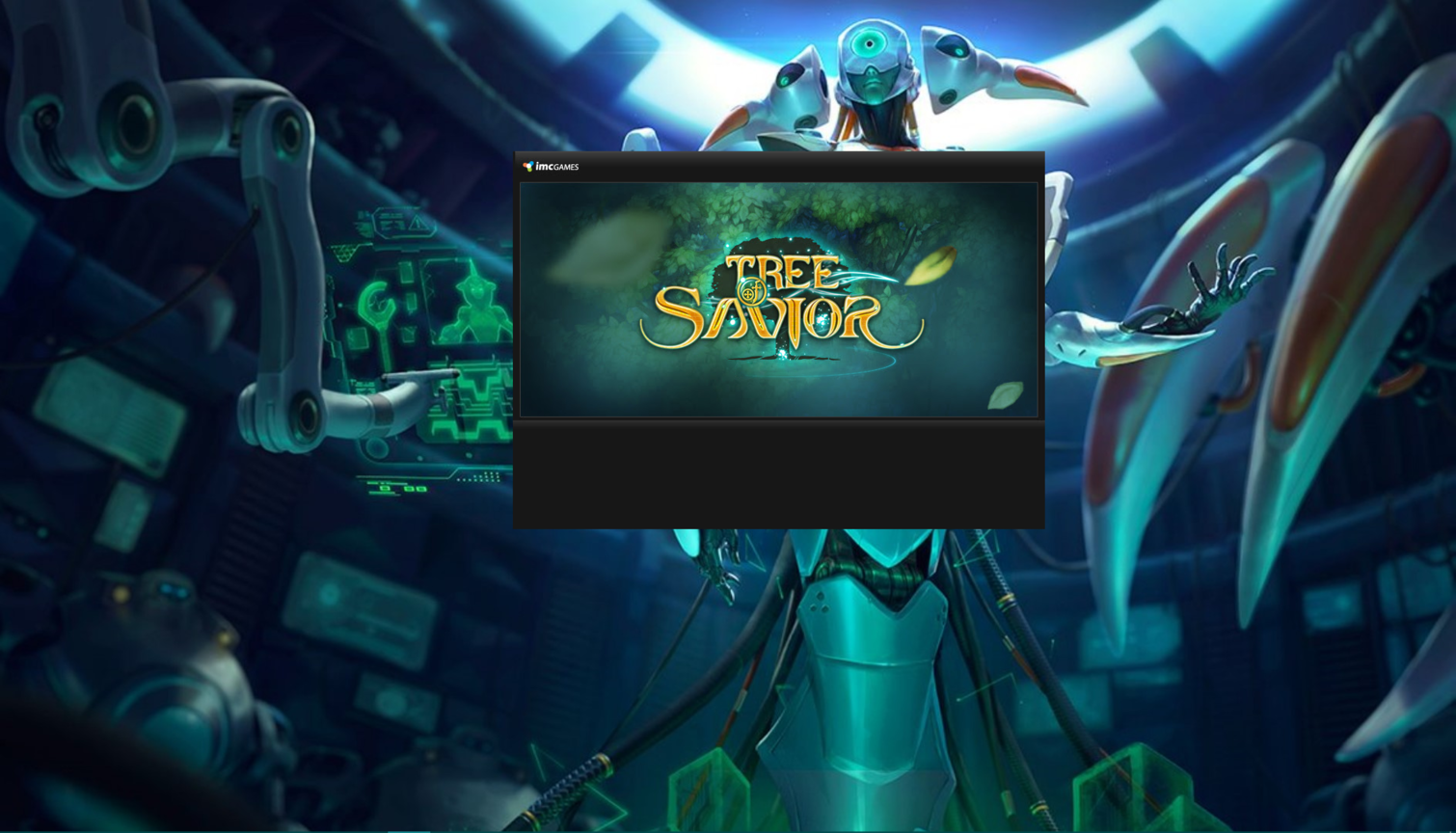
Download these 2 images.

Open them with paint and Name the “X” as “close” and the launcher as “main”, without the ".Save them as a BMP file.
Then, go to your
steam folder>steamapps>common>treeofsavior>release>patch
And put these images there, substitute if it asks you to. Open the launcher.

same issue here , no text at all

and once ingame the server selection is weird and there is a flickering shadow near exit game button