I haven’t been able to play the game for the last 24 hours, and I was wondering if there’s any way around this bug. I’ve heard some people were able to get around it and am open for advice.
Thanks in advance.

I haven’t been able to play the game for the last 24 hours, and I was wondering if there’s any way around this bug. I’ve heard some people were able to get around it and am open for advice.
Thanks in advance.
afaik, its Server side issue.
but u can try fresh install tos
update graphic card driver
validate tos steam files
dont use any addon
goodluck
It is server side issue just like our HUELord said,
Its just that IMC doesn’t want to know its remaining players that their server is made out of potatoes 
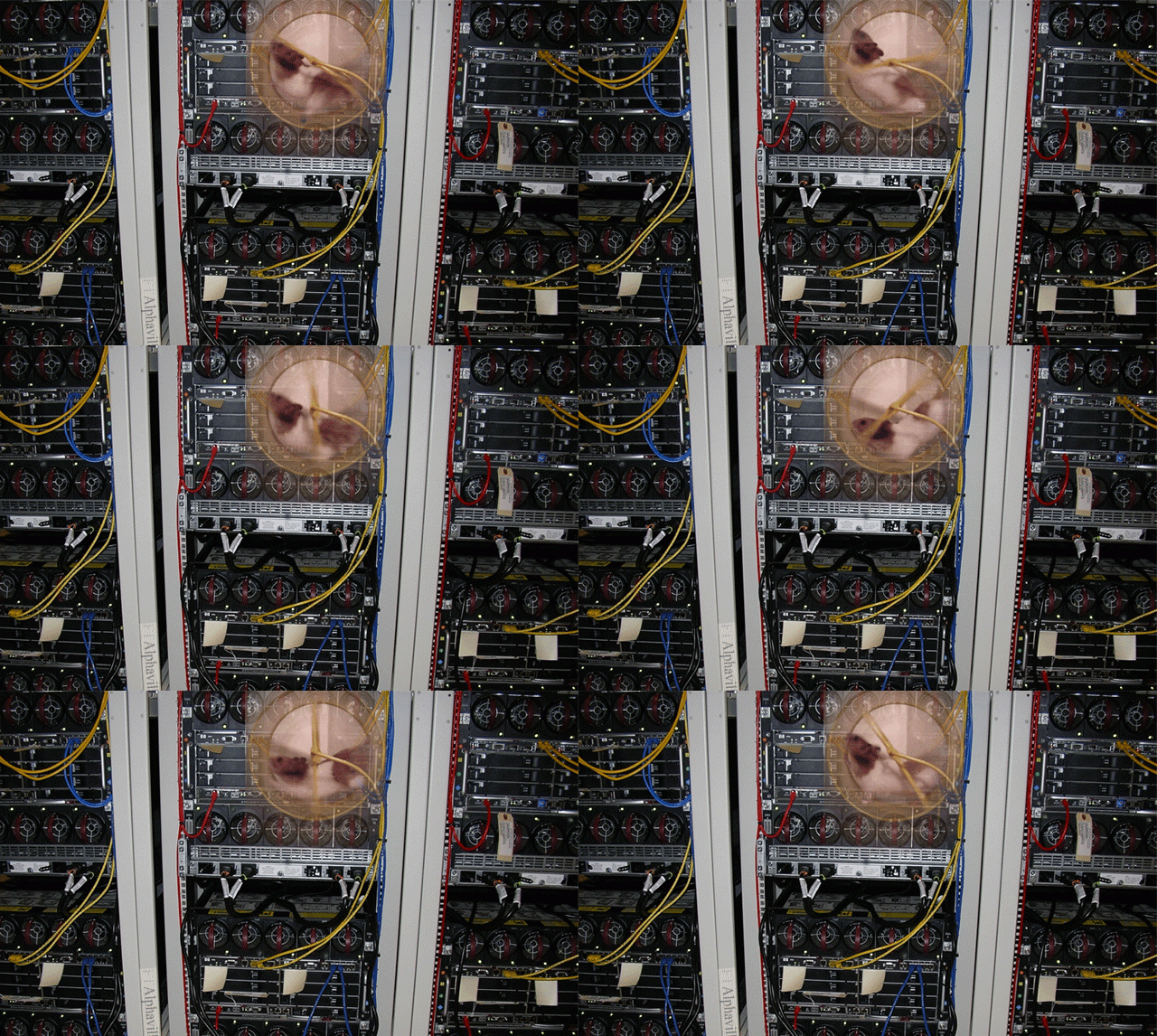
aww that poor thing 
should call peta n free all the poor hamster n monkey dev
i love animals but i hate imc
huehuehue
yeah should call PETA. That’s a guinea pig and guinea pigs can’t play with “guinea pig wheels”
i no animal expert
and harambee was just another monkey
I only get the vga errors when i go to merc post or fedimian.
I actually noticed, the game still loads and is responding/working.
Ends up stuck seeing the loading screen but I hear the crowd in towns(can even hear some skill usage of pard shops), the ‘VGA error’ itself just force ejects the player then closes the game.
maybe vga error is subtle way to say ur poporion rig need an upgrade
a conspiracy to sell more nvidia gtx1080?
Every time i have vga error and do a verification of the game cache on steam it accuse 3 files didn’t match and download it again, seems the game is corrupting their own files somehow
Even TOS wants to die already, its trying to kill itself!
okita, it always redownload the 3 files since march
but if that helps u, its good to know
What amazes me the most is being farming/leeching in royal mausoleum workers lodge event for an hour and in one of those channel swaps my VGA explodes.
And if it were a server side issue it would affect to all the players, at least in the same channel, but it doesn’t.
IMC loves potatoes and hamsters 
vga error lies in loading screen
the more screen u load, higher chances u get vga error
try just camp at fedimian city n do catwalk chitchat spam new emote. 100% satisfactory 10/10 would recommend TOS.
Thought problem was it couldn’t load the map.
That’s even better now, ask for some innocent people to do complex fanarts offering some TP’s so they don’t even bother in buying bot programmes to level up a whole guild and get free TP’s.
First channel reduction, now this, IMC so smart and generous as always.
Thanks for the info.
The thing is, I use a Macbook Air (inconvenient, sure, but true). I use a PlayonMac app that allows me to use a wine skin for ToS. Hence, forgive me, but I’m a little puzzled as to what your instructions entail in my case. But thanks anyway.
Still getting vga error?
If you are using chrome while playing ToS try this one
chrome>settings>show advance setting> uncheck (use hardware acceleration when available)
works for me no vga error now while changing map