
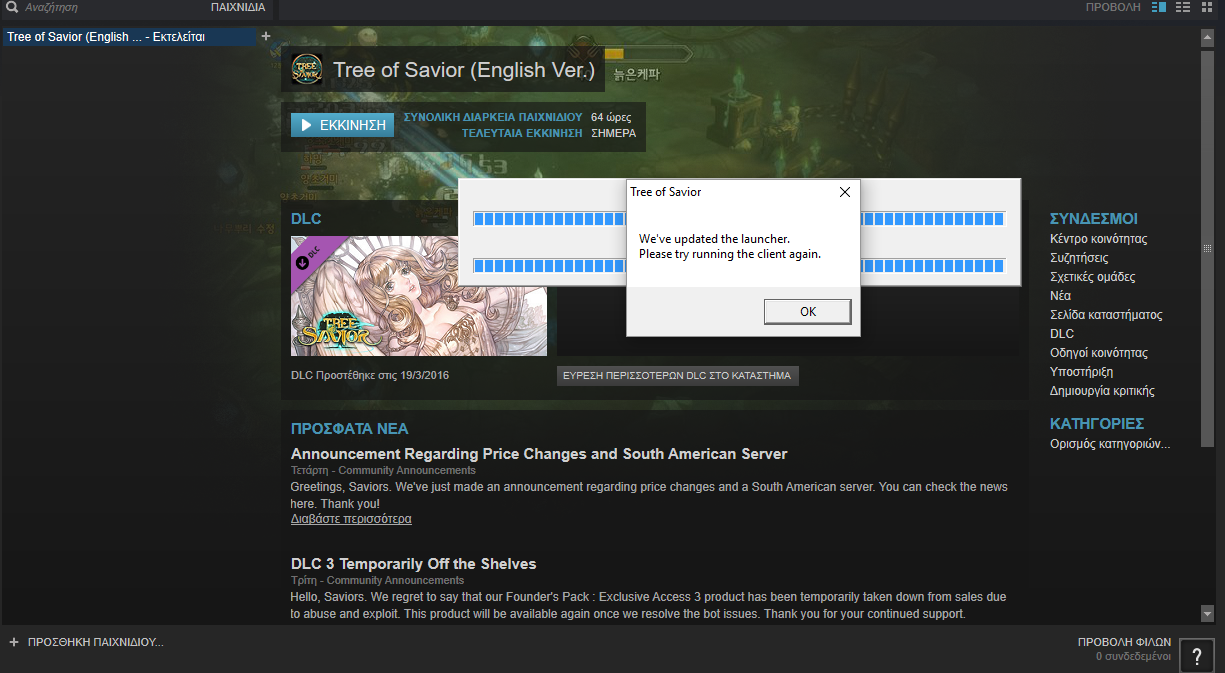
When i try play ToS from steam i get this bar filled and this message, when i press Ok nothing happens, when i try restart the game, Steam says the game is already running and cant restart it but the game is nowhere, please help me, i have payed for this game and it wont let me enjoy it
Press CTRL+SHIFT+ESC in your keyboard to open task manager
Click the processes tab
Find
Client_Tos.exe
or Tos.exe
Click it and click end process
A window will appear whether you want to end it or not
Click end process to make it terminate the process
With the process terminated, you may now relaunch your game.
This method is how it exactly works on Windows 7
If you’re using Windows 8, above, or windows XP then I cannot guarantee that the steps above are on the same order or of a different procedure.