
I forgot to use [ironic]
Just hope your channel fails.

1 Like
(post withdrawn by author, will be automatically deleted in 1 hour unless flagged)
So I guess it’s this hour when trolls are online…
1 Like
No arguments against truth → “U TROLL!!111”
So typical.
2 Likes
They expect an argument too… Kinda sad really.
works perfect thanks =)
Just want to ask you to make a tutorial for it, after scroll down and see this.
Also I wonder if my wooden PC will explode if I use your settings, because I really want to see this in my game  .
.
The Image is amazing btw, already have GeDoSaTo when you said it in on a thread but don’t know how to use it/make a good settings.
EDIT: also, where did you take the Screenshot?
This is a really nice addon, time to test how it is. Will it run on integrated graphics?
It only works on window mode.
And I remeber that I have Super resolution on my r9 380.
All I need is to activate super resolution on radeon crimson and go to the game on window mode and ajust to 4k
Sharp Detail add on doesn’t slow down system at all and should run perfectly fine on integrated graphics. However Dreamy mod is a little bit more graphical intense and I’m not sure about it.
Keep in mind to use Performance usage setting in Reshade 3.0
Would be really good if you posted a graphics preset link and few screenshots or a video preview for your mod. I’d upload it to the Graphics mod list to make it easier to find for community.
Cool to hear you can do that with AMD’s software. I couldn’t get it going with Nvidia, which is why I went this route. AMD users should probably use that instead if they want to downsample and mess with shaders only if they want to. Not sure why it only works in windowed mode for you.
I haven’t really got time to do a proper job of this or to provide support, unfortunately. I’ll leave it for other people to explore 
tried reshade and tweak some setting into my liking
its great, but it drop 3-8 fps every time i add a preset, some presets drop horribly

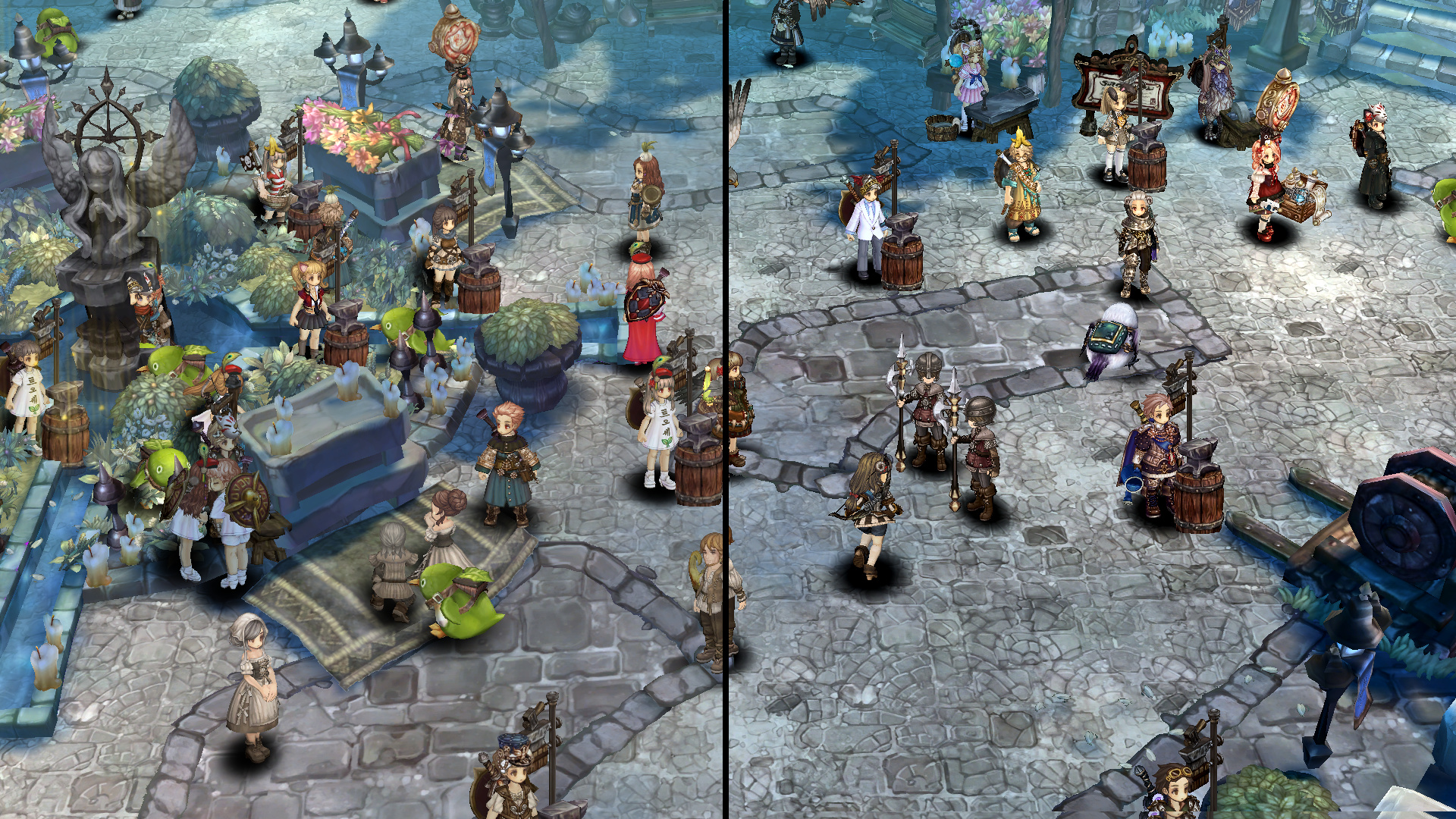
Orsha Statue Detail

OMG silly me I just realised I can change this thread name.
Updated Original post and thread name, added list.
Don’t use the other forum thread I’ve made, I’m gonna ask moderator to delete it.
Realised that this topic is more popular and bumpung all 3 videos here will net more views.
Still left another topic intact. You can edit it too. ( ͡° ͜ʖ ͡°)
1 Like
Can I even delete it? So far didn’t find that option.
Woah… Crisp graphics. Awesome!
Also, I could see my SR photobombing the screenshot. 
Well, you can edit it into a blank topic named smth like [Delete please].
1 Like
Done.
20characters/.
Just added a new mod to the list - Dreamy v2. Features great improvement to light effects and colors. Check the preview to see how it compares with basic ToS graphics.