
Oh hi, I bring an addon which disable all ingame effects to the possible solutions… It helped me before with druid stone/transform crash (VGA as well). Not sure if it still can help in this case but if possible I want more ppl (who got crash randomly) try it. 
1 Like
Will be great if they can fix some other client non-respond errors along with the VGA crashes. But this should be a low priority as it is mainly for multi-taskers.
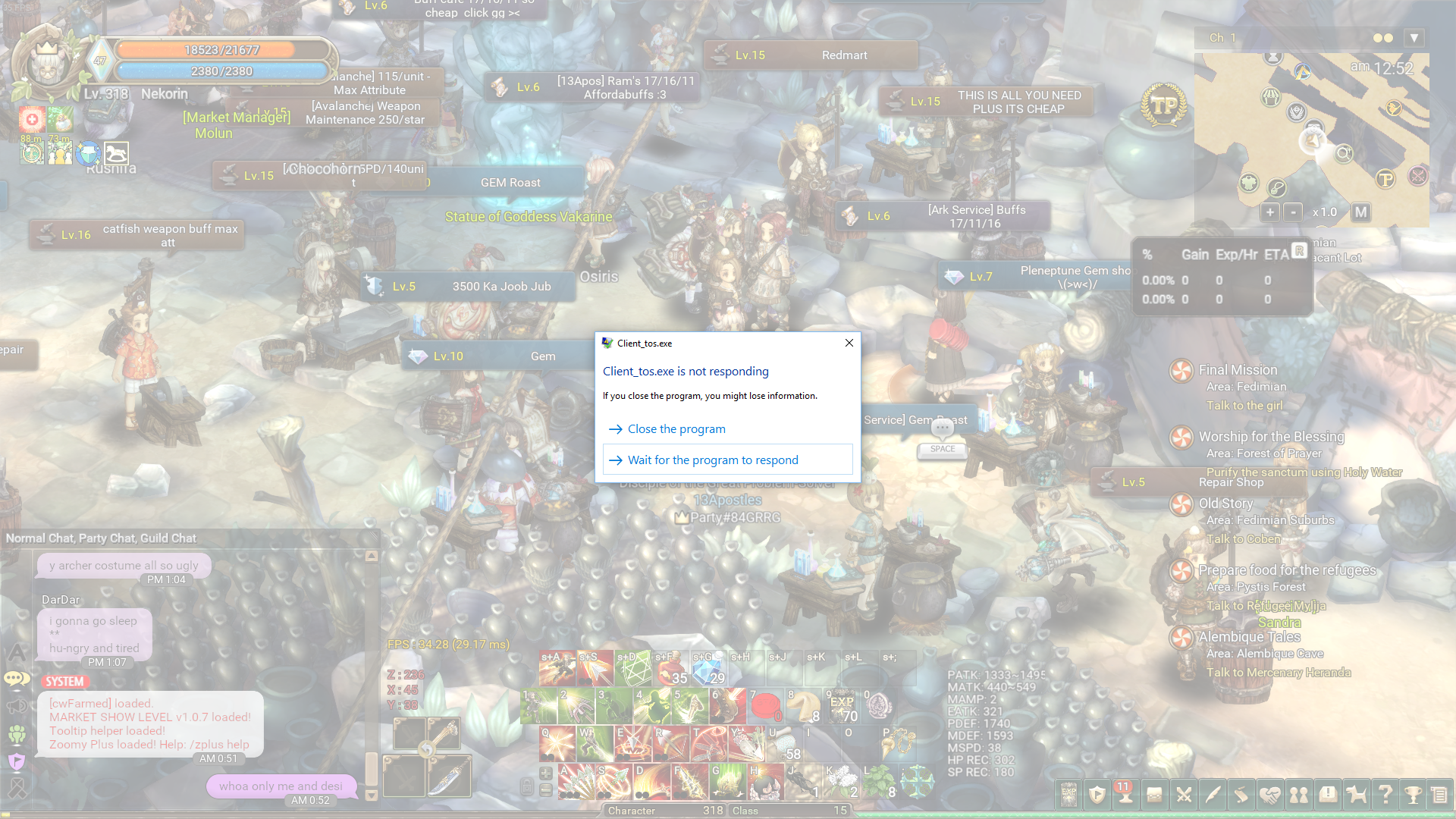
I usually get this when I either afk for like 10+ mins while alt-tab or when I open some other program. Here are the ones which I 100% get ToS client crash/not responding when I open:
- Adobe Photoshop CC
- Adobe Illustrator CC
- Adobe Experience Design CC Beta
- Brackets.io + Koala
- XAMPP server services control panel
Other programs do open/run fine while I multitask with ToS.
My PC specs:
Core: i5-4590
GPU: GTX980
Ram: 8GB
OS: Windows 10 Home
1 Like
Oh that reminds me, this is a fresh install I’m playing on now.
In my previous install, I used a modded animation.ipf from another forumer here before which greatly helped stabilize my FPS (long before all these beta optimization changes got implemented). That file seemed to have helped me avoid crashes often encountered by others. I remember the Beak Mask issue among other issues caused by animations/effects.
The author unfortunately isn’t pushing updated versions of it now since it appears he no longer plays and said it takes a lot of work to keep up with the changes without breaking the file itself.
I don’t think there’s any correlation though since that modded IPF file is supposed to be outdated.
My FPS feels more stable now even with the fresh install, but these crashes are very new to me.
1 Like
this crash is so weird since my guildmates and me haven’t got any crash since yesterday… I tried to afk in town, dungeon and many other maps (but avoid using google chrome while playing). Hope IMC can fix it soon cuz some of my friends already said they will just quit if their game keeps crashing…
1 Like
Regarding to the VGA errors,
please do send us the ticket to check the correct version of VS 2015 in your OS
We will also update the FAQ and trying to fix it 
@STAFF_Amy u have any quick tutorial to generate a file to attach in the ticket? Or just a screenshot is sufficient?
OK thanks - sent a new ticket that includes a list of all installed VS versions. Hope that helps.
1 Like
I have sent mine as well.
Can you fix this?
This topic was automatically closed after 60 days. New replies are no longer allowed.