
I already tried everything. Why this game have a lot of bugs and issues? This is not normal. Ever that i fix an issue, another appears. What is the solution of this one?
Hi @vinicolen! Please do send us a support ticket with the screenshot of the issue you are reporting. This will greatly help us with the investigation. Thanks!
This often happens when you have unstable internet, can you confirm your internet is stable and working correctly?
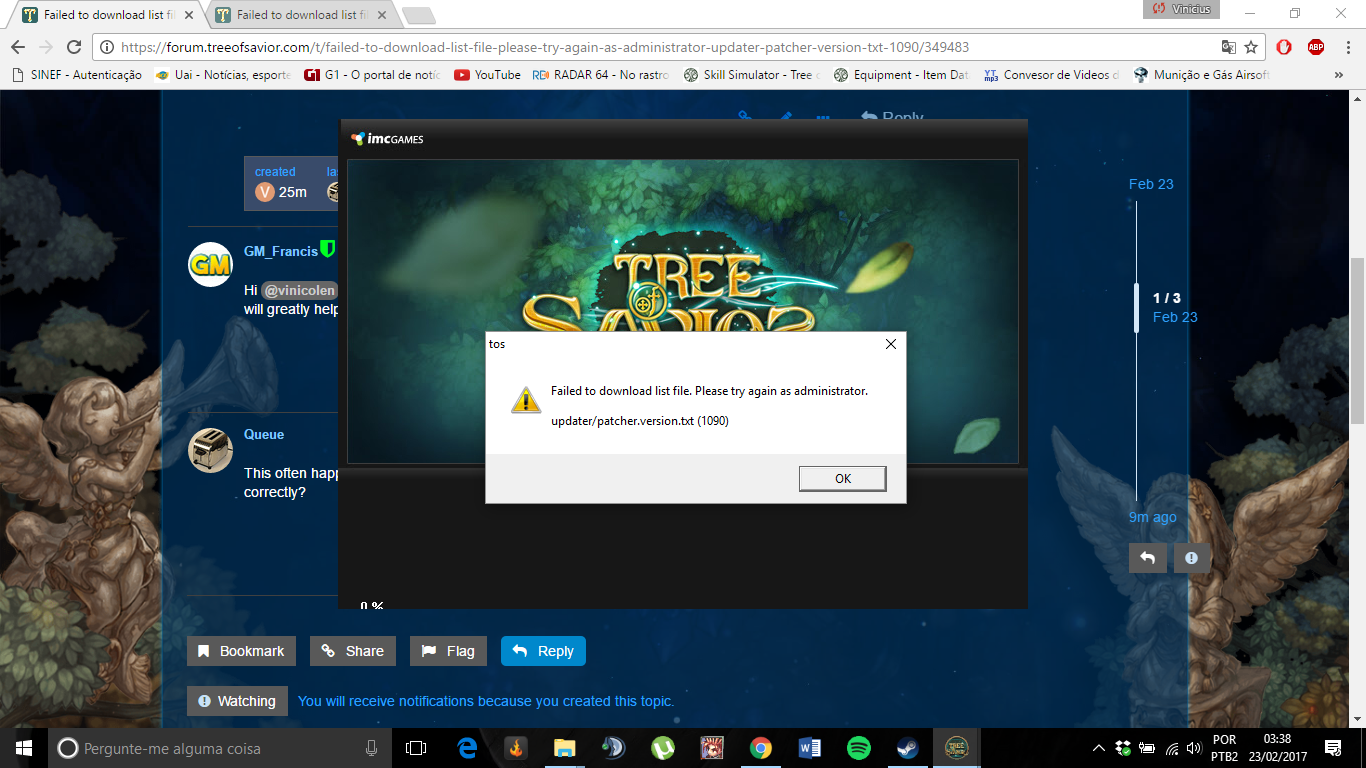
Try running both Steam and Tree of Savior in administrator mode, if that doesn’t work first tell me the last time serverlist_recent.xml was modified, then try deleting it. It’s located in the main directory in the release folder.
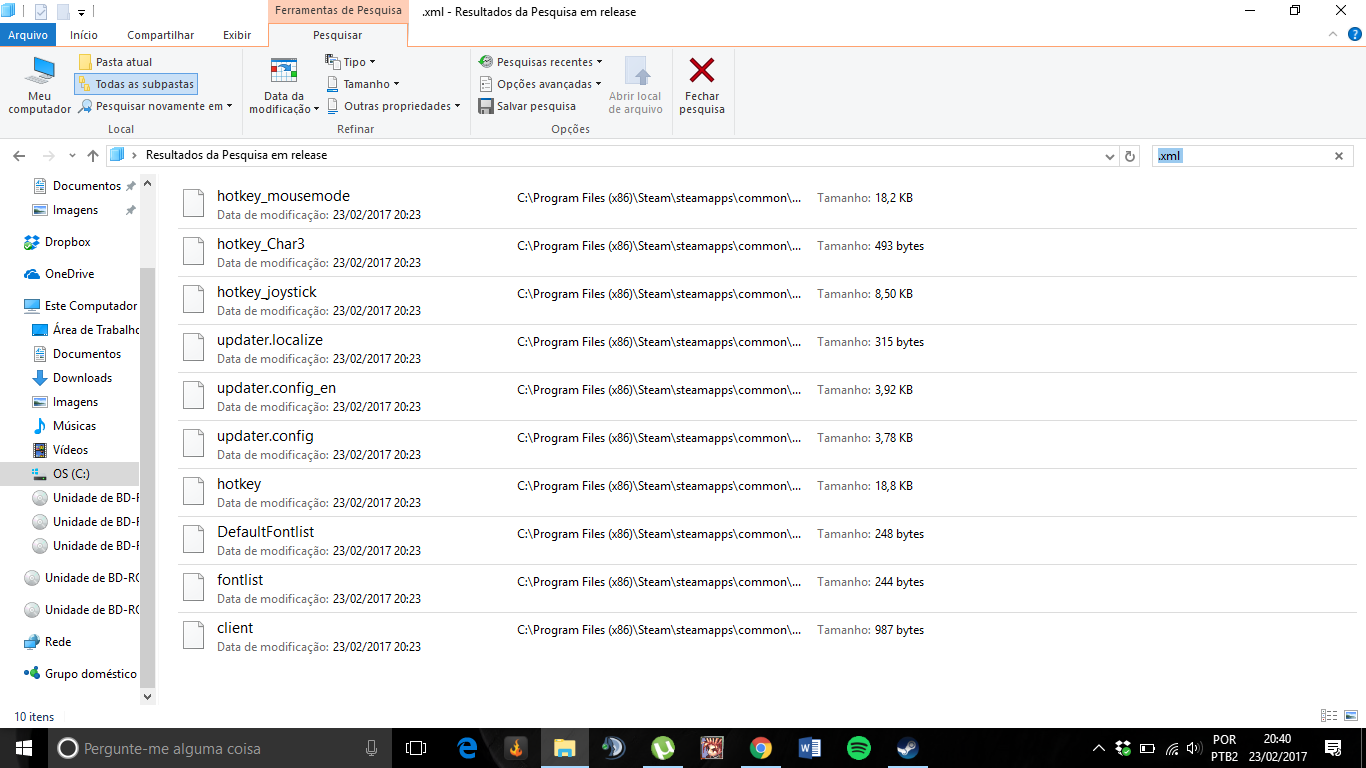
Just to confirm, you deleted serverlist_recent.xml? Or was it never there?
i dont know… i deleted and recovered so many files recently to resolve this problem…
Future if got this problem arise
-
Go to steam folder, check TreeOfSavior > patch, see the last file eg 152280_001001.ipf
-
Then now go to TreeOfSavior > release, open the release.revision, and overwrite the first line with last file above, all digit before underscore… eg 152280
Then run the system again.
If i not mistaken, the exe is checking patch verwion and cause that eror to come out… i follow other people forum and done it, test it work every time.
well… i dont have “release.revision” in release… Whats going on? I tried to recover… but without sucess
Can you try create a text document named release.revision and type the last files first 6 digit number inside that notepad and do patching again.
doesnt worked. what i do now? please, any help.
Try running tos.exe located in the patch folder, make sure it’s run in administrator mode.
Example location: C:\Program Files (x86)\Steam\steamapps\common\TreeOfSavior\release\patch
If that doesn’t work try deleting the entire patch folder located in release, then verifying the integrity of game cache.
Additional questions, are you using a VPN? If so from where, and which country is the VPN connection from? Try turning it off or using a different country.
i tried this all… i give up… im going stop to playing…
Many have stopped because of it. I think it’s my turn now
hey guys, does anyone solve this issue??
suddenly this few day i have this issue. Previously it still okie.
It is internet unstable will have this?
Same problem here… You guys spend time adding features but do not fix imperative bugs…
recently…i also having this issue… where admin… hope this issue gonna be fix faster… other wise lots of ppl will stop playing this game… this has interrupt the our entire excitement towards the game… lot of ppl will run due to this issues… coz it like a time bomb that can explode anywhere anytime…
1 Like