
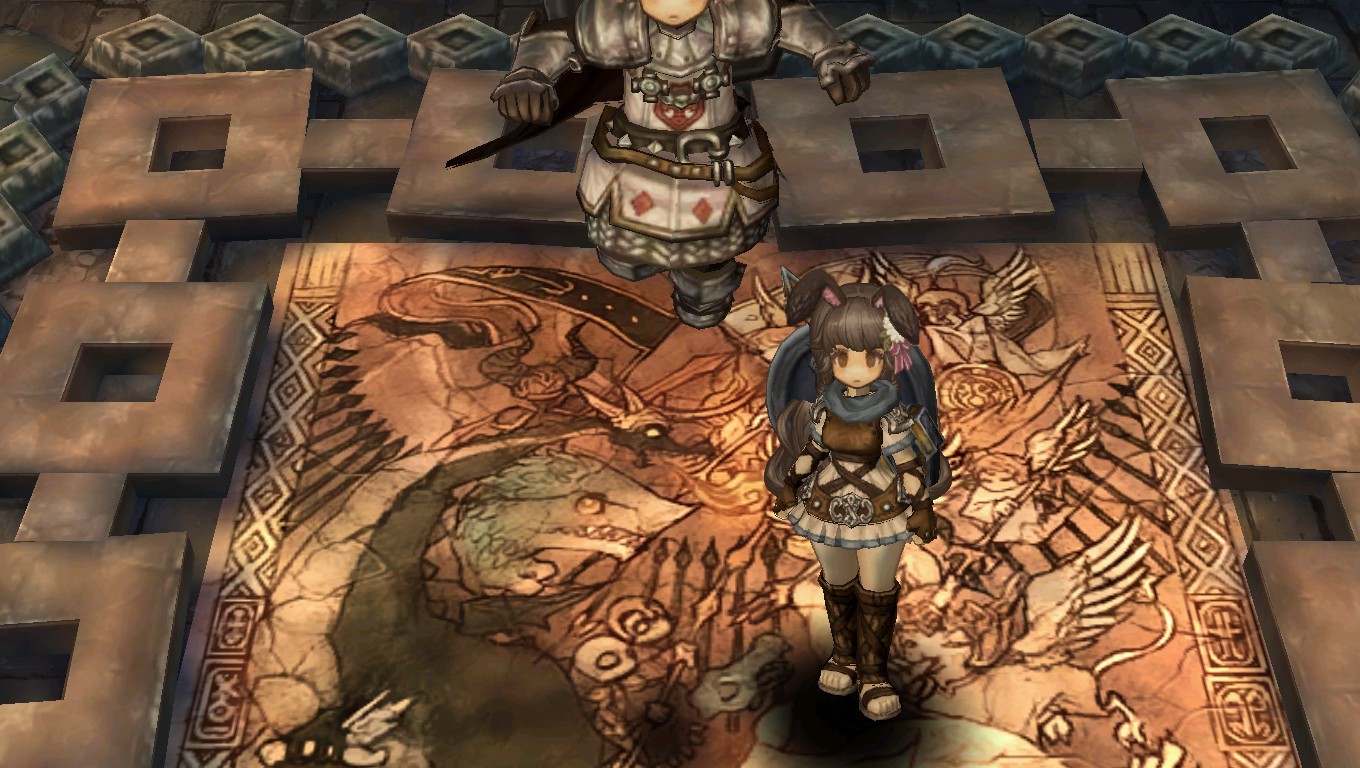
x 45 y 45 is a wonderful angle.

Acknowledged, proceed to acquire more talts.
8 Likes
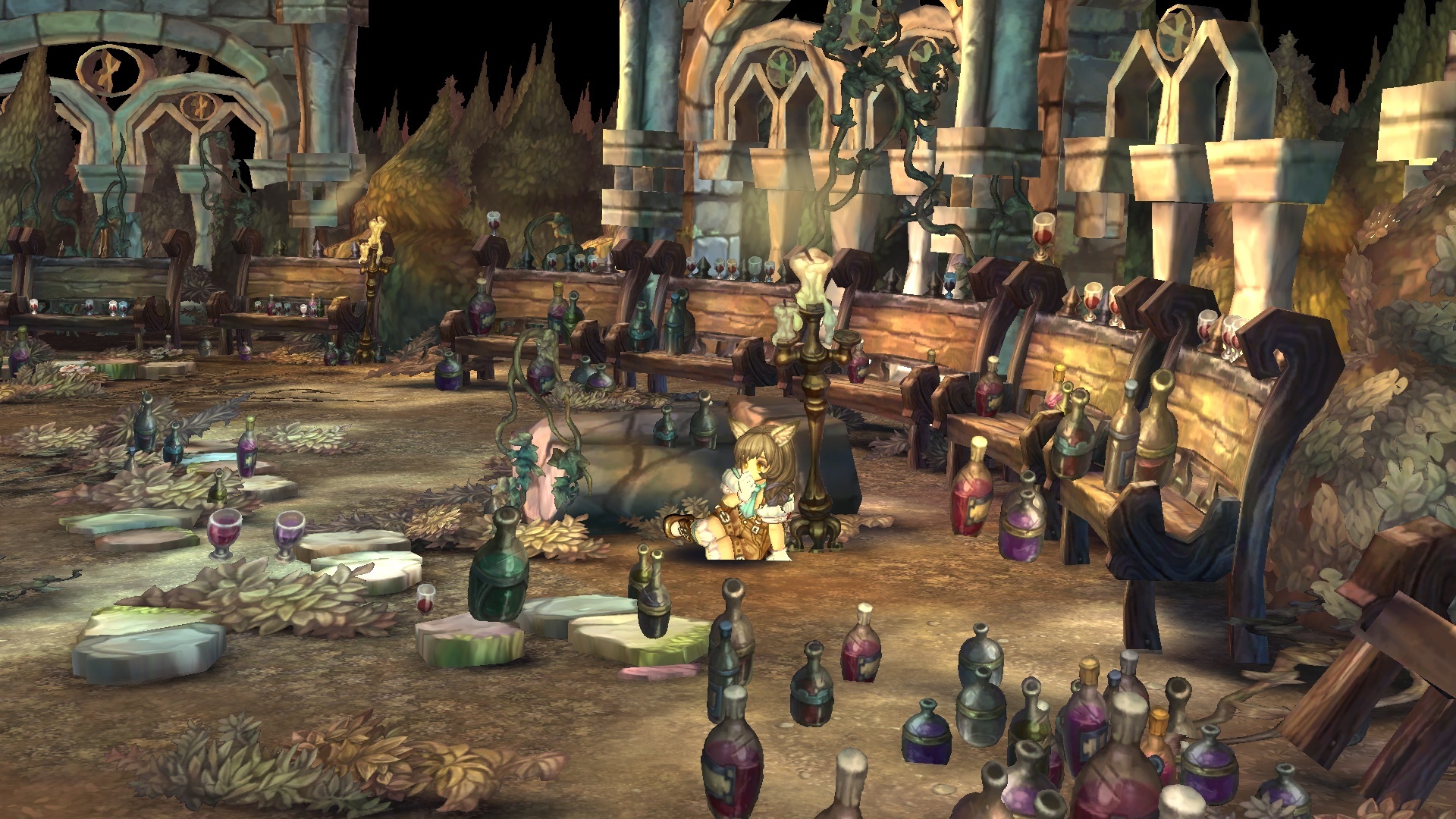
How do you remove the npc names? remove the all the UI’s??? etc…
thanks.
Default shortcut is Alt + A
1 Like
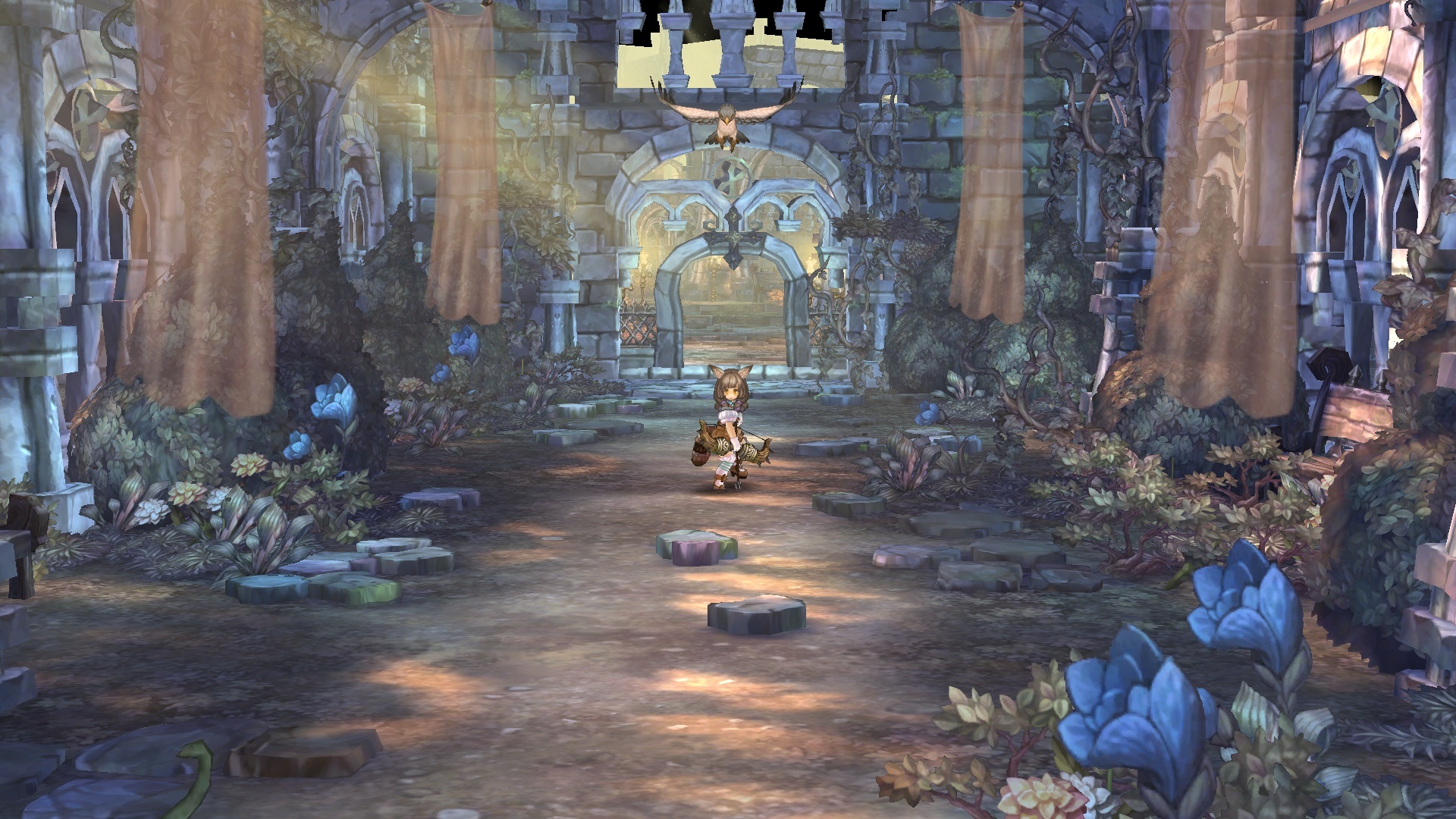
am amaze by the huge amount of people that doesn’t know this…
heck, there is even an add-on that does the exact same thing xD
1 Like
I discovered it by accident a long time ago. I use mouse mode, and use WSAD keys for movement. Since the upper layer of skill/item shortcut slots use Alt keys I accidentally pressed Alt + A (while moving left with A). I had to google for the solution on reenabling the UI since I initially didn’t know what happened. XD
@Biskee
Yeah thanks😄
@DrRM
Coz we are still noobs…and their is no compiled list of control settings of this game. You have to manually serach or research about it…like this game is still on cbt😅
Menu > Settings > key setting > read all
is what I did 
though my memory suck and I find myself going back to remember controls from time to time xD
Yeah I did that…but cant find it there😅
Unlike in ragna…you know what something does once you see it…
It’s in basic action
Show UI

My bad😅
Lololololol
1 Like

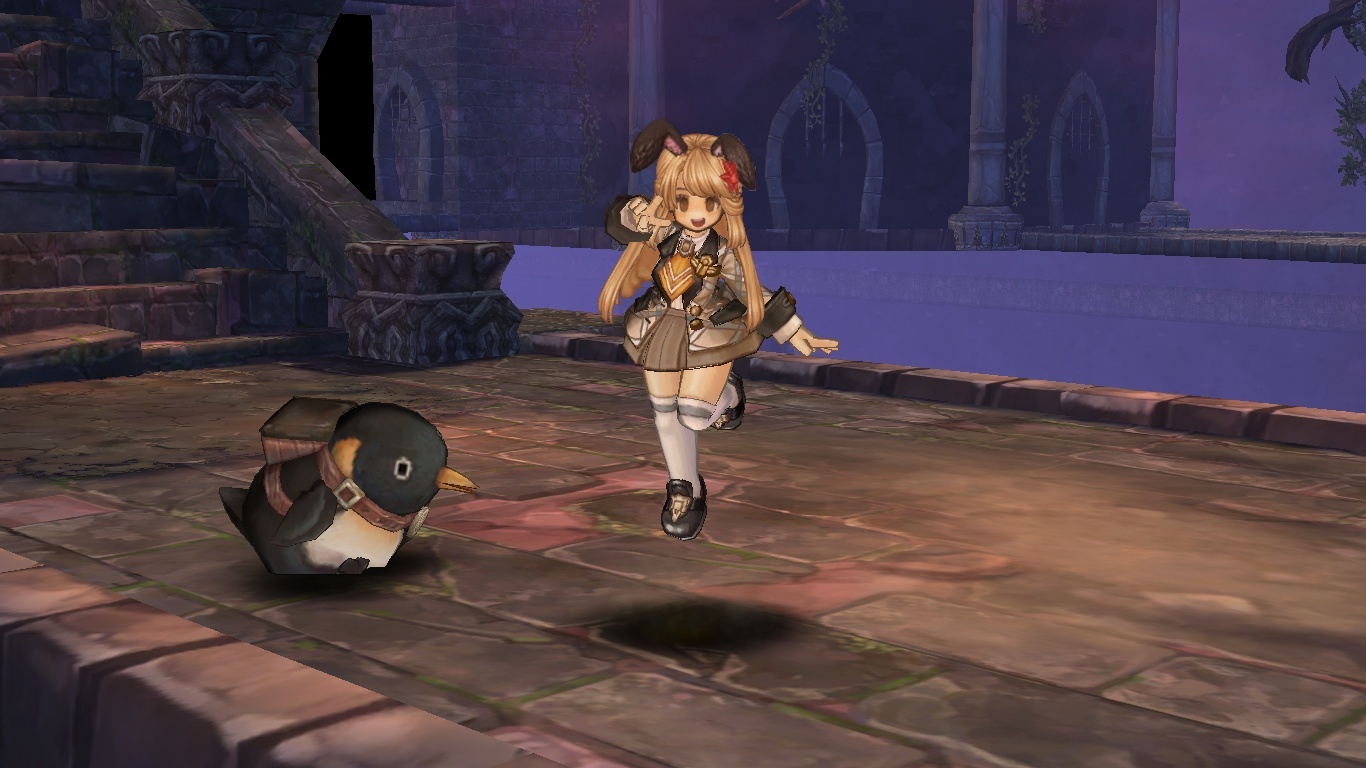

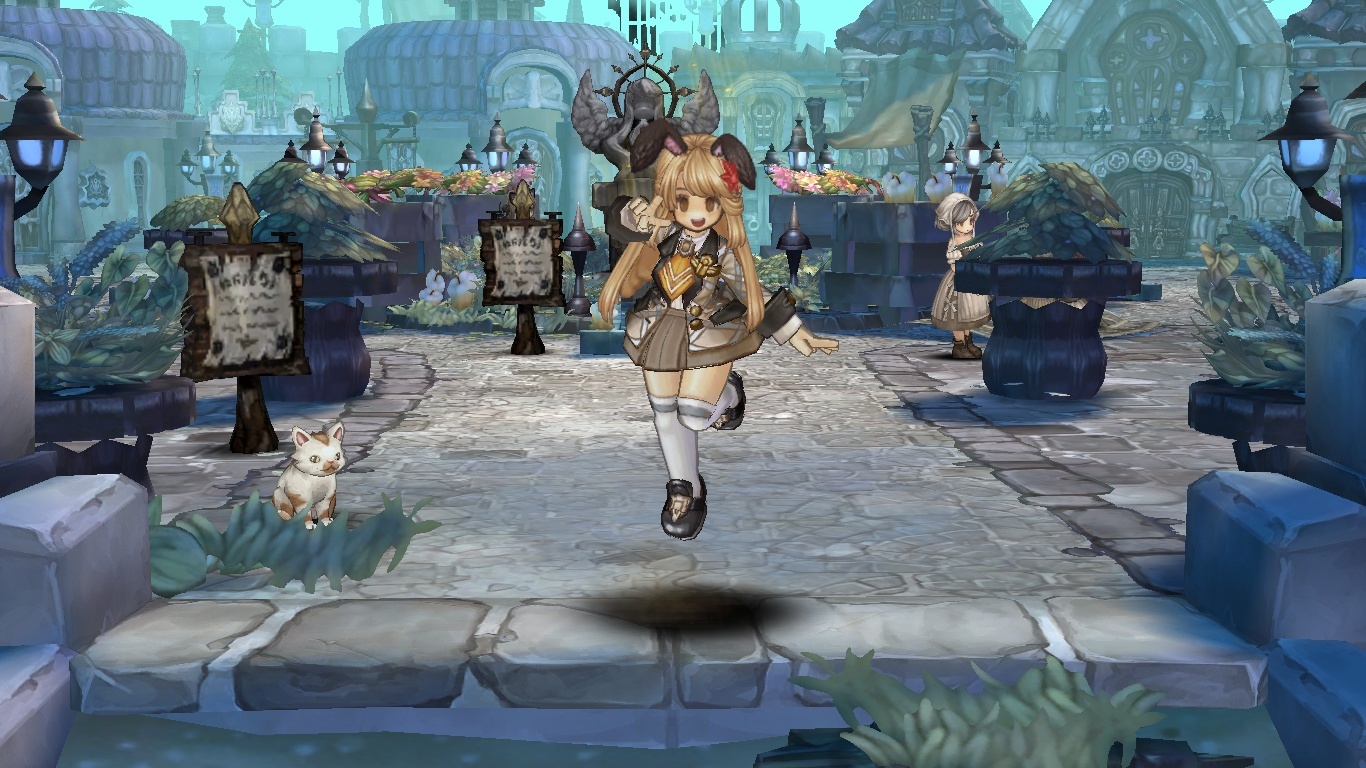


Hai~~ goshujin sama~~

edit: crop for bigger pic :3
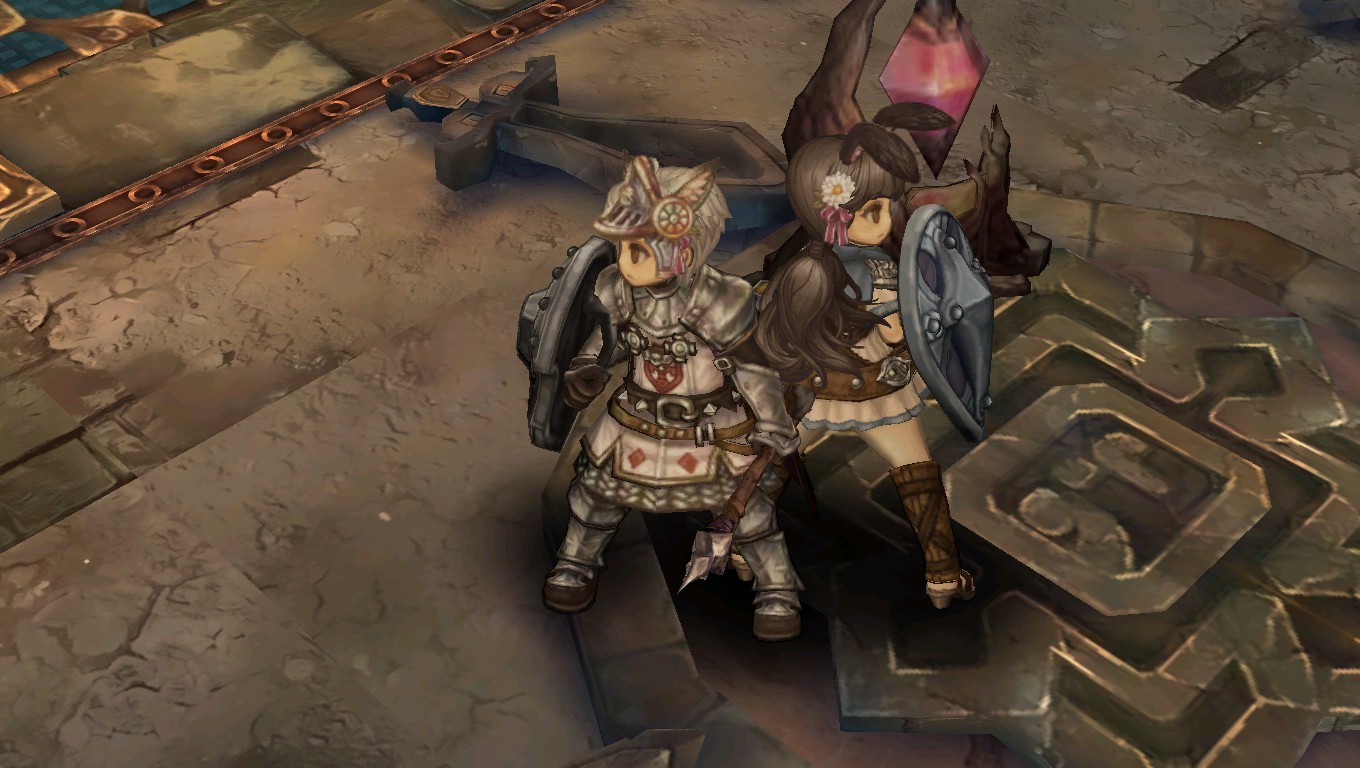
such a scenic place~~… arrgh that tree root crystal ><

13 Likes
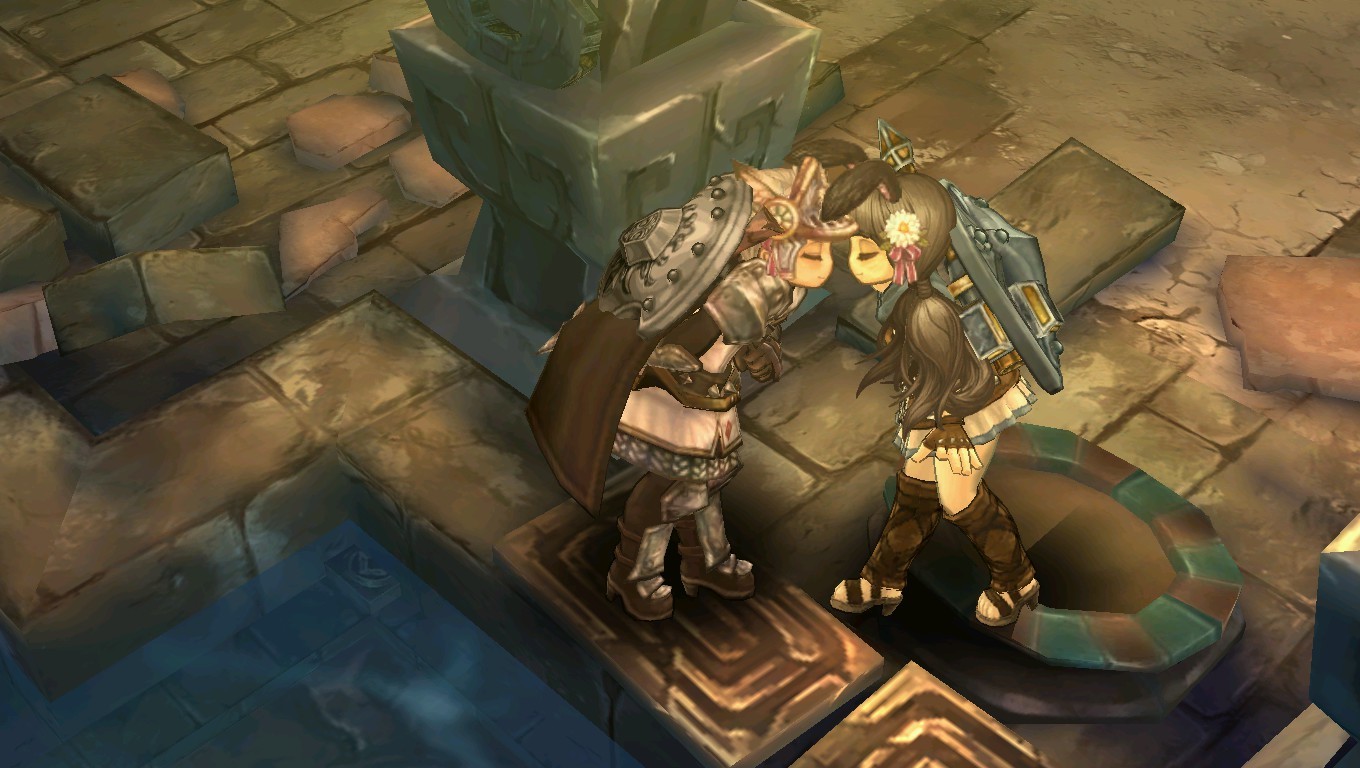
Wow, didn’t even noticed that Woods has a small lake-thingy. Thought it was just a river.
All hail Maggi for her artworks!! and thanks for the addon so we can see the “otherside” of ToS.
1 Like

Wow so much beauty in this thread…
Once again we can see the sheer amount of art put into this again…
We only needed the right opportunity (tool) to explore it to its full potential!