
please help
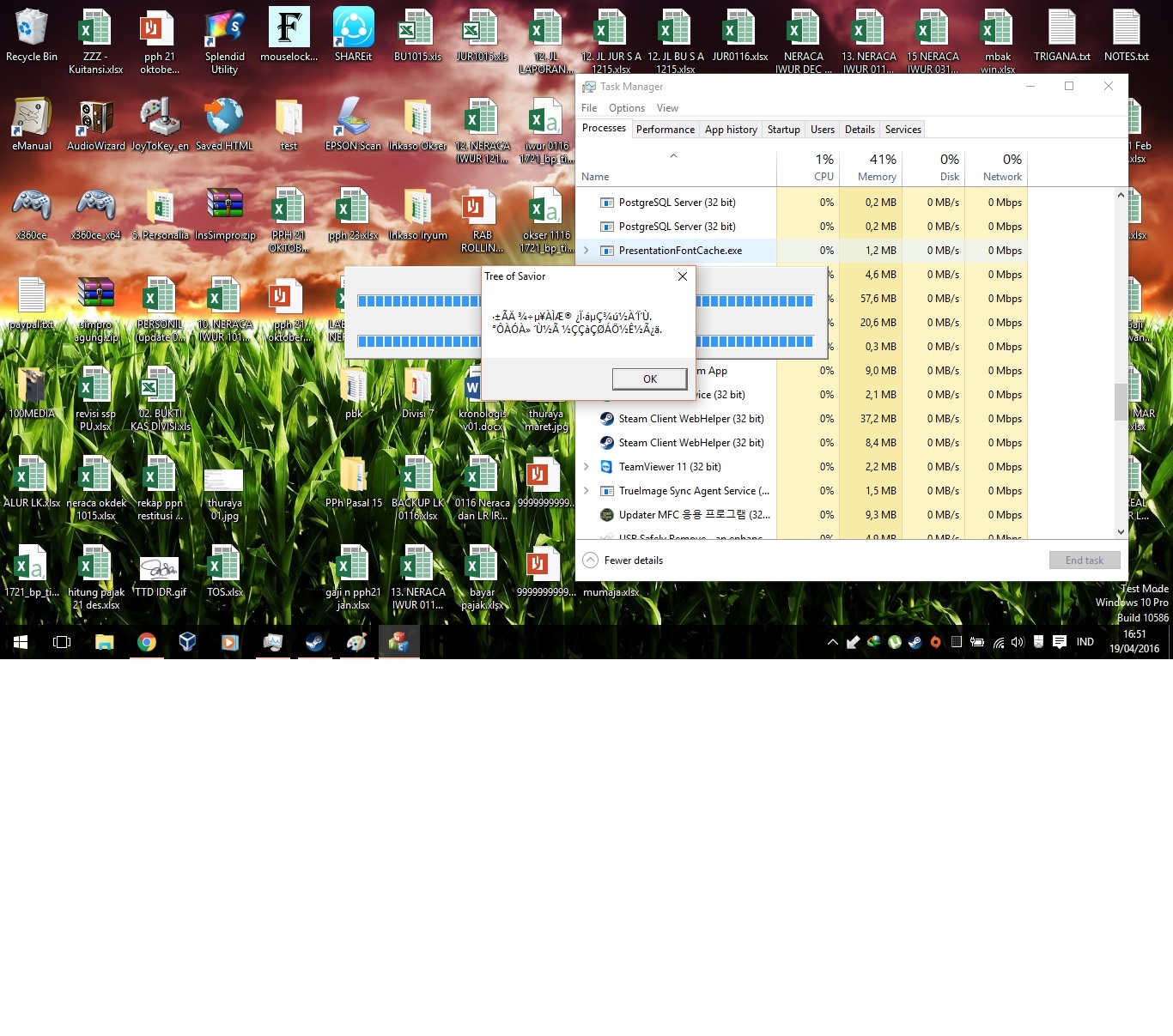
approving, same error here
lol… try again after maintenance?
cos i m having the same error…
so just wait
Same it might be some anti cheat program have to wait and see after server back up.
This post was flagged by the community and is temporarily hidden.
2 Likes
thanks, but i still cant play the game even server status is comfy
i am having the same problem
Tried opening the game post-maintenance. The problem still exists.
Pls verified your game file some file might be corrupt though I did it and now I’m ingame.
i’ve validated it, but i still cant login into game, same error alien message
still getting the same error as mentioned ;/
I was having trouble logging in. Turns out one of my files got flagged and blocked by my virus protection in this update, I fixed that and it let me in fine. Not sure if I was having the same problem though.
any updates on this? Tried all the suggestions and possible workarounds. S
Indeed. Quite frustrating. Would appreciate some feedback from IMC obviously. I’ve tried Validating the game through steam and it came back with no errors. Tried launching the client manually, opening the launcher manually, opening the IMC updater manually all with Steam both closed or open running in the background as well as launching it directly through Steam like normal. Keep getting the same error over and over.
I am having the same issue, and when I tried to verify game cache in steam. “Failed to download list file” error come up. I tried deleting the whole patch folder and them verifying then it fails to download 11035_0101.pak. What should I do?
Had the same issue, i verified the game cache twice then got the random text then it downloaded.
same here, I can’t open the program. I did verify the integrity of the cache, then the patch re-downloaded everything just to return to the same error message. Luckily it’s in japanese. Anyone can translate, perhaps?

This sounds stupid but I just spent 3 hours trying all these fixes to no prevail. I just decided to restart my computer and now its updating as usual.