Tree of Savior Forum

Cant enter the game, weird bug appears in japanese

Please fill in as much as you can :

Date and Time : 21/04/2016 9:17

Game Control Mode (Keyboard/Joypad/Mouse) : keyboard

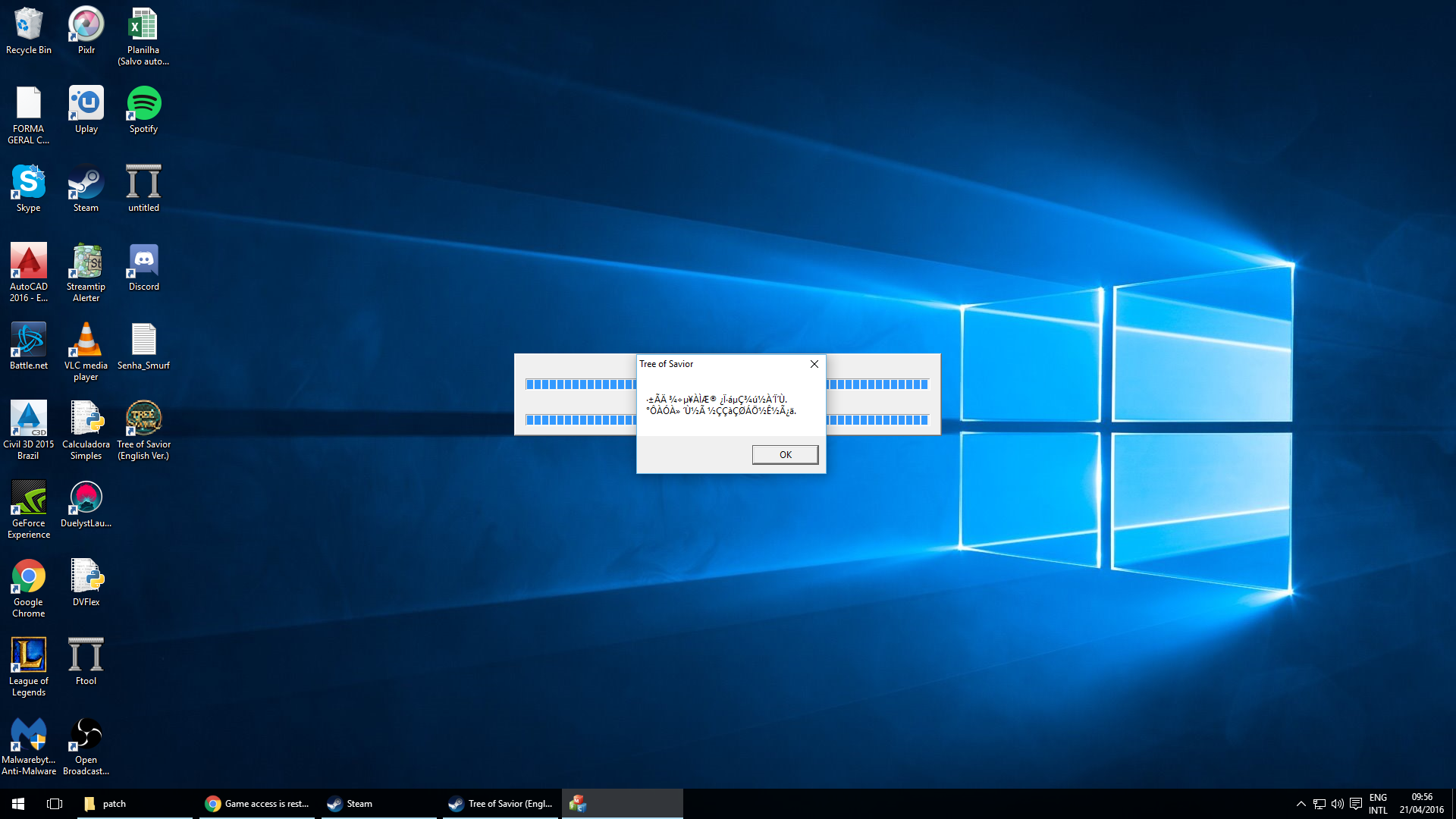
Bug Description : I try to enter the game but this error appears and it crashes
(letting us know what you were doing before, during, and after the bug happened will help us a lot)

Steps to reproduce the issue :

  1. try to start the game

Screenshots / Video :
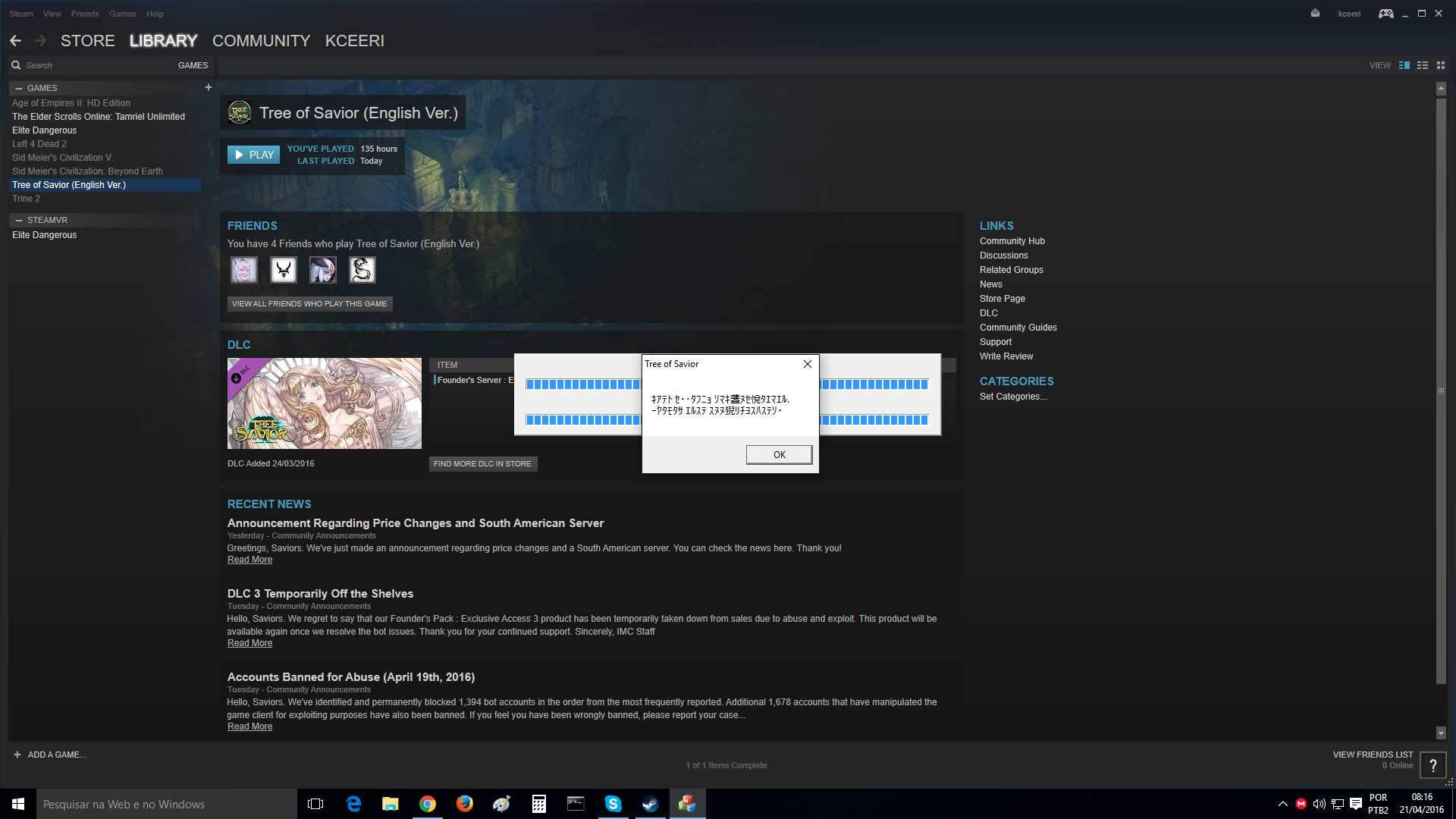

(attach screenshots or videos regarding the bug)

System

  • CPU :
  • RAM :
  • Graphics Card :
  • Mainboard :
  • Storage :
  • OS :
  • Internet Connection :
  • Country, Region :

Korean dude, the game developers are Korean.

I’m having the same issue here. @Staff_Julie

[Topic Edit Suggestion: “Cant enter the game, weird bug appears in korean”]

I was having the same problem. In my case, the antivirus (Norton security) was blocking it, so after check in the block list, the problem was solved.

Just found a solution:

What I did was:
1.) Uncheck the DLC (at Steam Library)
2.) Go to folder “Steam --> SteamApps --> common --> TreeOfSavior --> patch”
3.) Look for the latest file there and remember the first five digits of it’s file name.
4.) Go to folder “Steam --> SteamApps --> common --> TreeOfSavior --> release”
5.) Look for “release.revision.txt” and open it.
6.) Input the five digits there and save it.
7.) Click “play” icon (also at Steam Library. Not in desktop shortcut or whatever because error will still happen.)
8.) The game or the downloader will now patch.

Credits to @bkcanadalla

I watch lots of anime so… yeah i can recognize kanjis when I see, click the image and you see thats japanese. I play some patched visual novels so my pc is on unicode with japanese as a secondary language.
The game is corean but the bug not.

thanks man it worked!