
Date and Time : 1PM GMT+8
Bug Description :
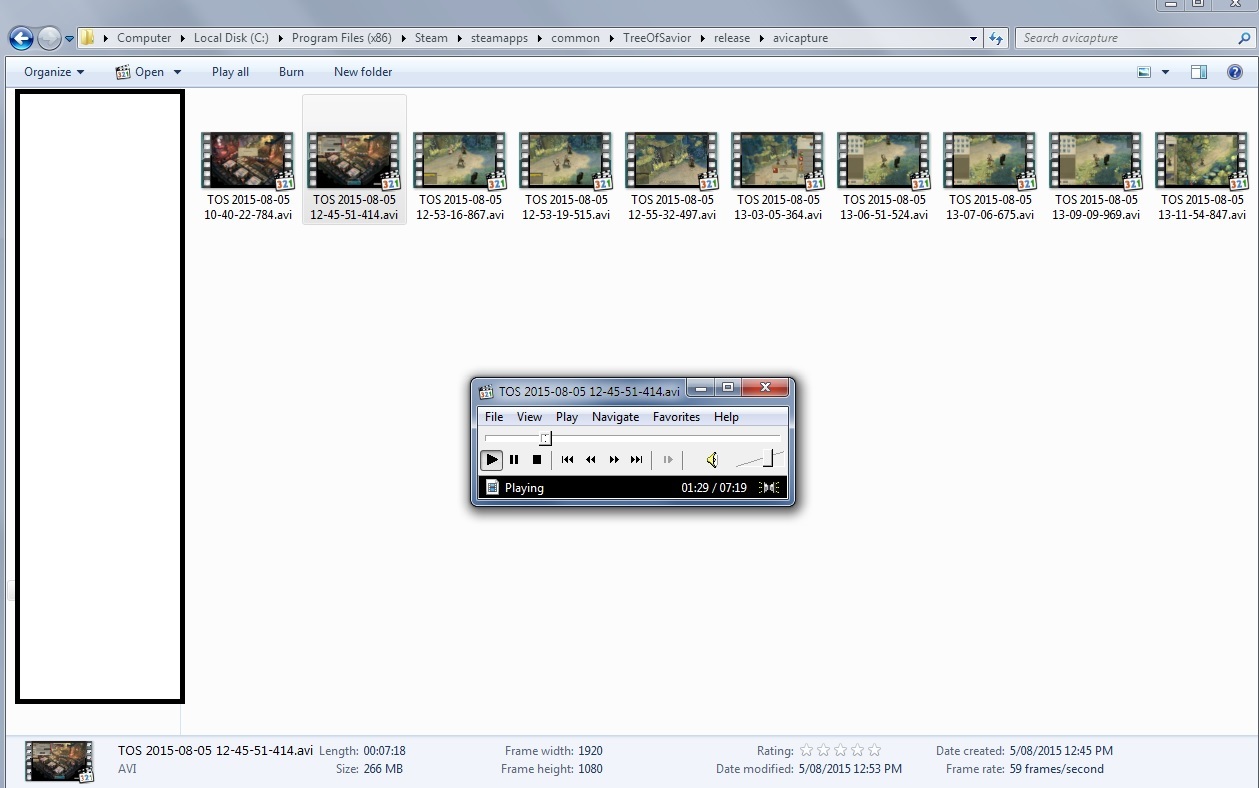
The built-in video captured files are not working correctly. After recording and saving video, playing the files again causes them to play with no video; only audio. In both Media Player Classic and Windows Media Player the issue occurs. Windows Explorer shows a thumbnail for the videos, but the files themselves do not show the video at all.
Steps to reproduce the issue :
- Press F12 in-game to start recording video.
- Press F12 again to finish recording video and save the file to the “TreeOfSavior\Release\avicapture” folder.
- Play the video file in a media player.
Screenshots / Video :
System
- CPU : i7 3770 @ 3.40GHz
- RAM : 8GB
- Graphics Card : Nvidia GTX 660 Ti
- Mainboard : Gigabyte GA-Z77X-UD3H
- Storage : Samsung EVO 840 SSD
- OS : Windows 7 Ultimate
- Internet Connection : ADSL2 6Mb/s down, 0.6Mb/s up
- Country, Region : Australia