
So, I’ve sent a lot of tickets and i think even the staff doesnt know how to fix this. Trying the forum hoping anyone can enlight me with a solution…
Date and Time(Please, specify the timezone) :
It was already happening on saturday when i came back to the game, don’t know the right day and time it started for real
Server Name:
[SA] Silute
Team Name:
Maa
Character Name:
Krishna
Bug Description :
Since saturday when I came back to play the game, I can’t scroll up anything that has an option to scroll up or down (like my inventory tab, channel, collection tab, skills and learn attributes tabs). It seems something is pushing down the bar, but nothing is. Sort of annoying, and restart the game SOMETIMES fixes it, but not always. And after a time it starts to happen again and it’s annoying as hell and it sucks. I thought it might be an issue with me keyboard, but I tried playing other games and used writing programs and none of them are automatically scrolling up things like it’s happening to me in ToS… What should I do? Can it be solved? I really like the game, but I can’t even equip my items that are in the top of inventory without spending my precious time. Is happening in all servers i’ve tried to play.
When i sent a ticket, hours ago, they told me to kindly change my control settings to Keyboard mode or Mouse mode (i was using gamepad controller), and to kindly restore to default all control settings. I did it and it didn’t worked  (as you can see in the last screenshoot)
Uploaded 2 videos of the bug on Streamable above the screenshoots. First video was made yesterday and the second one was recorded 2 hours ago. Still having the issue. Sometimes, when I open he game the issue doesn’t ocurr at the beggining, but after some minutes of play it start to happen again… After I sent the ticket with the streamable links, they stopped responding me. So… Anyone?
Steps to reproduce the issue :
-
I open the game
-
Login to my server and Log into my char
-
Try F2 and see it start to scroll down automatically
-
sit and cry
Screenshots / Video :
https://streamable.com/e677 FIRST VIDEO OF THE BUG USING JOYPAD
https://streamable.com/ku1o SECOND VIDEO OF THE BUG USING KEYBOARD. here you can see it’s clearly scrolling down
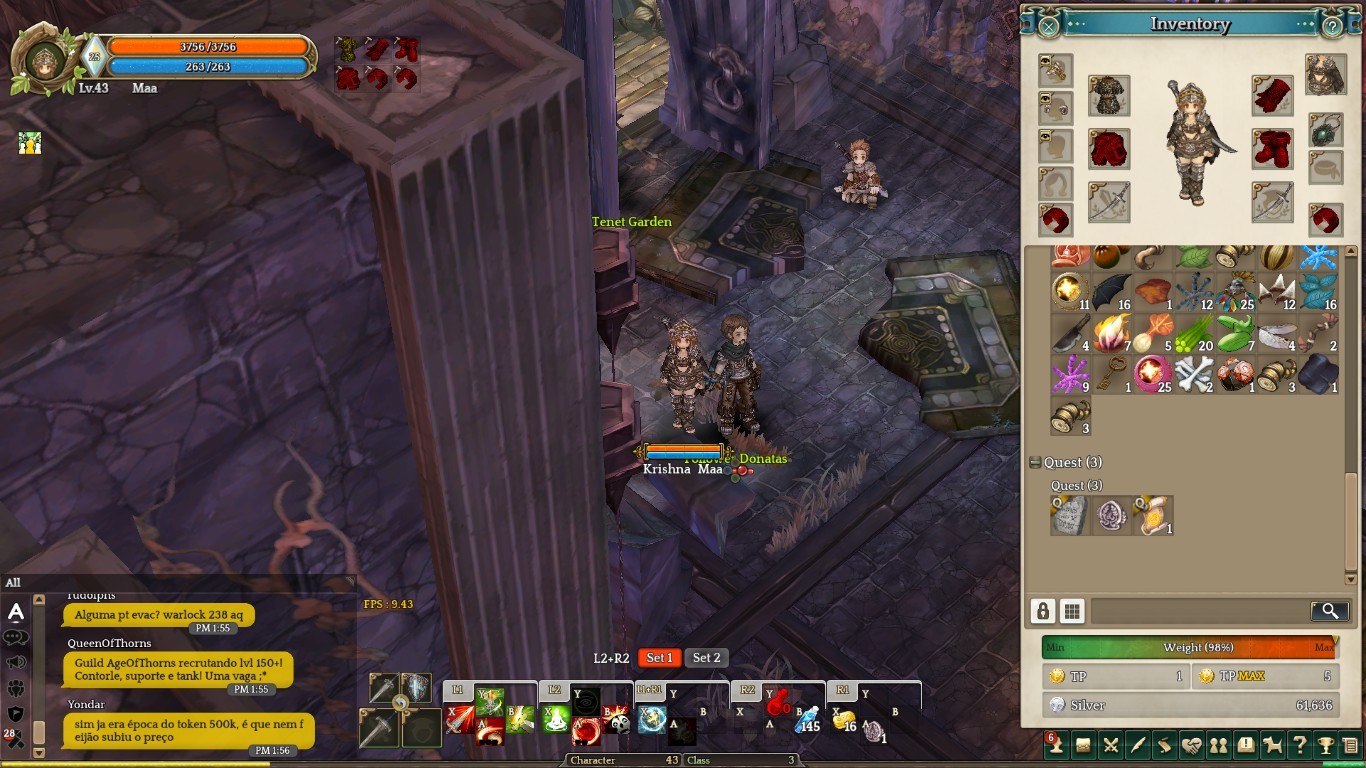
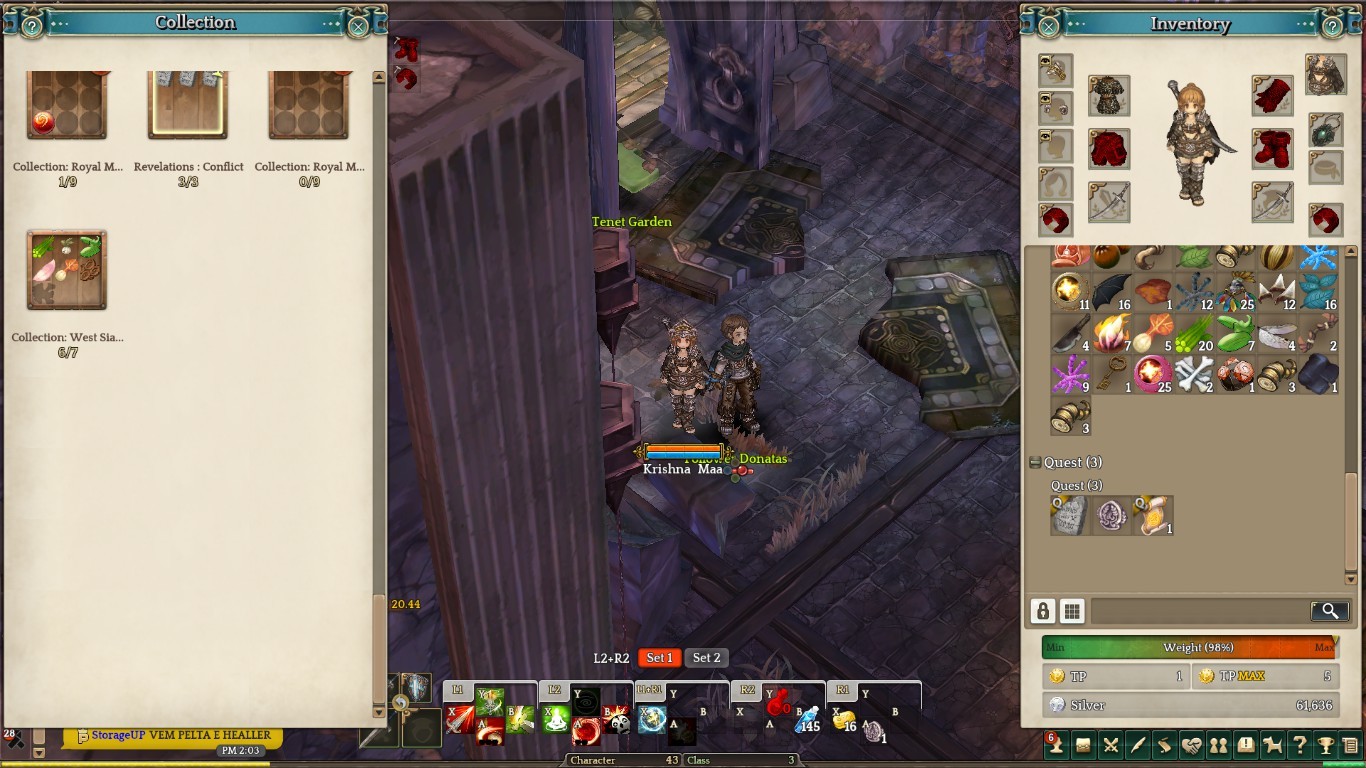
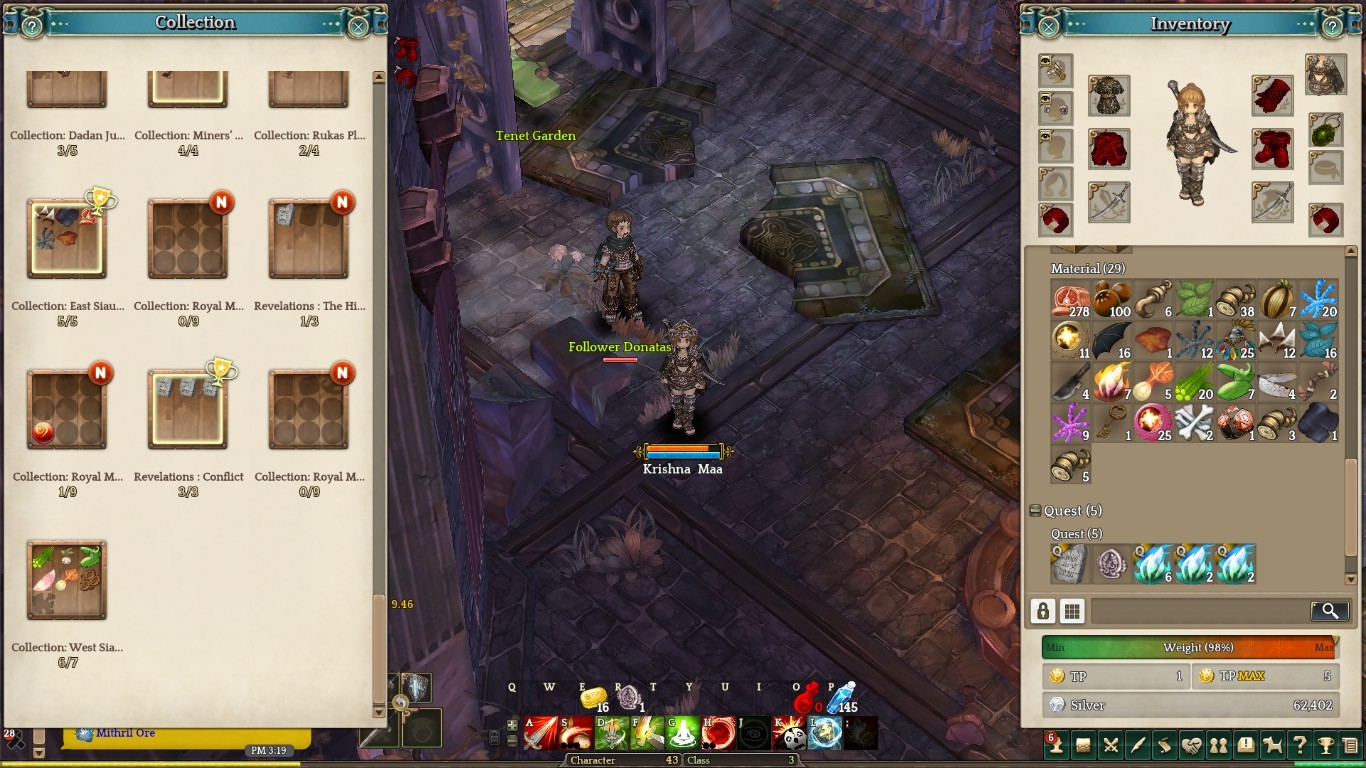
Game Control Mode (Keyboard/Joypad/Mouse) :
ALL of them.
System :
- CPU : Intel® Core™ i3-2357M CPU @ 1.50GHz 1.50 GHz
- RAM : 4.00GB
- Graphics Card : Intel® HD Graphics 3000
- Mainboard : X451CA
- Storage : 500GB
- OS : Windows 10
- Internet Connection : 30mbps
- Country / Region (US-east/west) : Brazil / Northeast