
Was the “x” visible after editing the bitmap?
Nope, I just extended the bottom part and filled it with black to show the text.
didn’t really care about the x button anymore lol
Could you double check later if the X is visible now? Mine’s like this:
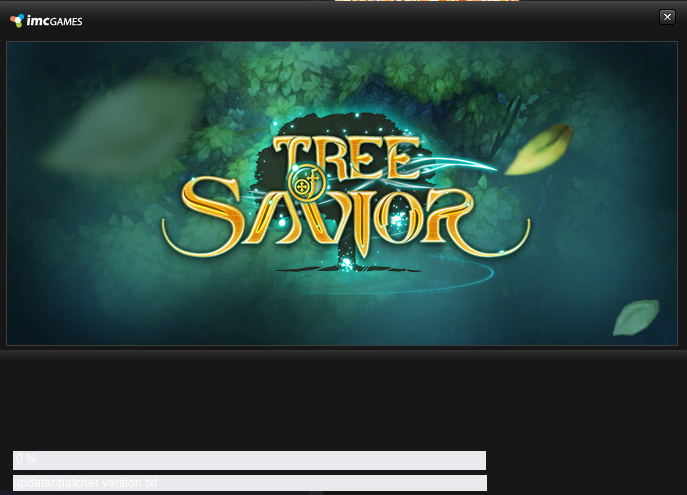
And after editing the “main.bmp” it shows like this:
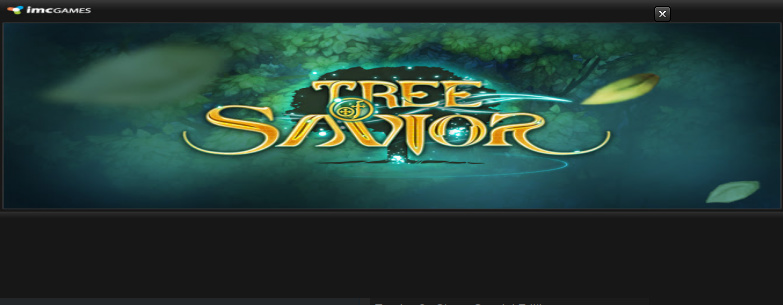
Buf if edited to be smaller, the “x” won’t appear, nor the progress text.
Conclusion: The main.bmp has a fixed size, it could be a computer setting such as theme or font-size related. I think this problem is more on the settings side, to more exact, related to OEM settings (would explain why computers we format or build or install windows by ourselves are fine but only few ones with brand new systems have this?), or maybe monitor size or DPI, not sure about the exact reasons.
It could be interesting to gather more info to understand the reason and how to reproduce instead of editing the image though.
Also would be interesting to test if verifying file integrity on steam would fix that.
@Lostac could you help me later if you got time to try to test if we can find a more user-friendly workaround or maybe enough data for a good reproducible bug report?
I’ll try reinstalling on Wine but I doubt I can trigger the same problem ;-;
Before the edit:
Half text, no X
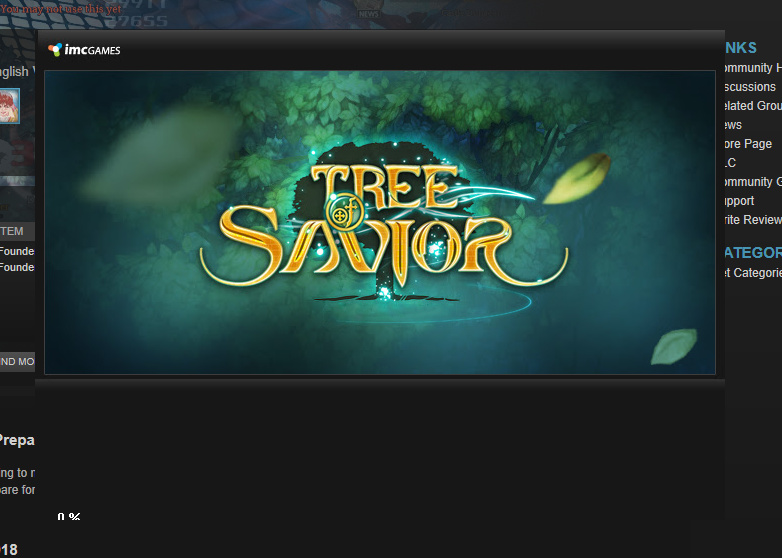
After:
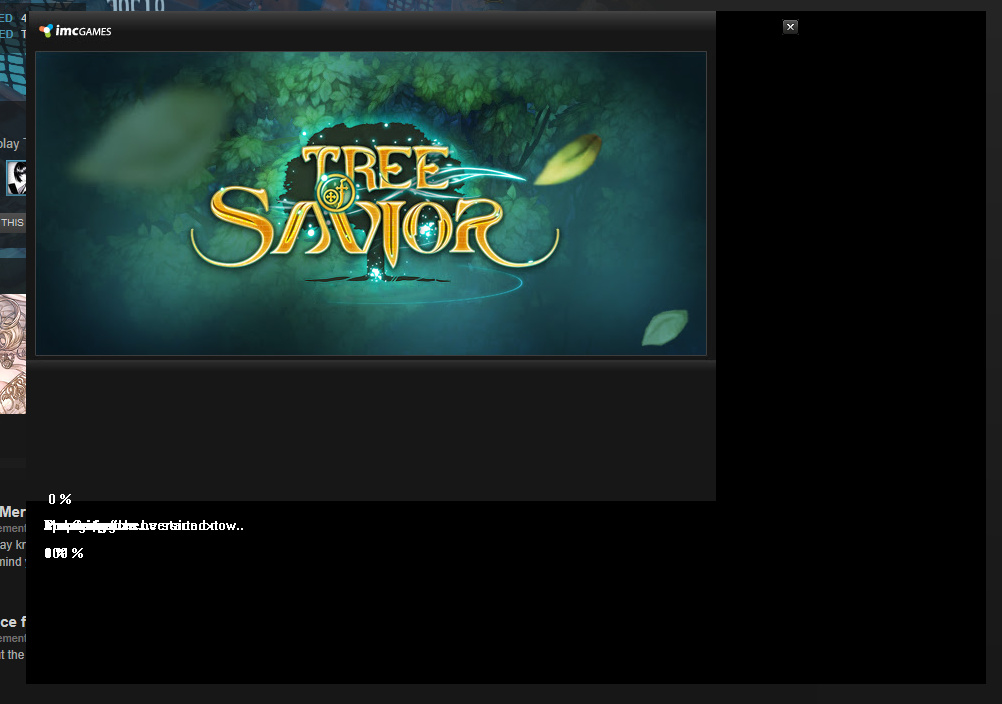
Yes, I didn’t expand the patcher itself, I expanded the whole image and filled it with black. Now, you get both the X and percentage.
On my laptop I just expanded the bottom area to show the percentage, didn’t need the X anyway.
Seeing the font difference on the bottom of the patcher, the patcher could be using a font it shouldn’t and getting unexpected values to calculate proper positions 
(Note: I’m not sure if it should be using the same font as me since I’m on Wine/Linux.)
When it’s patching the game or opening can you see normal text on it like on mine?
Example: “updater/patcher.version.txt” and stuff like that on the second line? Or is it always rubbish like that?
Seems it’s more likely now to be a matter for a bug report other than finding a better workaround. I’ll try to ask other Windows users if their “0 %” font is the same as yours.
On a more complex note, the patcher seems to use WinApi with C++ and to have a pretty simple UI code. I remember that when I used to use that directly and you had wrong font settings you’d get a default ugly one that would also take more space by default (not using Windows anymore so I might be wrong - might test this on a VM later).
Whenever I do the fix, it’s always rubbish. All my computers with windows 7/10 have this. also my friends, we just didn’t care as long as we know it’s working-- so showing up the percentage was enough for us.
This is already a very old problem that was reported several times over long ago in the forum but I don’t remember IMC replying to it. Verifying doesn’t do anything for this problem at all.
Here’s a thread sample:
Are they OEM installations or did you install by yourself?
On the other hand though, not everyone has the problem and if it’s related to specific OEM settings/base install they might not even have the same settings on Korea lol.
That would explain it just like AMD problems too long to be fixed. From older threads I also can see a font that doesn’t feel like it’s what the patcher should be using
Could be a really simple bug only affected by a certain base setup by some manufacturers lol
Installed them by myself on my desktop.
This is why we end up fixing it ourselves. Been a while since IMC has been ignoring it since they can’t really do anything about it or try to bother with it.
Doesn’t happen with any other game/app, just TOS, so I ended up concluding that we have a crap launcher, lol.
Oh, back to the “they can’t” bullshit. I’m not even going to start it anymore.
Not IMC fault if you mess up your own operating system installs 
Have a nice night o/
Okay. Just don’t forget all the ignored threads.
Yeah, just forget the missing fonts on your windows folder. lul
Better blame someone else for something that’s missing on your computer.
Sure, my laptop is OEM, seems that they’re also dumb?
Heh, great
Sure and they’re also known to fill your computer with bloatware.
Which is why I have my own desktop to work with, never had any other problems with any other launch or app, just TOS. Same with my laptop, no problems in anything, just TOS launcher.
Did IMC reply to any of the threads having the problem? or at least give a solution? I don’t think so. Just ignored, they don’t know what to do.
Obviously you’re not going to have a problem because a missing font that only one application is expecting you to have on a Windows installation that I for some reason have and works perfectly on Wine which isn’t even supported by them.
Yeah, they did answer.
Actually, thanks for making me search the forums, I found this:
You’re most likely missing CJK fonts on your windows install, that’s why you get the default font instead of a proper one that the width/height calculations fits the main.bmp file.
Korean language on an international (English Ver) game
Eks Dee
Might as well include the font pack when installing TOS. Because a fresh install does this.
You expect non korean computers to have korean language and you blame my software installation for it?
10/10
When it works for the majority of the population, why not?
Plus the only people that make sure to complain about it in many posts prefers to act like trolls instead of filling bug reports, because they forgot to install a korean font to play a korean game. lul
And it isn’t even about the language pack, only CJK font that you’re kind of expected to have since you’re in the internet. OEMs and Windows and etc should be installing that by default so normal users can access those content without needing more setup.
Korean game yes, international version? YES. English version? YES.

As seen:
it’s hidden below as he reported, which is correct anyway because expanding shows it.
Apparently not a lot of people have the font, one little search and you’d know. And many others have been ignoring this patcher problem because it’s working, you just don’t know it does, so they don’t bother reporting it anyway, like I do. Because the reports have been ignored lmao
Oh and lastly, this is the only game having this problem, even other korean games I play do not have this.
So, if you care that much, you could be installing CJK fonts or Korean language and switching back to see if it really fixes the problem and help me fill a proper bug report instead of discussing with me here.
I’m sure that would be far more productive.
But I guess your priority is to talk bad about others instead of helping to fix stuff.
And like you pretty much know ToS isn’t perfect. They don’t have the problem because they didn’t use korean fonts the same way like that without fallbacks or checks or installing them.
No game is coded in the very same way on everything, some might show a flaw or something missing on your system while others might not or might apply workaround/fallbacks when issues are found/known.
Exactly. I’ve been saying this for a while now. They don’t know what to do so we end up fixing it ourselves anyway. Installing a KR font used by a KR game is the same, we’re the ones doing it. And no, most windows OS don’t have this by default. As seen in OEM setups, searching in this forums, and my own build.