
For anyone that is going to be using the IM/VOIP application called Discord. It has come to my attention that there is an issue when using it while playing ToS. Well, since the new update for Discord, you can get a message that says,
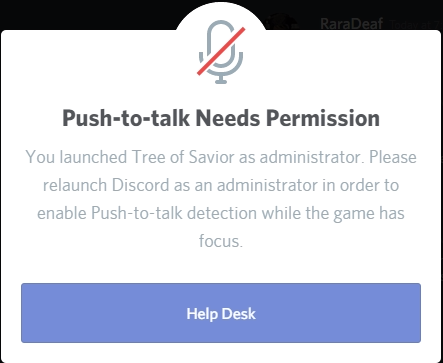
You need to run discord as admin to use Push-to-Talk. Discord can not be used while the “Run as admin” message is showing. Which, can’t be closed unless you quit ToS or close Discord.
To fix it:
You have to go to: C:\Users"User Name"\AppData\Local\Discord\app-0.0.280
find the .exe and then change the compatability to “Run as Admin…”
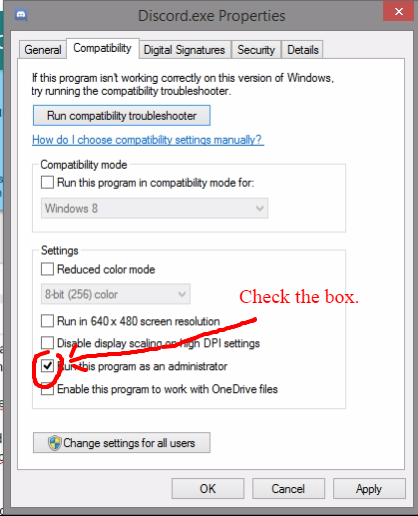
After doing this make sure you restart both ToS and Discord.
Edit: I want to add that you can’t simply right click the desktop shortcut and choose, “Run as Admin.” You must directly change the .exe in the 0.0.280 folder.
Edit2: New discord version. Post changed to reflect that.
