Tree of Savior Forum

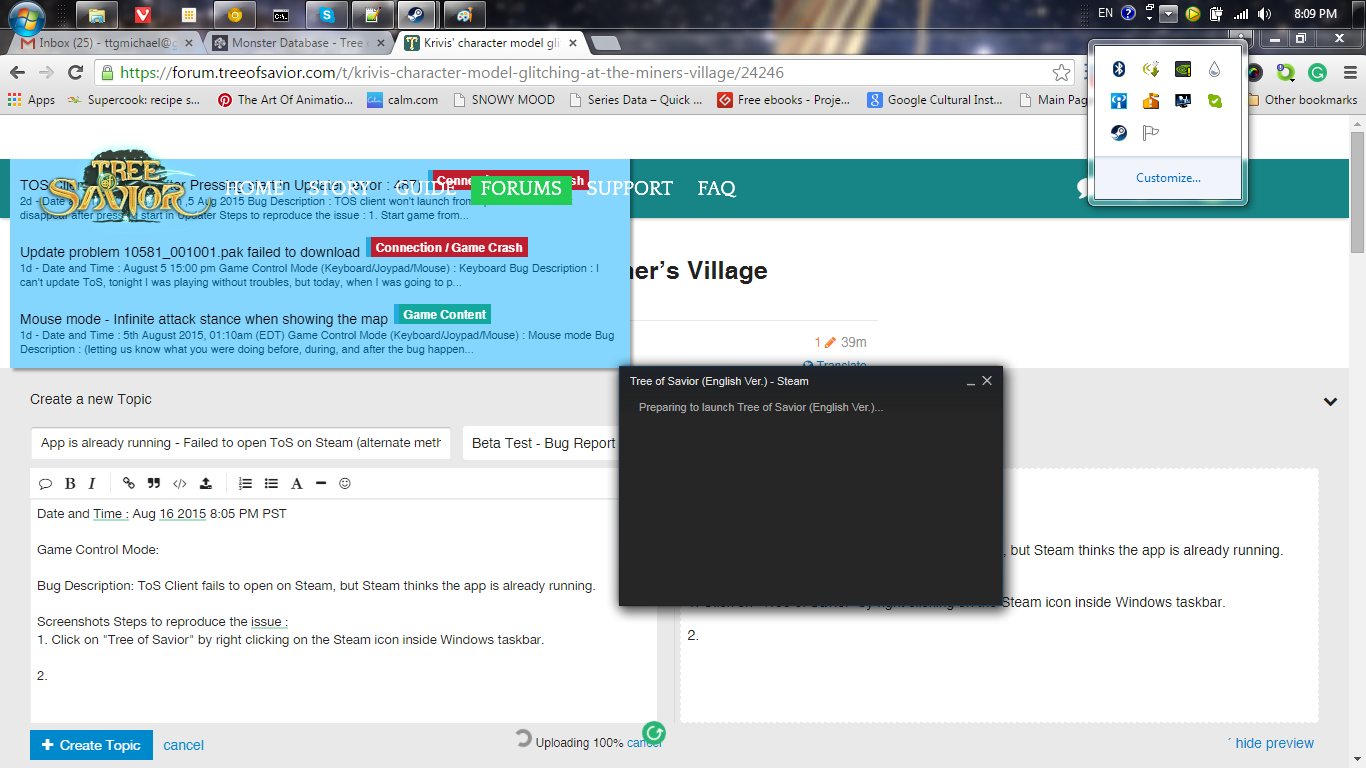
App is already running - Failed to open ToS on Steam (alternate method)

Date and Time : Aug 16 2015 8:05 PM PST

Game Control Mode:

Bug Description: ToS Client fails to open on Steam, but Steam thinks the app is already running.

Screenshots Steps to reproduce the issue :

  1. Click on “Tree of Savior” by right clicking on the Steam icon inside Windows taskbar.
  2. Steam window shows up saying it’s launching ToS (but doesn’t).
  3. If you now click on the Play button on the Steam UI, it say

I can’t exit out Steam as well because it wants me to close ToS before exiting. But I don’t have ToS running.

OS: Windows 7

It appears this bug isn’t super reproducible when I restarted my computer and tried again.

The last things I did in game was Log out to the login screen and hit the exit button quickly

When Notepad++ is opened via the ToS client, Steam will recognise it as a child program and keep the program lock active until you also close Notepad++. This isn’t really a ‘bug’, but a false positive on Steam’s part in the same way it detects and attaches the Steam features correctly when you move from a game’s launcher to running the actual game.

By the way, the only reason I know this is because it happened to me this morning. Your bug report’s not very descriptive of what you did during gameplay.

I see, thanks!

Well, I didn’t think it was because of what I did during gameplay (would the client stop opening because i did something in game?). My first thought was either it’s a problem with Steam or with the client. I guess its with the RTC? ^^;

Fair enough - but the important part is to retrace your steps, even if you don’t think something’s the reason. You never really know for sure when it comes to bugs.

But yeah, this happened because Steam worked perfectly correctly, clashing with a debug feature in ToS; the OTC. Luckily, I recognised your username and guessed that you were using Notepad++ and the OTC.