
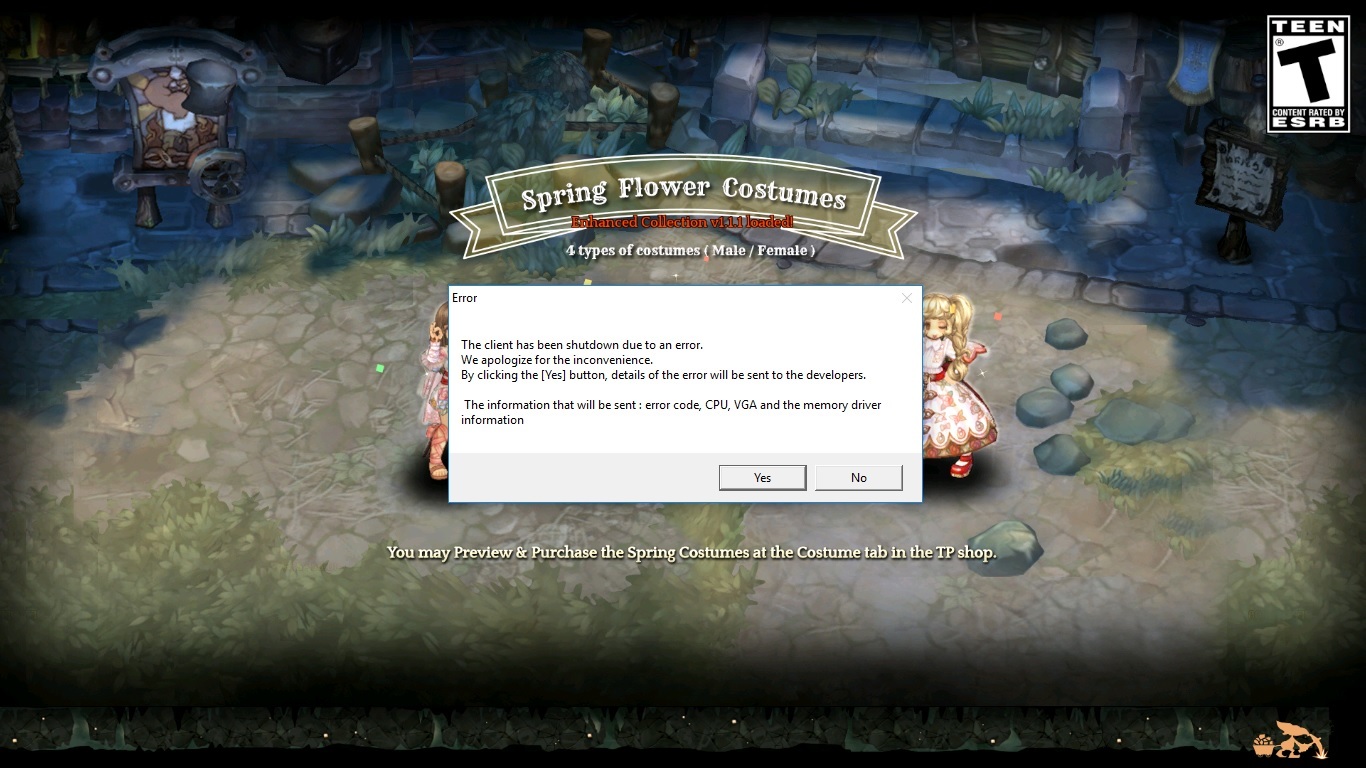

Have you tried reinstalling ToS? Even if I don’t think that is related to addons, I would try to reinstall them again tho
Did you added the game folder in the AV exception list? If not, try it, it is different process for each AV so google it.
Some systems will suffer with this if it is outdated (not only drivers but system components like VC runtimes), suggestion: Install Driver Booster 3 (its on Steam) and let it update what it can.
Reset your GPU settings to its default, and if you need to change something for your games, do it individually (create profiles).
If your disk is not SSD, run a defragmentation (windows have a built-in) to see if it help.
restart moDem n pc works for me
also check file intergrity
just tos got some hiccup i guess
2 Likes
I got a sudden crash, then tada. There’s this annoying thing, sigh maybe this is a sign to finally quit.
still cant open TOS after restart modem, restart pc, and recheck file integrity ?
then how am i supposed to meet u in mission queue?
3 Likes
Recheck file integrity is not enough, usually you need to manual delete the TOS folder from steam folder and redownload.
1 Like