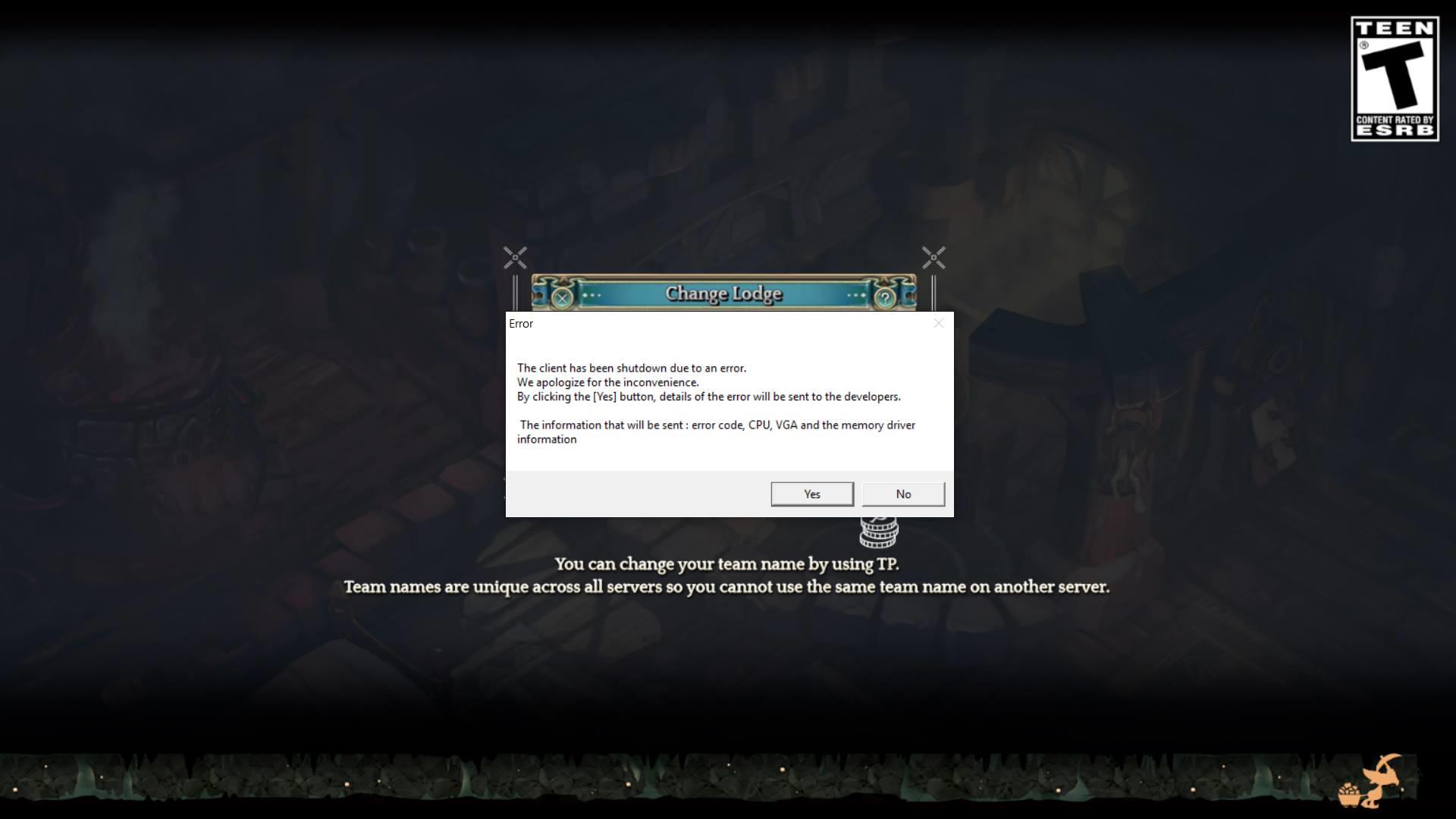
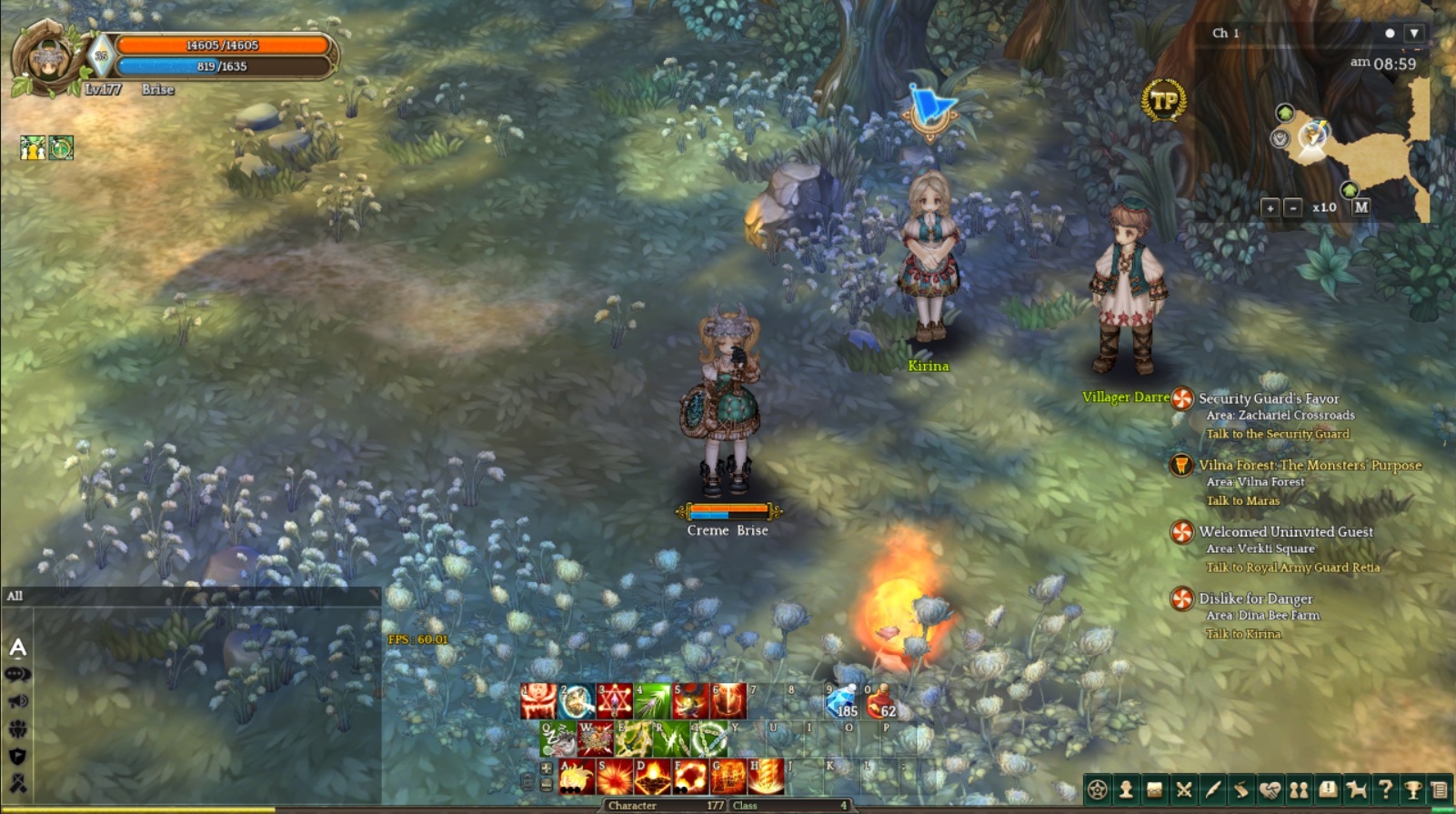
ALREADY SENT THIS TICKET LAST NIGHT.
Got so frustrated with the support since all they told me to do was the standard verify integrity of game cache. WHICH I have mentioned that I have already done. The reply felt really automated like they didn’t even bother to read the description. I wouldn’t mind them not having a solution but at least show a bit of concern and be a bit personal since we all know not one size fits all.
Game Server : [SEA] Telsiai
Team Name : Abura
Character Name : Sesame/Coco/Almond/Argan
Steam Account : sesameshido
input date : 2016-08-29
input hour : 22
Type of Bug : Loading Screen Error
Date/Time and Location : 10:50AM EDT, Loading Screen
Description :
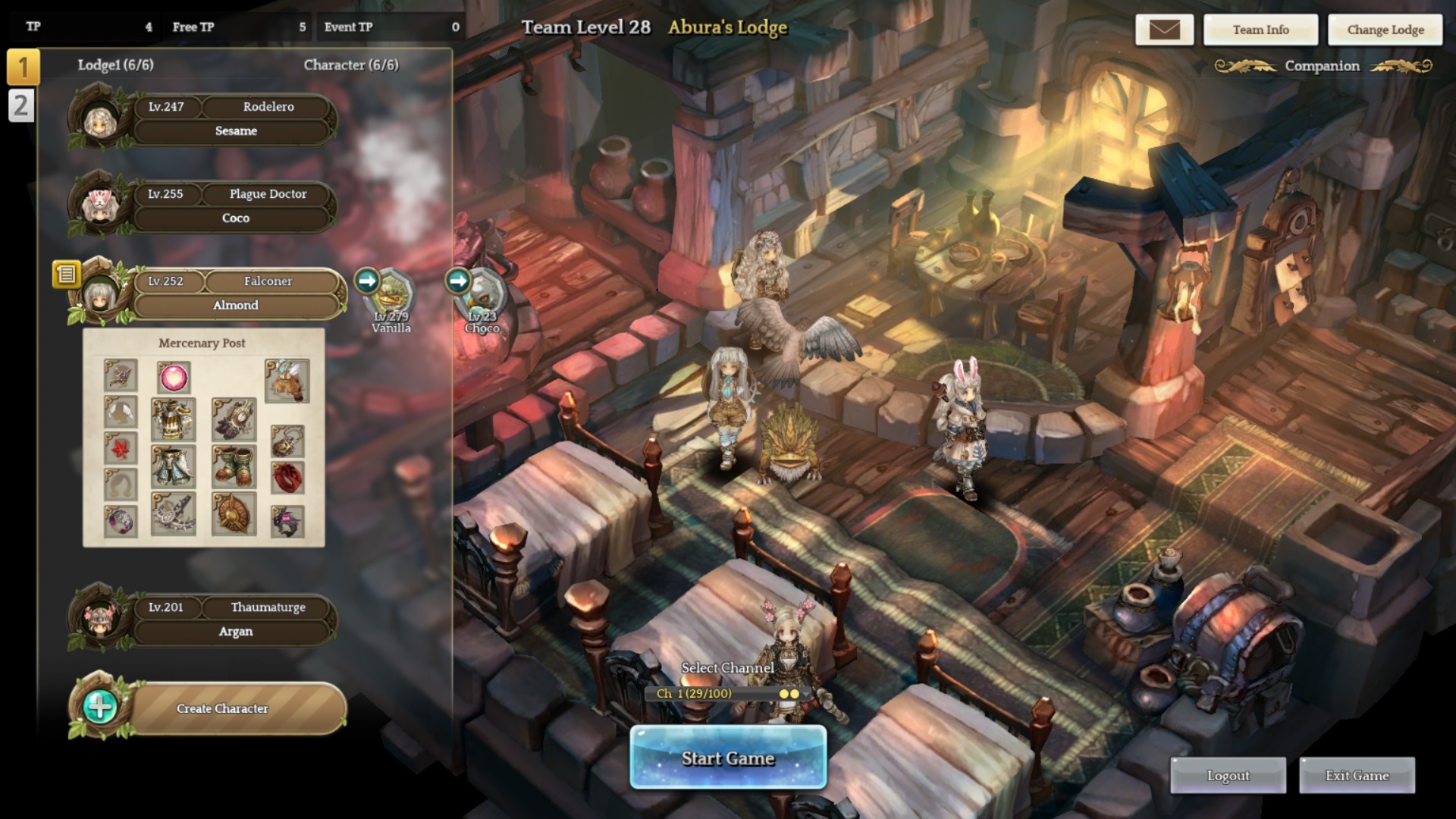
Would log into the game and my account cannot go past the character lodge after the loading screen, tried using a different account and it didnt seem to have the same problem as it was able to do mercenary missions fine. Tried logging in my account into a different client/pc, and yet it still was not able to get past the loading screen again.
Couldn’t seem to find a solution, tried
- verifying integrity of cache and repairing/restoring,
- uninstalling-installing,
- deleting xml files,
- editing xml files (resolution change)
- checking-unchecking DLC
but nothing seems to work. I don’t have any addons so that is out of the problem. This has been an issue for quite some time now as what I’ve seen in the forums and with friends, but only got the problem recently.
Steps to reproduce the issue :
1)Log-in Steam
2)Open ToS
3)Enter Lodge-goes into loading screen
- loading screen loads until around 90% and then the game crashes with the error as shown in the screenshot
Screenshots / Video :
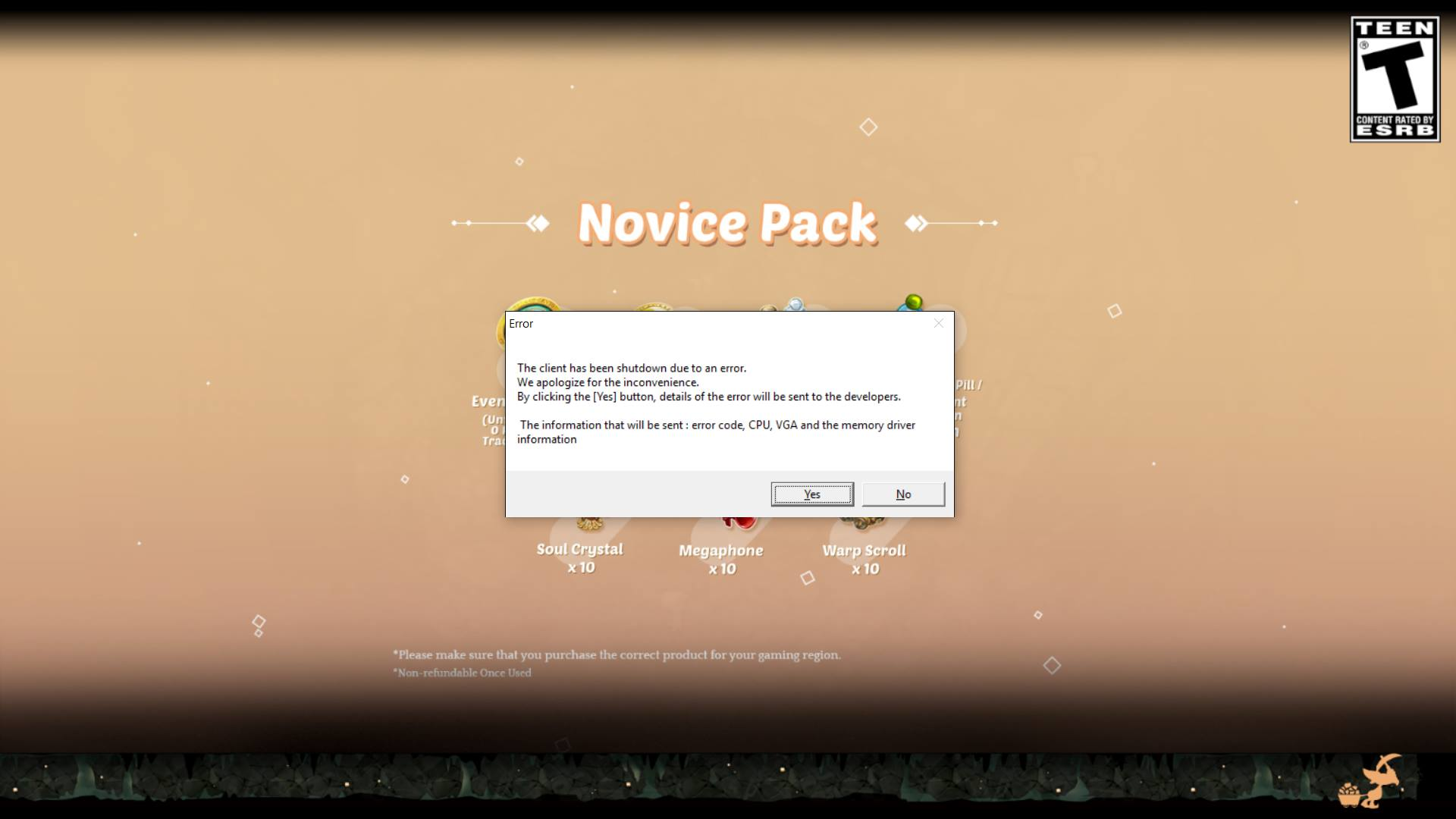
UI: Keyboard mode
System
-
CPU : Intel Core i7-4720HQ CPU @2.60GHz
-
RAM : 16GB RAM
-
Graphics Card : Intel HD Graphics 4600, NVIDIA GeForceGTX 960M
-
Mainboard : G551JW
-
Storage : C:119.02GB, D:465.75GB, E:465.75GB
-
OS : Windows10
-
Internet Connection : PLDT DSL
-
Region : SEA