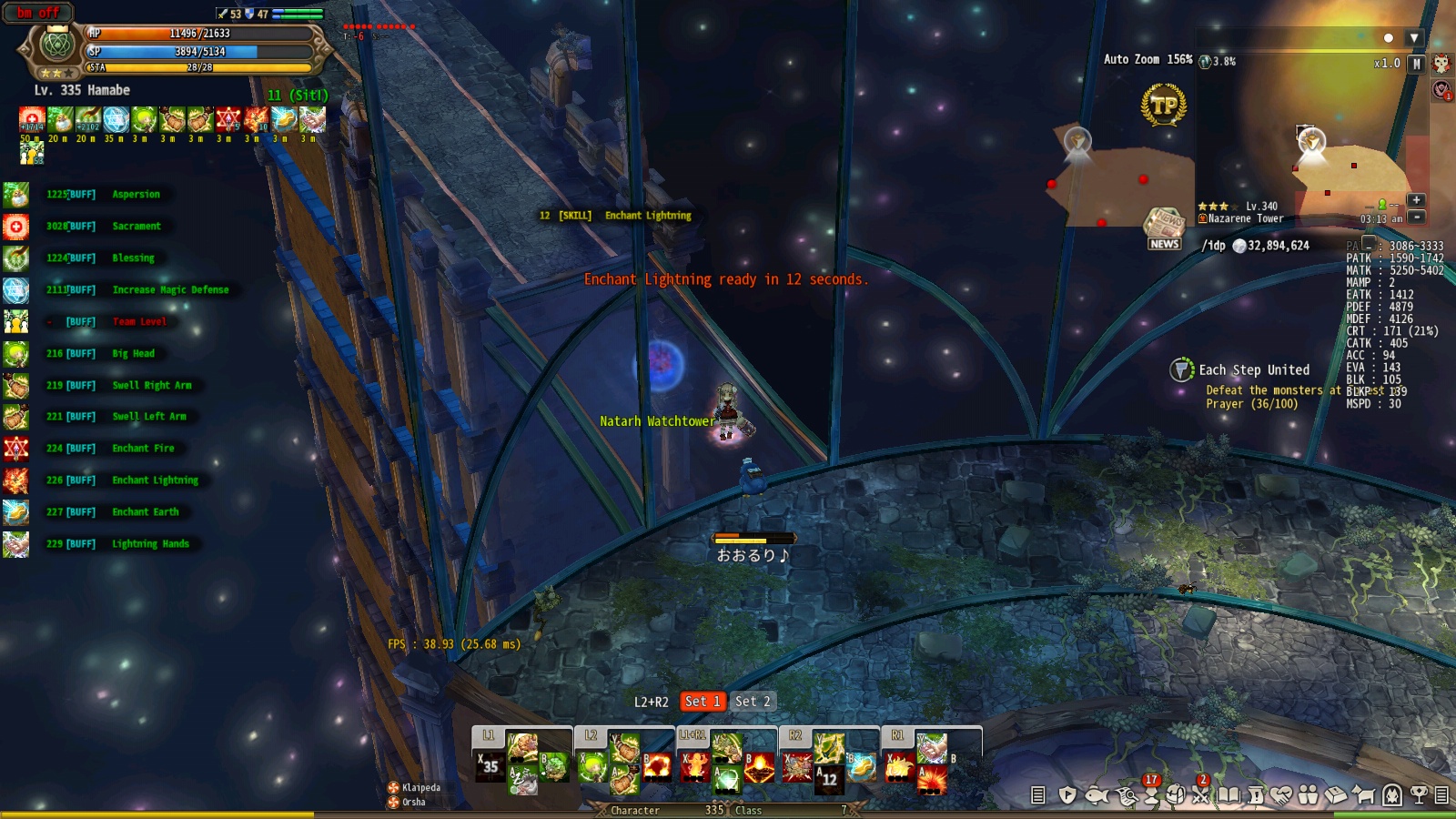
dont have any addons, fps the same 2-5, nothing changes
Still encountering the same issue… 
Does the 340 HG have any special features/textures/script features/differently formatted models/animations that are not found anywhere else in the game? It probably does, otherwise it wouldn’t happen on that map only. If so, maybe i’d be good if the devs removed that feature/texture/script/whatever from that map until the devs fix the issue for all users.
@STAFF_Letitia
did integrity of the game files twice
i’m not gonna bother reinstall the game and remove addons because problem surely not in that unless someone prove opposite
recorded some video for you here
My CPU is AMD Phenom II X4 955 as you can see near the start of the map where no monsters my fps can go up to 15-20 (before it was 2-4fps) when i sit, and to 7-10 when i stand, right after i start moving in direction of monsters fps drops down to 1-2(same af before), especially when i have them in target, at 3:40 mark you can see that when i killed nearby monsters and started moving away from them my fps started go high again up to 7fps, and there no diffirence how much i zoomed out or zoomed in, all fps drops start when i near monster/move/and when i have them in target
ofc better look yourself when it jumps and when it drops
reminder: outside of this map my fps always go to 60 unless i’m at fully crowded channel
they cant compare 2 maps this is tooooo hard
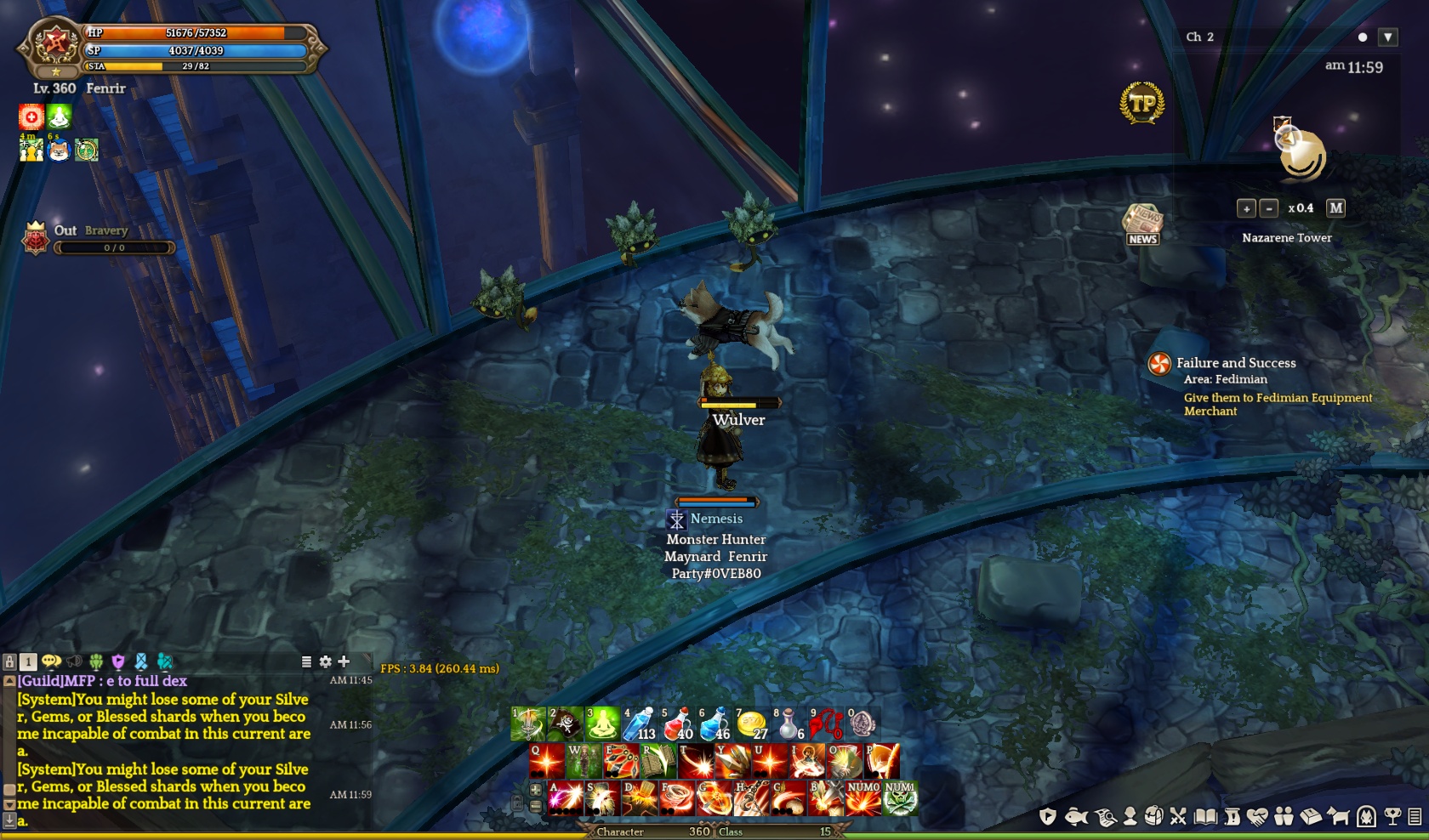
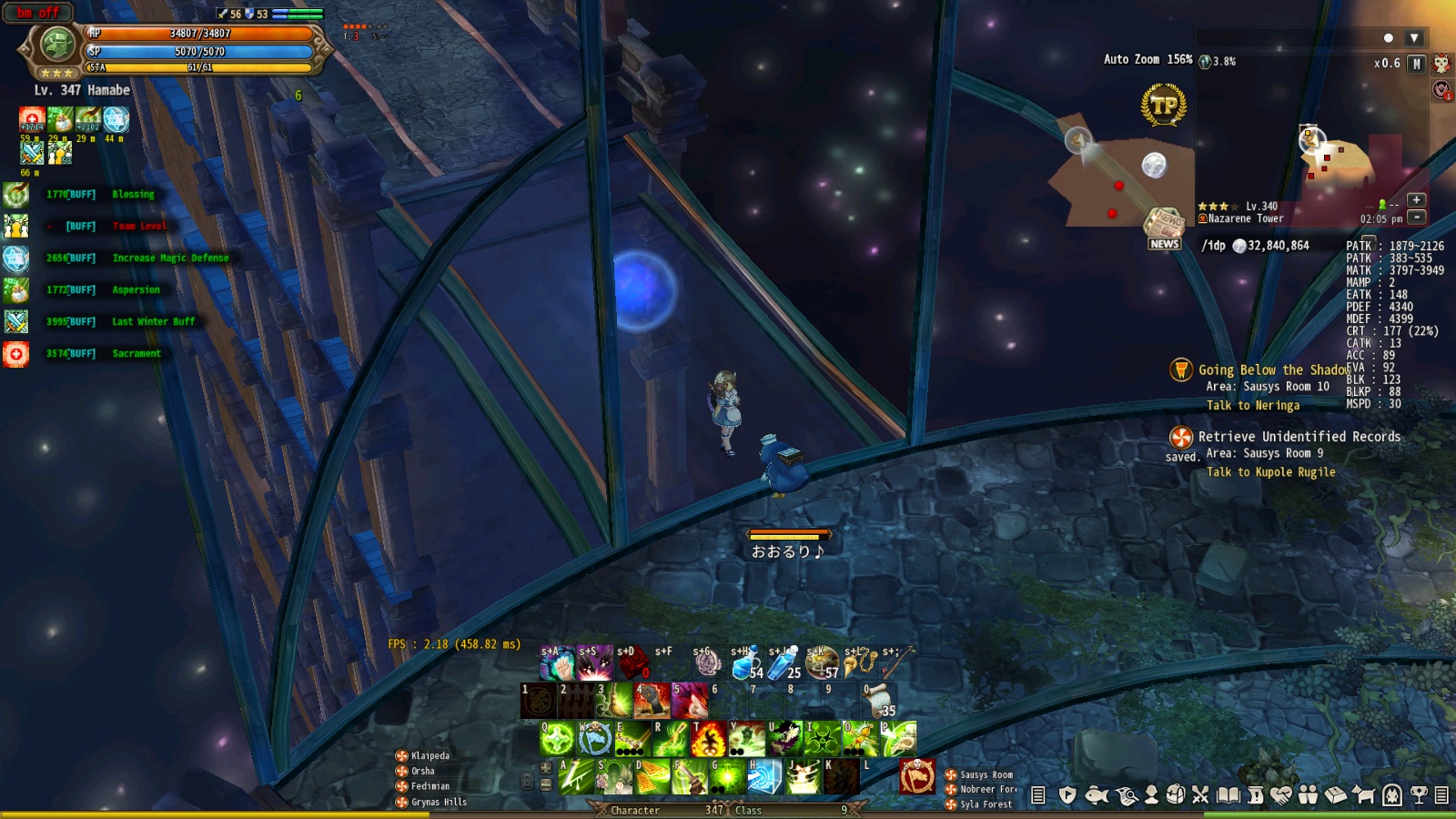
just wait another 2 months

This has nothing to do with Add-ons. It is a processor related issue with AMD. I didn’t bother reinstalling because I knew it wouldn’t be fixed. Again, has nothing to do with Add-ons. As everyone else has said; you go from 30-60 FPS on EVERY single other map besides this one, where you drop t o 1-4 FPS.
Use some of that Gacha money, make or buy (Sure you can find one on Ebay for a few hundred bucks) a cheap PC with an older AMD processor and try it yourself. Fix from there.
Thank you everyone! We are looking into the issue and we apologize for the inconvenience.
We will pass on the information and update you once we know more.
@Xueli
Thanks for your video with the report!
I will forward to our dev team regarding AMD issue.
We fully understand your frustration at the situation and apologize for the inconvenience.
We hope to be able to bring you better post 
Hello~
May i kindly suggest as well to make sure everything’s fool proof and well tested before confidently announcing that the issue is resolved? (just so you might not further disappoint players and further destroy your reputation/reliability) not only for this specific matter, but also on other issues as well. There are quite a number of similar cases where the quality of execution is being sacrificed for the sake of just having an update or bringing something new to the players. This in return makes us more frustrated and i feel like is causing a part of the negativity with the community vs the Devs… As a player, as much as i want to avoid it, i cant help but feel disappointed as well… Please dont take this negatively, rather accept it as an opportunity to reflect whats being done wrong here…
This is an awesome game and i just want everything to be better…
Goodluck and wish u the best! :>
We applied another patch files on the game. After turning the game completely off and restart, you’ll get another patch files. If anyone related to this issue, please check out if this one worked out well.
thx you for this
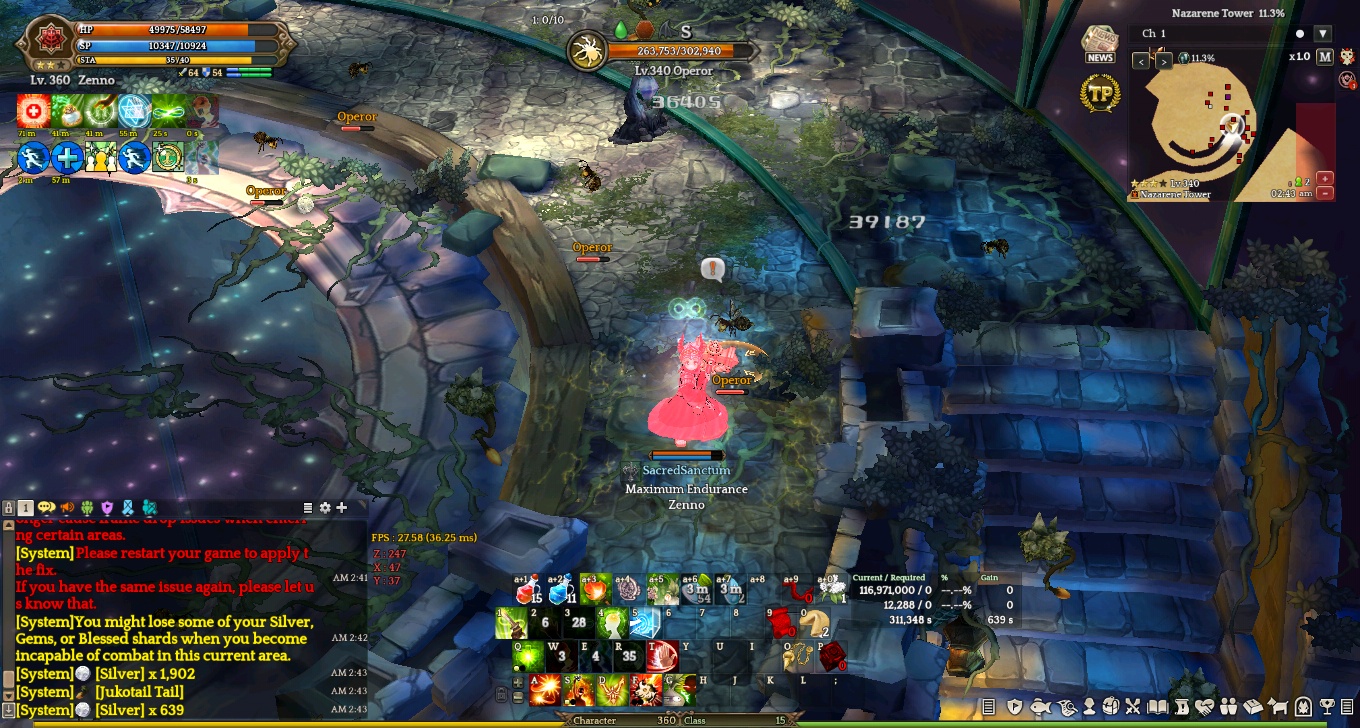
constant 60fps in every corner of the map, runned all map just in case, do not experience any lag
hope it will be fixed for others too
Ahhh! I think mine is working well now!!  Atlast!! thank you for looking into this!!

Thank you for the reply!!
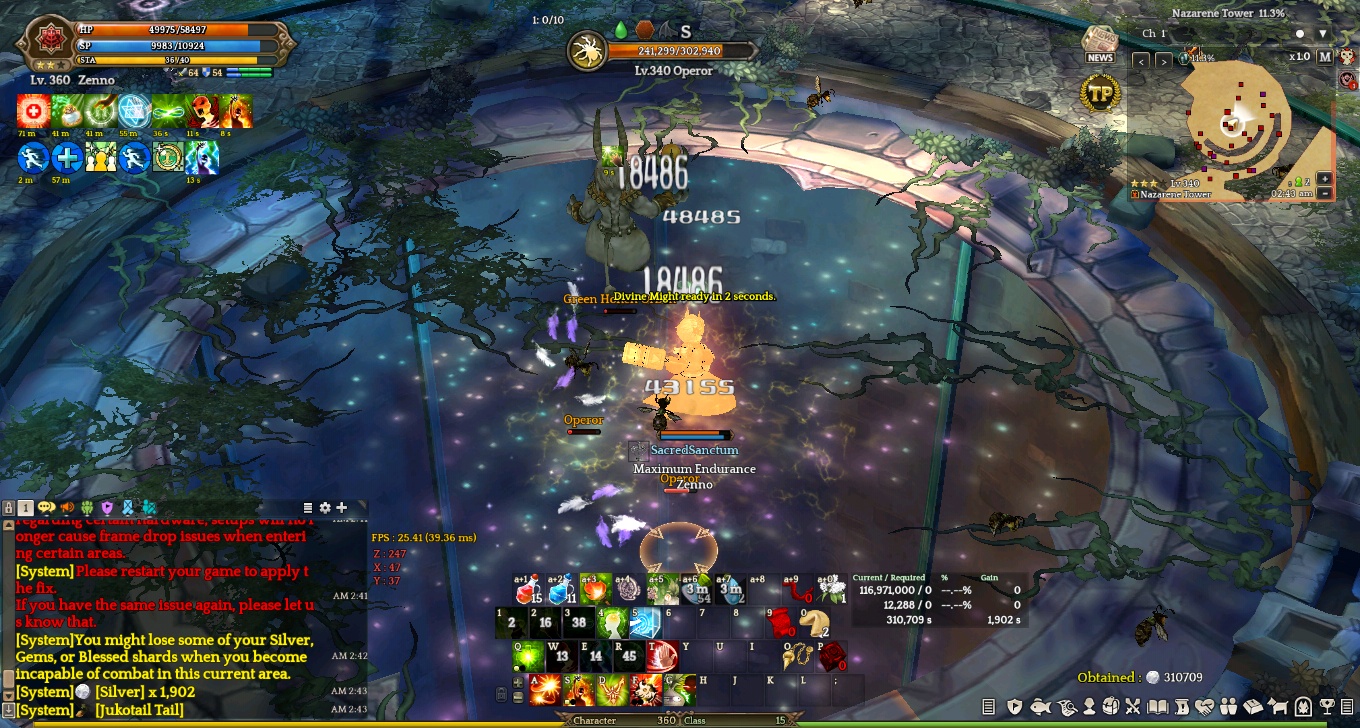
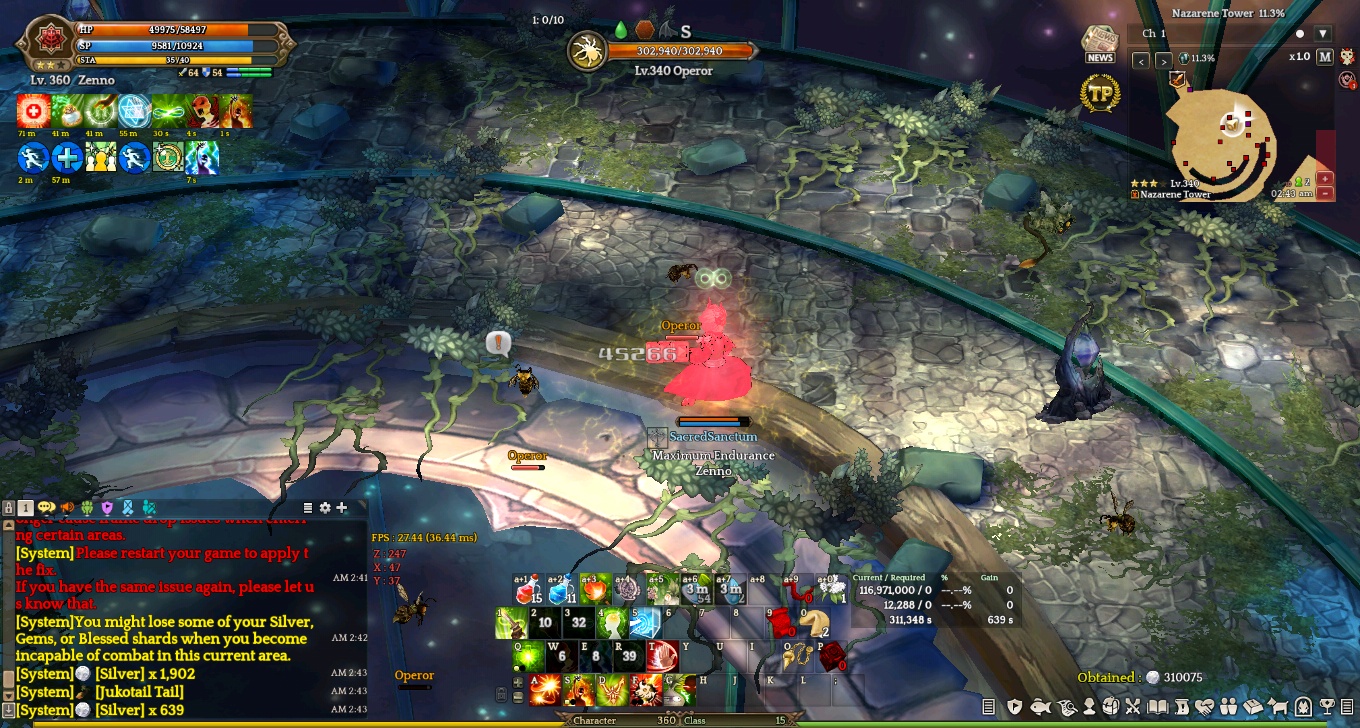
@STAFF_Amy @STAFF_Yuri @STAFF_Letitia
Better late than never. Well done, and while I haven’t reinstalled to check myself, I’ll assume if it’s fixed for the few that have posted, it’s fixed in general now.