
Tree of Savior Forum

Addon Collection Showcase! [Update 13-01-18]

Sup o/

It has been a long time since i worked on this, and i’ve decided to give it my free time again for a few days.

Cleaning of addon data on my pc done, and im gonna start to prepare the videos / addon testing soon. Im receiving the support from Mizuki and the addon developer discord this time, which shud make things less of a headache hopefully.

Also look forward to Addon manager v3.1 which shud make it more user friendly. Thanks to Mizuki, a sneak peek.

7 Likes

Update on 27-11-17


  • Addon Manager iToS side post update from AST to ExtendedUI
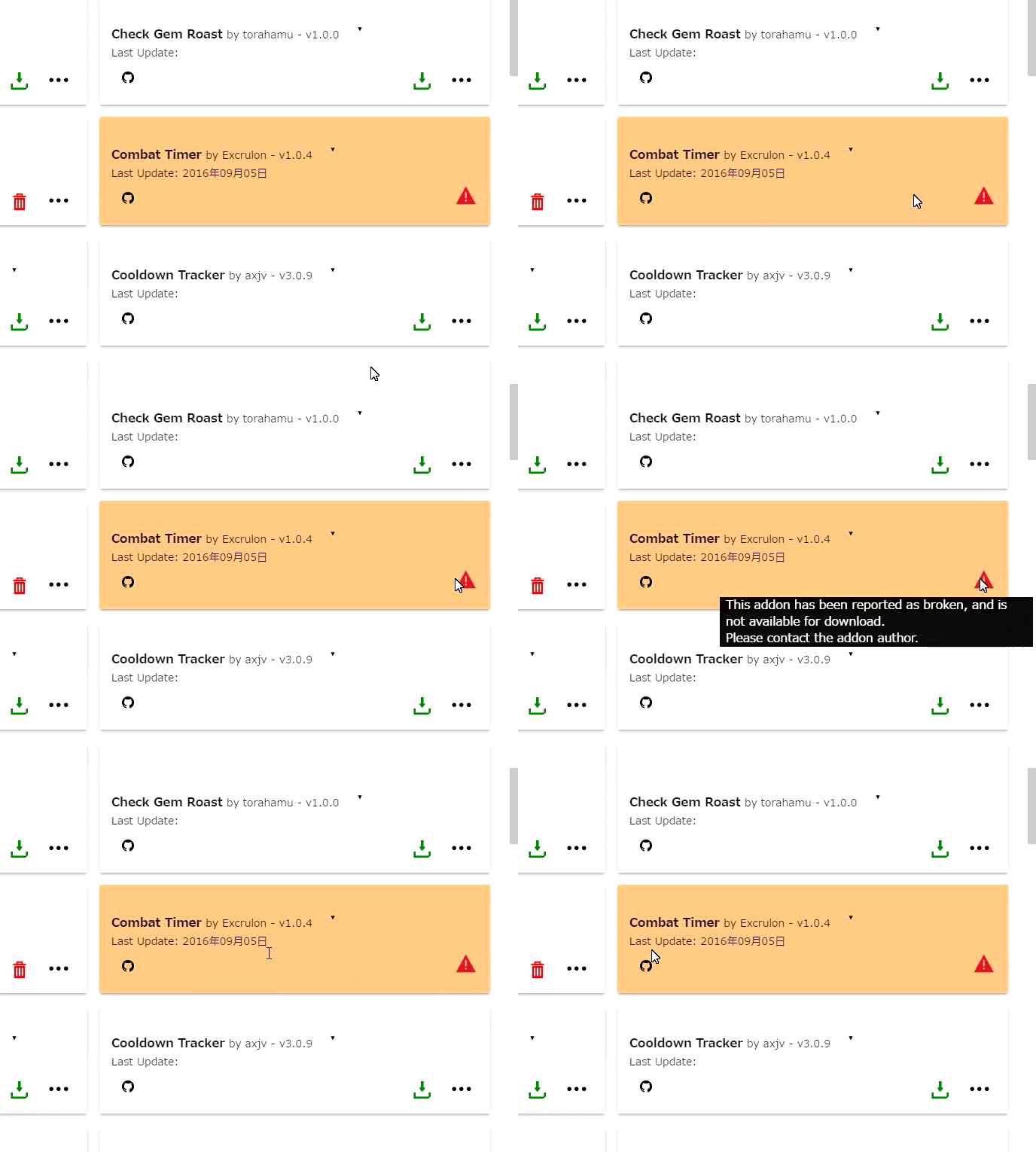
  • Updated status added on some unusable/broken addons.
  • Made invididual addon sections collapsed using “Hide details”.
  • The first post indexing method doesn’t work when the marker is hidden, gonna need to change that.

Gonna be busy with work again. Updates to come eventually.

4 Likes

Hi @Wolfy
Do we have a list of the addons that are broken atm?

  1. Rader
  2. Hair Enchant Addon
  3. Cloverfinder
  4. ???

List of broken addons:

  • Hair enchant extend
  • Shop Helper
  • Clover Finder (Boss spotter too?)

List of unreliable behaviour addons

  • Rader

Not complete for sure, ive heard there are some addons that also cause constant crashing. Also HairEnchant addon has a fix but not on manager.

Also the rader version from Wizology is still working i believe, it has a different name and appeareance. Its not on the manager but all his addons link to his webpage so should be easy to find.

1 Like

how i do install addons manually? where i have to put the files? D:

data folder on tos directory

Hey all,

So I found the JTOS Manager before finding this thread and before deleting the old manager. All of my addons were preloaded on the new one without any work so i figured it was fine to just use both simultaneously. I was experiencing a problem with my weapon switch not showing and I couldn’t seem to find any addon I had installed that would interfere with it (still searching), so i figured it would be the old manager combating the new manager (If that’s even a thing).

I took the google document steps to clear the cache of the old one, but now my JTOS manager isn’t showing any of my backed up addons. I’ve tried deleting the addons (that were still in the data folder after I deleted the old cache and reinstalling them, but with no success. They’re all there, just not showing up in the manager. Any help? Thanks!

Those steps are to start from zero. Since some users had issues with moving between managers (that doesnt mean all of them)

If you set the manager to start from zero and removed the addons installed on /data folder, then they should be reinstalled via manager to be registered properly on it again. Im not sure why they aren’t showing on it.

The weapon switch pop up got hidden on me aswell long ago. It fixed after i did a full wipe out, so im not sure which addon was breaking it.

1 Like

Ahh alrighty then. Thanks so much for the quick reply! Really appreciated :satisfaction:

Also, with cdtracker v3.0.9, have they removed the alert appearing as yellow text above the head? I can only seem to get the alert showing up as a red client side text message.

I’m looking for a buff cool down/duration manager, I’ve seen one around the forums in screenshots, but couldn’t manage to find any.
Do you guys know one, by any chance?

@lofder34 and @yurick.hauschild

CDtracker is partially broken, as you can see on the updated post section. The UI menus wont work, but you can set them up by commands if you dig around for them, so not common-user friendly for now, but working normally for those who configure it before the UI function broke.

2 Likes

Yeah I noticed that and found the commands here: https://github.com/axjv/Input-Switcher, also able to access in game via /cd help all, but it seems like others in game have been able to get the yellow text to show up but for me it does nothing (after following the correct steps). Maybe something to do with prior patching?

Found the command you are looking for. All of CDtracker UI works via command calling…

Try writing /cd chattype 1 … or chattype 2. Im actually not that good reading code myself xD.

You should be looking to set it to “All”, thats the yellow message.

Ah yes thank you! That seemed to work partially: the yellow text appears while casting, but it does show the cool down at the time a user has set (which is what I was expecting), also the casting doesn’t go away until it’s replaced by another cast/ if chat type is set to party.

Thanks so much though, if ya can’t figure it out don’t worry too much about the specifics!

here the newest addon manager =)

1 Like

Does anyone know the mod that works like Buffshop Ex and Gem Roast Shop Ex where it saves the price/name, but for Squire shops? I had this addon before but I did a clean install , now I can’t seem to find anything remotely similar in the addon list. I remember there being some dots in place of words so I think it was also a jTOS addon but I’m going crazy trying to find out WTF it was.

Tooltip helper(iToS) is broken, atleast for me.

The ‘extra tooltips’ from the addon doesn’t show. It also messes with item display, sometimes item would not load when you click it from chat box link. Also when you hover an item in your inventory, it would not show the comparison to your current equipment; it will only show the current equipped.

I’m also looking for add ons:
That helps to easier see the current time of weapon and armor maintenance buff.
That gives details on damage lines. I saw this on a youtube video before.

Edit:
I was using the iToS version, because it seemed more updated than jToS. (12-12-17 : 11-19-17)
Edit 2:
jToS version seems fine.

I wouldn’t use the indev version if i were you

Tooltiphelper needs recipe_puzzle.xml. https://github.com/Xanaxiel/ToS-Addons/releases

@Wolfy Where’s that list?!

1 Like

Update on 13-01-18:

  • IToS side addons revised from EUI2 to Zoomy Plus
  • Made invididual addon sections collapsed using “Hide details”.
  • Fixed the indexing problem with collapsed sections.

Curently broken UI addons (probably by the action function thing)

  • Battle Mode button wont change
  • Camp Warp: button unclickable (fixed on torahamu version)
  • CDtracker
  • CWmarket

Broken - Outdated - Not needed:

  • /unfreeze
  • Advanced Skill Tooltips
  • Assortment
  • Better Chat Filter (can break stuff)
  • Boss Tracker
  • Channel Surfer (breaks channel counter)
  • DPK Helper
  • Enhanced Collection
  • Experience Card Calculator
  • FPS Savior
  • Gimme Cards
  • Good Bye Isabela (integrated on a different addon)
  • Guildmates
  • Job Change Command (implemented)
  • KaguraShow (not needed)
  • Link Item
  • Map Fog Viewer (implemented)
  • MiniMap Extra
  • Monster Tracker
  • Mount 'er Good (buggy with falconer)
  • Persistent Chat
  • Played (broken after resetting)
  • safeBuff (outdated - Shophelper)
  • Save Price
  • SFX Toggle
  • SimpleWarp
  • Swapit
  • The Bigger They Are

Edit: Wonderland seems to be working, it didnt for me when i tried for some reason, but i got shown its working normally.

7 Likes