
OMG SO PR0 PROGRAM LINES SUPPORT GOD! SAVE US ALL! Get a grip dude, acting like a brat.
1 Like
Thanks for ur reply. People will eventually complain. You see, problem last for more than a week now. No Acknowledgement, no log (yes they may be do it for themselves), no progress. No one could even sure that they already know that the issue. Devs still post as if we modify the game file while we never. Even if we edit the game file, it should be easily solved. Today, they came out and say like “If their alternatives are not work, there’s no other way.” just that… If that freaking anti-hack is too much the trouble, remove it first and fix it meanwhile, then reimplement again when things ready. Hack/Bot is not a major matter if compare to game connection, and this is beta anyway.
If that freaking anti-hack is too much the trouble, remove it first and fix it meanwhile, then reimplement again when things ready. Hack/Bot is not a major matter if compare to game connection, and this is beta anyway.
It’s exactly how it should have been done… for weeks…
It even makes us wonder WHY this thing has been implemented so fast in the first place ~~
i tried the change to window method. initialy it didnt work after i counted to 6-10 secs before clicking “cancel”. I waited longer…like 20 secs…and it worked. A lot of times it worked after waiting about 20 secs. MAybe u can try that again. Even if it failed…just try a few times. U will be able to get in eventually. Thts how i did mine
yes~ initially mine didnt work as well .(.using the window mode method.) But i waited longer like >20 secs…(rather than 6-10 secs as recommended earlier). And it worked! Try wait longer guys…before clicking “cancel”. Good luck!
1 Like
IMHO. It’s (often) not related to .ipf files at all. It’s both a client and server bug related to latency.
Clicking on “close window” button within a half a second after pressing enter, waiting for a few seconds and clicking cancel should help to login correctly. This is basically prevents client to do a thing and bug everything while response from server takes it’s sweet time to come back.
My guess - this error shouldn’t plague US guys living close to game servers unless it’s after maintenance and login servers are overloaded.
1 Like
Yes, it’s essential to wait longer than people recommended in the past. I usually just alt tab and go do something else for a minute or so while waiting.
1 Like
Nope. It’s essential to find right delay between pressing enter and clicking close button, should be within a second.
Waiting for 1-2 seconds to press cancel is enough
Curious, do you guys have other programs active when you start up TOS? The anti-cheat feature might be detecting those as illegal 3rd-party programs.
I just checked each file with the post they did on main page, is all the same, still i always get the IPFdamaged when i try to go into character selection. The famous bypass pressing X then wait 5 second and cancel no longer work either.
the bypass isn’t working for me neither!
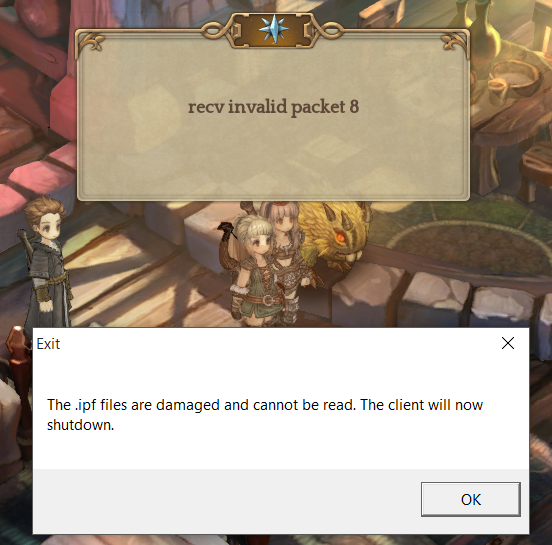
Lots of error and a week w/o playing.
I know thats a beta and all, but is kinda hard to find bugs when you cant even play.
And worst than that (at least for me), IMC dont even care about sending a position. We reported this error a lot.
I will stop till i can log and play. There’s no use in getting upset with this kind of problem.
Here is a way that I fixed it a few times.
Open your Steam Library
Right-Click Tree of Savior
Click on Properties
Click the Local Files Tab
Click on Verify Integrity of Game Cache.
Hope this works for others.
I also hope I don’t have to continue to scroll to the bottom of each topic to see the latest post. I used Ctrl + F too look for “Verify” and it showed 0 results, so I decided to post this.
1 Like
This post was flagged by the community and is temporarily hidden.
i doesn’t work, at least for me, i’ve re installed and verified cache like 4 times each one, still the same error. And, you can go to top and bottom of post clicking on the lightblue button to the down right side that say the quantity of replys, if you click it it will show you the option go to top or bottom.
1 Like
well, re-downloaded the game and same ■■■■ error …
Thanks… I did a bit of looking around and found another topic similar and found that a user named DrRM posted a slightly different solution which one person has stated it worked. It is located here:
https://forum.treeofsavior.com/t/broken-ipf-to-damaged-ipf/114166/23
Follow what DrRM did and maybe it will work for you as well.
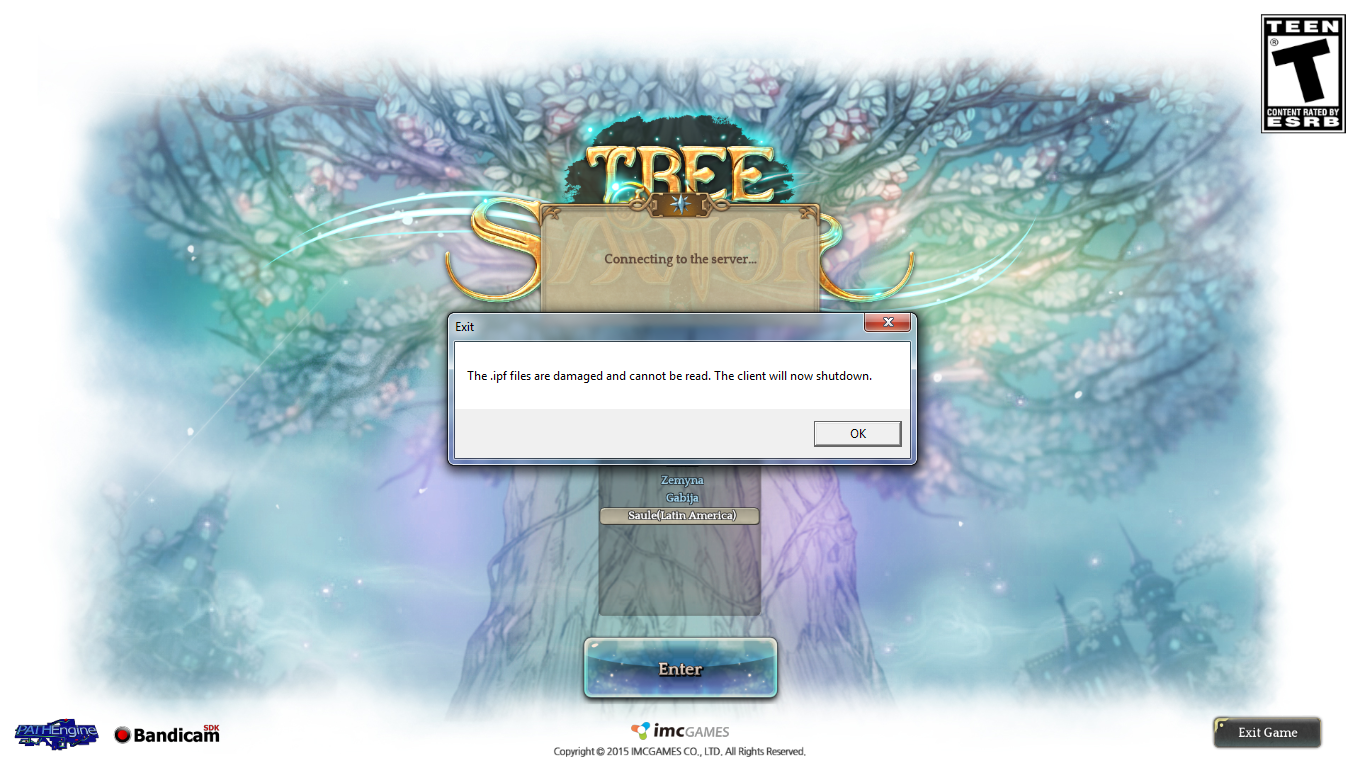
Still getting “IPF files are damaged” even after installing again (yes i did the check integrity again). Nothing seems to work for me