Tree of Savior Forum

IPF Files Corrupted after 4/18/2017 Maintenance

Date and Time(Please, specify the timezone) : 7:53 PM, Wednesday, 18 April 2017 (GMT+8), Time in Philippines

Server Name: Varena

Team Name: Astareia

Character Name: Elmina

Bug Description :
Yesterday I was trying to play the game, but the launcher was loading so slow and took hours, and gave up. Today I tried again, loaded up to the title screen, selected server and waited. The screen became white and it said “The .ipf files are damaged and cannot be read. The client will now shutdown.”

Steps to reproduce the issue :

  1. Play “Tree of Savior”
  2. Select Server

Screenshots / Video :
https://z-m-scontent.fmnl3-1.fna.fbcdn.net/v/t34.0-12/18035600_10207365317725731_1536358570_n.jpg?_nc_eui2=v1%3AAeGNgMW7fQ33ToXZplb5S97V9rfydeKbFaTmutpD_B5XHeDtxPNgLdpfjUel7UclvWc03wI7GZ4jwBUV79OQhMt-_vycEPo-3tczIMEE4P_Al8wnNT6dGnWK1RGG2irS5l8&_nc_ad=z-m&oh=768e243f242300265ea904111a8abfa5&oe=58F9A6D1

Game Control Mode (Keyboard/Joypad/Mouse) : Mouse and Keyboard

System

  • CPU :
  • RAM : 8.00 GB
  • Graphics Card : AMD Radeon Graphics
  • Mainboard : Intel Core i7
  • Storage : 391 GB/919 GB
  • OS : Windows 10
  • Internet Connection : PLDT
  • Country, Region : Philippines, SEA

I’m experiencing the same issue. Have you found a way to solve this?

meh… I just uninstalled and reinstalled it lmfao :sleepy: couldn’t do anything.

I reinstalled it twice already and the problem is still there :cry:

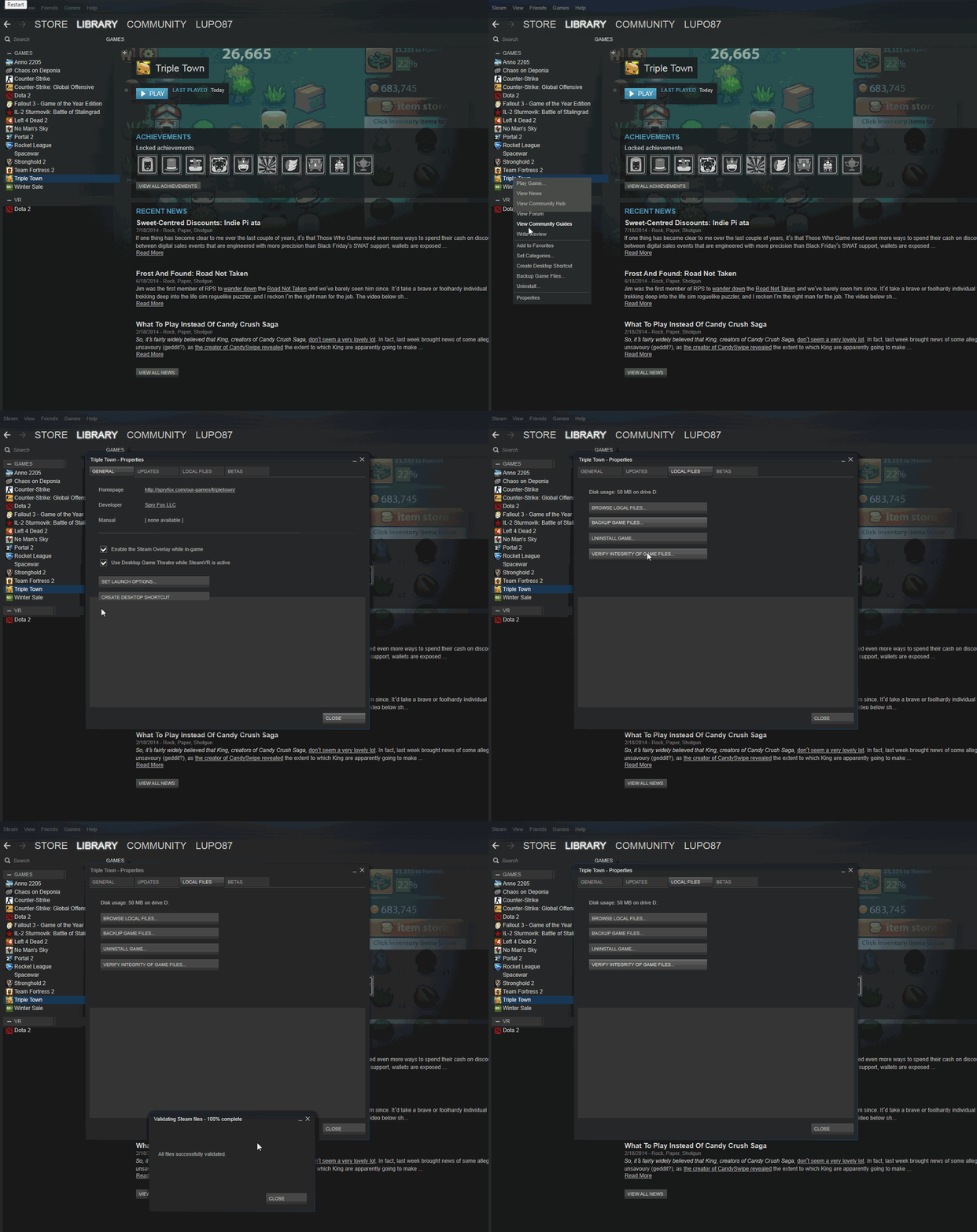
Have you tried verifying cache

Tried that at 20 times already.

Maybe the answer is here: Help me please, i know wrong section

Not sure.

If it doesn’t work, you could delete the .ipf files-> verify cache, or delete ipf files -> before you reinstall. (be sure to make a back up somewhere else)

1 Like

I deleted everything for the 3rd time now and will reinstall again. If it still comes up, I’ll try what you suggest.