
same, 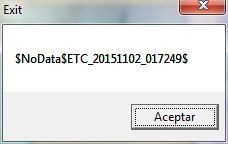
i can log in. just use old method
1.Open TOS in window mode
2.After Entering a server, Immediately click the close icon or the X icon on the upper right hand of the screen
3.wait for a few seconds, and then click cancel.
hope it will work for you guys.
Try close steam then reopen it and log in. Mine fix by this.
I’m getting this error after update:
The client has been shutdown, due to broken IPF files. Please redownload the client through Steam. Sorry for the inconvenience.
did many times… same thing  my friend have that also
Vandares, you can go through Steam to make it easier to find it…
right click TOS, on your steam’s game list. Then click Properties. Navigate to the Local Files tab. Click ‘Browse Local Files’. After that, you will be on a folder with 3 subfolders. They are: ‘data’, ‘patch’, and ‘release’. Now you will need to enter the ‘release’ folder. There you will find a file called user.xml
Sometimes, windows will hide the .xml extension. but either way there will only be one file named user on that folder. right click it, and choose ‘edit’. if the file opens for editing on notepad, that is your file. then just go ahead with the procedure we described above.
yah i followed all your steps mate but this file user.xml not even there -_- i don’t know why
Idem …
